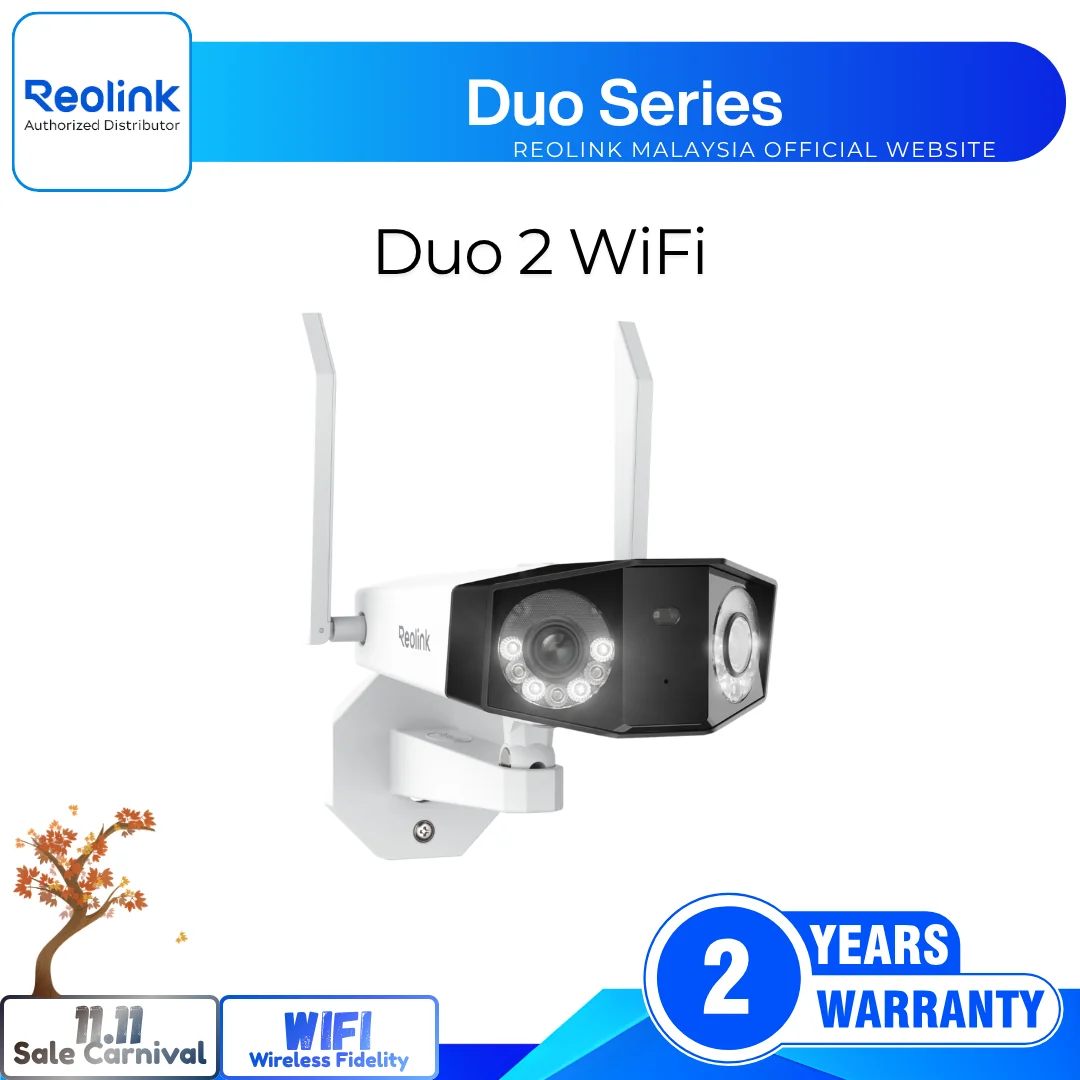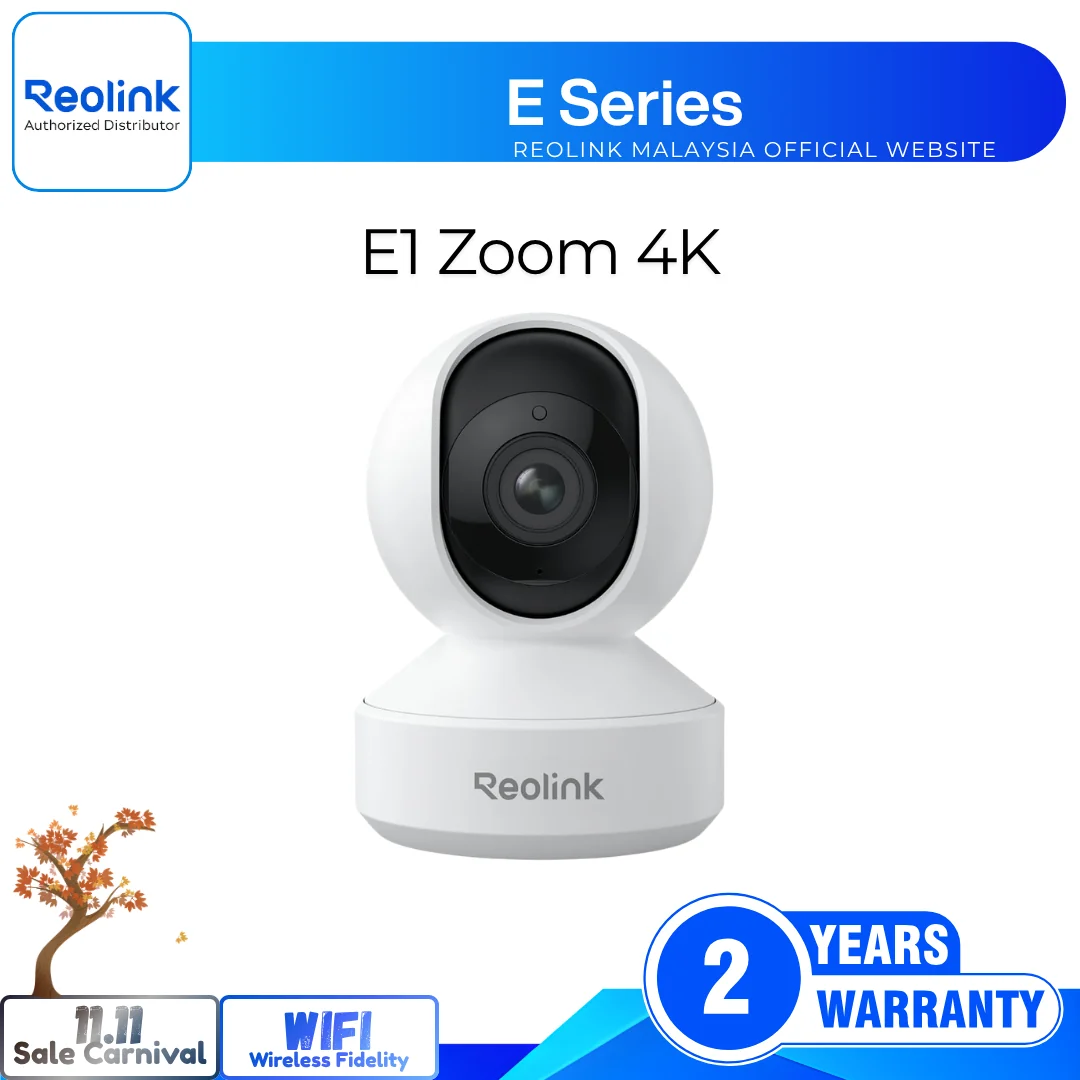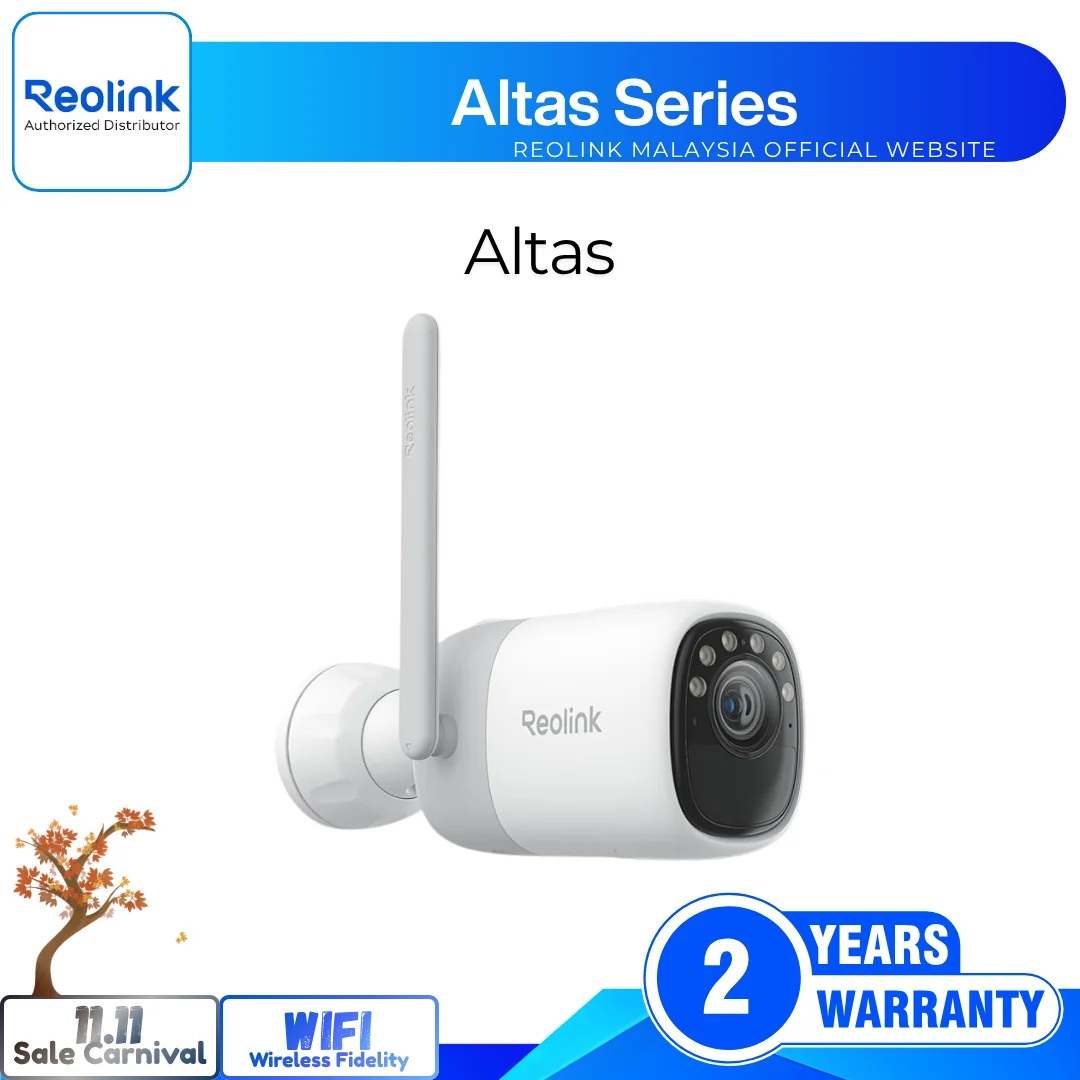
Smart 4K Dual-Lens Wi-Fi 6 Camera with 180° Panoramic View
4K 8Mp Ultra HD Resolution for Clarity
180° Dual-Lens Seamless Panoramic Wide View
DUal-Band WiFi 6 for Stable Connection
Smart Person, Vehicle, and Animal Detection
Full-Color Night Vision with Built-In Spotlights
24/7 Continuous Recording with Local Storage
RM829.00–RM1,579.00Price range: RM829.00 through RM1,579.00
Reolink Elite WiFi
Elite WiFi Video
4 Videos
Others Video
Disclaimer: The videos are intended for reference purposes only and are not guaranteed to be 100% accurate. Please refer to the actual product or contact us for verification.
A: The Reolink Elite WiFi is a high-performance 4K 8MP Ultra HD plug-in dual-lens security camera designed for outdoor and indoor surveillance. It utilizes dual lenses to provide a seamless 180-degree panoramic view, dual-band WiFi 6 connectivity, Bluetooth-assisted setup, spotlight color night vision, two-way audio, and IP67 weatherproofing.
What are the main key features of the Reolink Elite WiFi?
A: Key features include:
180-Degree Panoramic Ultra-Wide View via dual lenses
4K 8MP Ultra HD Resolution (5120 x 1552 pixels at 20fps)
Dual-Band WiFi 6 (2.4 GHz and 5 GHz bands with WPA3 security)
Bluetooth Support for quick mobile app pairing
Smart AI Detections (Person, Vehicle, Animal, Virtual Fence, Zone Intrusion, Zone Linger)
Color Night Vision with 3 built-in spotlights
IP67 Weatherproof Rating for extreme weather durability
What items are included in the box when purchasing the Reolink Elite WiFi?
A: The standard package includes:
Reolink Elite WiFi Camera
Power Adapter (DC 12V 2A)
Antennas
Mounting Base & Plate
Mounting Hole Template
Pack of Mounting Screws and Anchors
24/7 Surveillance Warning Sticker
Operational Instructions Guide
What warranty coverage and smart home integrations does the Reolink Elite WiFi support?
A: The camera comes with a 2-year limited warranty backed by official Reolink technical support. It is fully compatible with Google Assistant, allowing live video streaming on smart display devices via voice commands.
What are the physical dimensions, weight, and weather resistance rating of the Reolink Elite WiFi?
A:
Dimensions: 153 mm x 128 mm x 57 mm (body profile: 128 mm width, 71 mm height, 153 mm depth with mount).
Weight: 574 grams.
Weather Resistance: Certified IP67 weatherproof rating, protecting the camera against dust ingress, heavy rain, and snow.
Dual-Lens Optics, Video Quality & Night Vision
How does the Reolink Elite WiFi achieve a 180-degree panoramic view?
A: The camera is equipped with dual 1/2.7-inch CMOS image sensors and twin fixed 2.8mm focal length lenses with an F1.6 aperture. Advanced image-stitching technology seamlessly merges the two camera feeds into a single, cohesive 180-degree horizontal and 59-degree vertical panoramic image without blind spots.
What video resolution and frame rate options are supported?
A: The camera records in 4K 8MP Ultra HD resolution (5120 x 1552 pixels).
Main Stream Frame Rate: 2 fps to 20 fps (Default: 20 fps).
Sub Stream Frame Rate: 4 fps to 20 fps (Default: 20 fps).
What night vision modes are available on the Reolink Elite WiFi?
A:
Infrared Night Vision: Uses 6 built-in 850nm IR LEDs with an auto-switching IR-cut filter, providing black-and-white night vision up to 30 meters (100 feet) in complete darkness.
Color Night Vision: Uses 3 built-in spotlights (2W total power, 6500K color temperature) to illuminate the scene and capture full-color video at night.
What are the default video bitrate options for the Reolink Elite WiFi?
A:
Main Stream Bitrate: Adjustable from 3072 Kbps to 8192 Kbps (Default: 5120 Kbps).
Sub Stream Bitrate: Adjustable from 256 Kbps to 2048 Kbps (Default: 1024 Kbps).
Does the Reolink Elite WiFi support two-way audio communication?
A: Yes, the device includes an integrated microphone and built-in speaker, enabling real-time two-way voice communication through the Reolink App or Client software.
WiFi 6, Bluetooth, Networking & Connectivity
What WiFi standards and operating frequencies does the camera support?
A: The Reolink Elite WiFi supports dual-band WiFi 6 operating on both 2.4 GHz and 5 GHz frequency bands under IEEE 802.11 a/ac/ax/b/g/n standards, delivering faster speeds, lower latency, and reduced network congestion.
Why does the Reolink Elite WiFi include built-in Bluetooth support?
A: Built-in Bluetooth (operating in the 2402MHz to 2480MHz band) is used during initial network pairing. It allows the Reolink App on your smartphone to automatically discover and connect to the camera instantly without manual network setup.
Does the Reolink Elite WiFi have an Ethernet network port?
A: The Reolink Elite WiFi is designed as a wireless plug-in camera that connects over WiFi. Initial configuration and ongoing streaming operate over 2.4GHz or 5GHz WiFi bands.
Which wireless security encryptions and network protocols are supported?
A:
Wireless Security: WPA, WPA2, and modern WPA3 protocols.
How many users and live video streams can access the camera simultaneously?
A:
User Accounts: Up to 20 registered user accounts (1 Admin account and 19 User accounts).
Simultaneous Streams: Up to 12 simultaneous video streams (2 Main Streams and 10 Sub Streams).
Smart Detection, Advanced AI Alerts & Recording
What smart AI detections and alarm features are available on the camera?
A: Built-in AI algorithms enable real-time detection for:
Person Detection
Vehicle Detection
Animal Detection
General Motion Detection
Virtual Fence Alert
Zone Intrusion Alert
Zone Linger Alert
What are Virtual Fence, Zone Intrusion, and Zone Linger alerts?
A:
Virtual Fence Alert: Triggers an alarm when a target crosses a pre-set digital boundary line in either direction.
Zone Intrusion Alert: Triggers an instant notification when a person, vehicle, or animal enters a designated high-security zone.
Zone Linger Alert: Triggers an alert if a target remains inside a specified detection area for longer than a set duration threshold.
What video recording modes does the camera support?
A:
Motion-Triggered Recording (Default mode)
Scheduled Recording (Customized hours or days)
24/7 Continuous Recording (Saves continuously to microSD card, Reolink NVR, or FTP server)
Does the camera support Time Lapse recording?
A: Yes, the Reolink Elite WiFi includes a Time Lapse feature accessible via the Reolink App, allowing long events (Such as sunrises, construction, or backyard activity) to be compressed into short video clips.
What is the maximum local storage capacity supported on the device?
A: The camera contains a MicroSD card slot on the bottom of the camera body that supports microSD cards with storage capacities up to 512GB.
Power, Hardware & Physical Installation
How is the Reolink Elite WiFi powered? Is it battery-operated or PoE?
A: The Reolink Elite WiFi is a plug-in DC camera powered via a DC 12.0V, 2A power adapter. It is not battery-operated and does not support Power over Ethernet (PoE).
Where are the physical hardware ports, buttons, and indicators located on the camera?
A:
Front Face: Dual Lenses, 3 Spotlights, 6 Infrared LEDs, Status LED, and Built-in Microphone.
Bottom Housing: MicroSD Card Slot and Reset Button (both under a protective water-sealed cover fastened by screws), Built-in Speaker.
Rear Base & Mount: External Antennas, Adjustment Knob, Mount Base, and DC Power Jack Tail Cable.
How do you mount the Reolink Elite WiFi on a wall or ceiling?
A:
Position the mounting template on the wall or ceiling and drill holes. Insert plastic wall anchors if necessary.
Run the power cable through the cable notch on the mount base and secure the base to the wall/ceiling using mounting screws.
Attach the camera body to the security mount stem.
Loosen the adjustment knob on the security mount to position the camera for the best field of view, then tighten the knob securely to lock it in place.
What orientation guidelines ensure optimal weatherproofing and video capture?
A:
Waterproof Positioning: Install the camera with its MicroSD card cover and speaker facing downwards to prevent water pooling around seals. Ensure the card cover screws are tightened securely.
Lens Care: Do not point the lens directly toward strong light sources or glass windows to avoid night IR glare. Keep both left and right camera lenses level.
What are the operational temperature and humidity limits for the camera?
A:
Operating Temperature: -10°C to +55°C (14°F to 131°F). (The camera produces internal heat when powered on and can start up indoors before being placed outside in extreme cold).
Operating Humidity: 10% to 90% non-condensing.
Setup, Software & Troubleshooting
How do you set up the Reolink Elite WiFi using the Reolink App?
A:
Install the external antennas on the camera body.
Enable Bluetooth on your smartphone and plug the camera into the DC 12V power adapter.
Open the Reolink App and tap the "+" button in the top right corner.
Scan the QR code on the camera body or let Bluetooth auto-discover the device.
Follow the on-screen prompts to select your 2.4GHz or 5GHz WiFi network and enter the network password.
Create an admin password, name the device, and complete setup.
How do you add the camera to the Reolink Client on a PC or Mac?
A:
Download and install the Reolink Client from reolink.com > Support > App & Client.
Connect the camera to power and ensure your computer is on the same WiFi network.
In the Reolink Client, click "Add Device" and enter the camera's 16-character UID (Printed on the label below the QR code on the camera body).
Enter the device admin password to begin live streaming.
How do you perform a factory reset on the Reolink Elite WiFi?
A: Unscrew and open the microSD card cover on the bottom of the camera to access the reset button. Press and hold the reset button for 5 seconds, then release it. A short beep sound from the camera speaker indicates that the device has successfully restored to factory default settings.
What do the Status LED light indicators on the camera signify?
A:
Solid On: Camera network connection succeeded.
Blinking: WiFi/Network connection failed or WiFi is not configured.
What troubleshooting steps should I take if the camera does not power on?
A:
Plug the camera power adapter into a different electrical outlet to verify power supply.
Check that the DC power jack is firmly connected to the camera tail cable.
Test the camera using another known working DC 12V 2A power adapter.
If the status LED still fails to light up or blink, contact Reolink Technical Support at https://reolinkmalaysia.com.my/support.
Reviews
There are no reviews yet