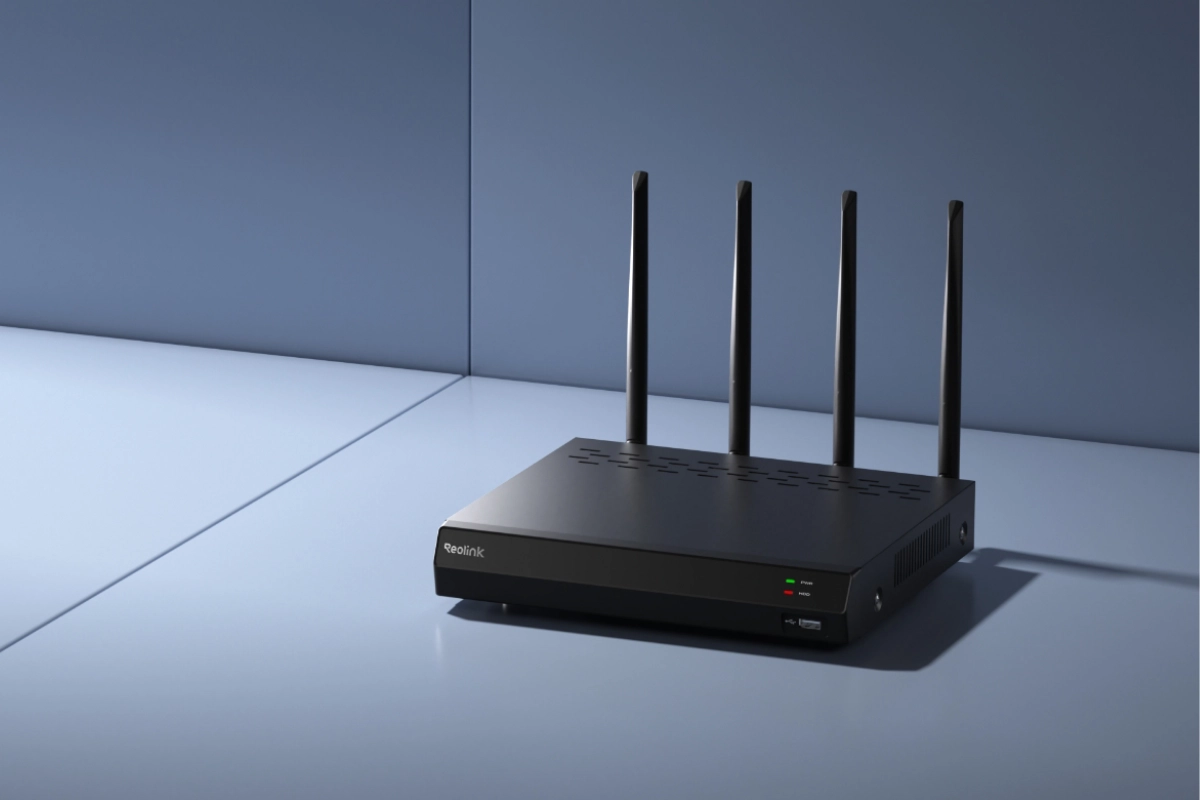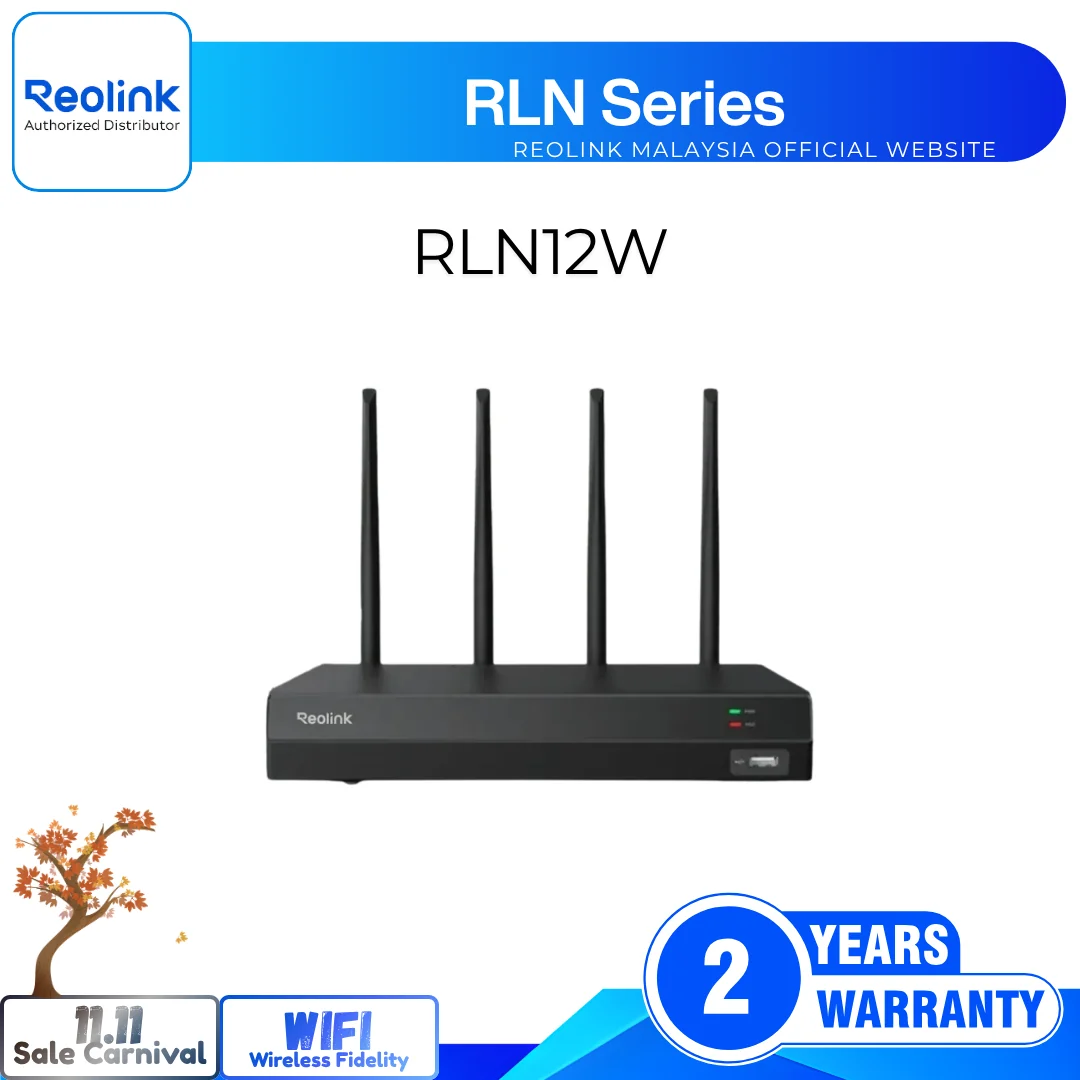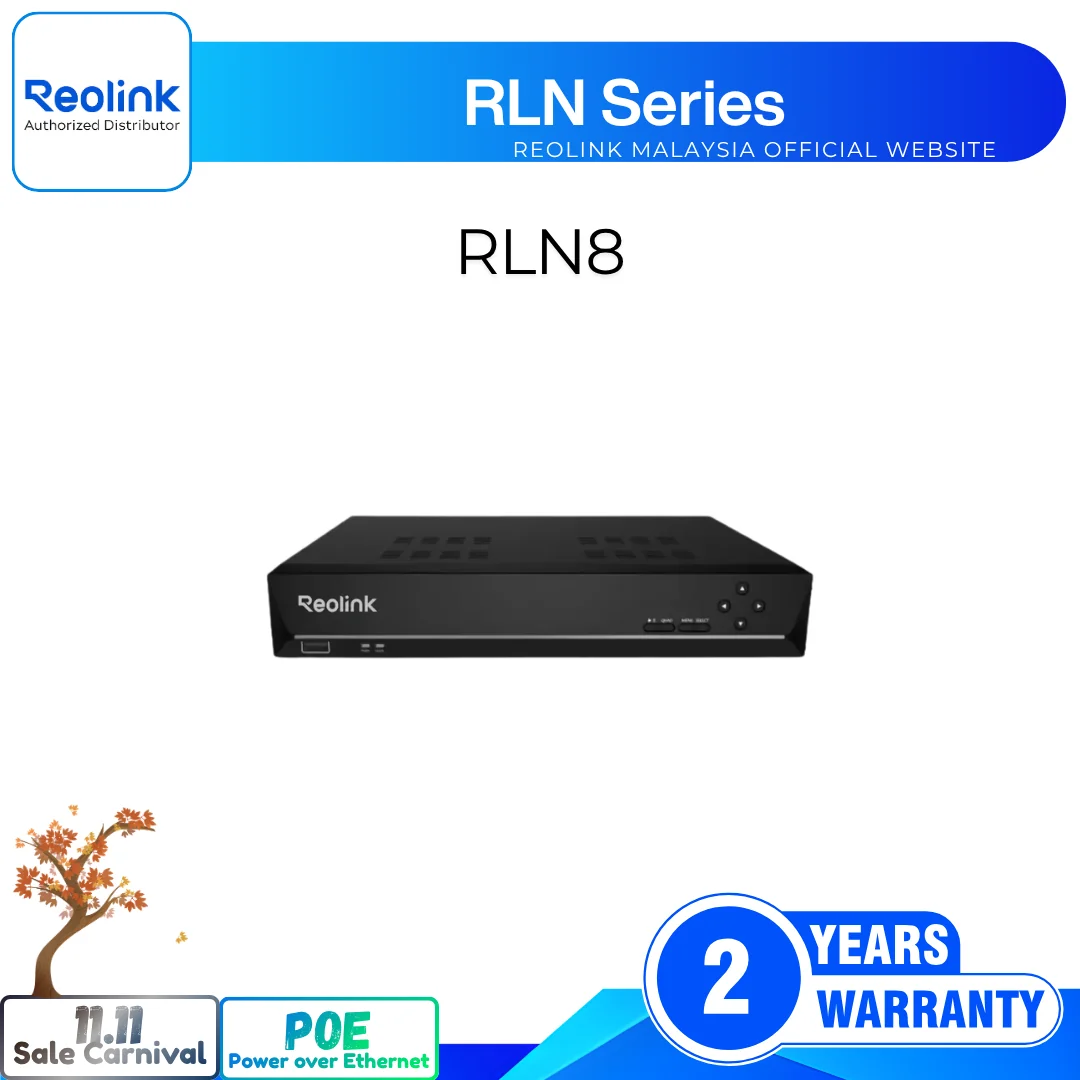
16MP Ultra HD 12-Channel Dual-Band Wi-Fi 6 Network Video Recorder
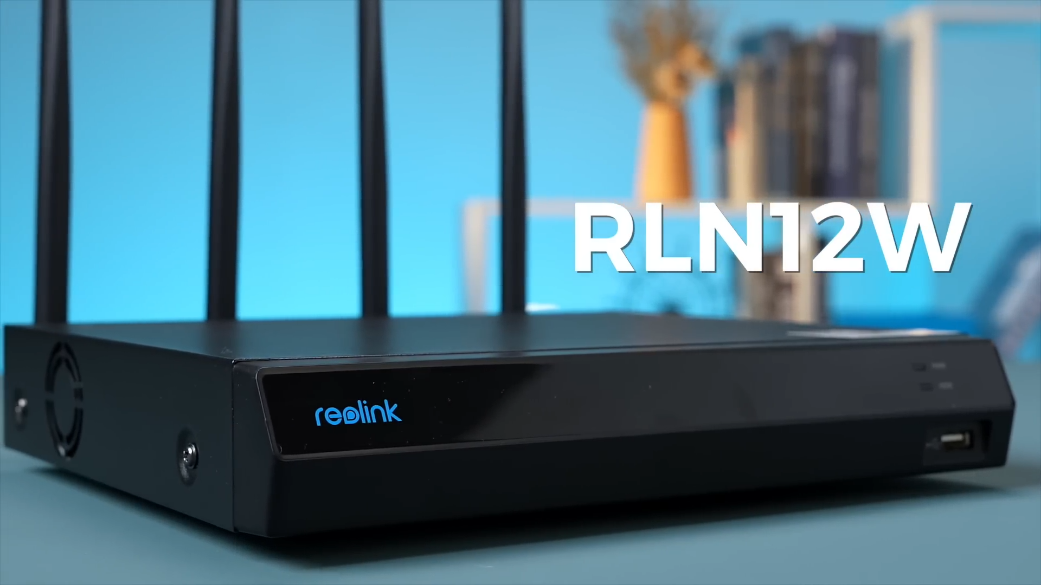
12 Channel WiFi 6 NVR for Wireless Setups
Dual-Band WiFi 6 for Stable Connection
Supports Up to 16MP Ultra HD Resolution
Expandable Storage Supporting Up to 16TB HDD
4K HDMI and VGA Dual Video Outputs
Continuous 24/7 Recording for Complete Coverage
RM1,099.00–RM1,799.00Price range: RM1,099.00 through RM1,799.00
Reolink NVS12W
NVS12W Video
5 Videos
Others Video
Disclaimer: The videos are intended for reference purposes only and are not guaranteed to be 100% accurate. Please refer to the actual product or contact us for verification.
System Overview, Dual-Band WiFi 6 & Channel Capacity
What is the Reolink NVS12W and how many cameras does it support?
A: The Reolink NVS12W is a 12-channel dual-band WiFi 6 Network Video Recorder (NVR). It supports centralized 24/7 continuous recording, multi-channel live viewing, smart playback, and unified device management for up to 12 Reolink IP cameras simultaneously.
What WiFi standards and frequency bands does the NVS12W utilize?
A: The NVR features dual-band WiFi 6 technology conforming to IEEE 802.11a/b/g/n/ac/ax across both 2.4 GHz and 5 GHz frequency bands. It comes equipped with 4 high-gain external omnidirectional antennas to ensure high throughput, lower latency, and broad wireless coverage.
What wireless security encryption standards are supported?
A: The NVS12W supports advanced wireless security protocols including WPA-PSK, WPA2-PSK, and the latest WPA3-SAE encryption standards, preventing unauthorized access and safeguarding wireless video transmission.
Can the NVS12W connect to both WiFi and wired Reolink IP cameras?
A: Yes. In addition to serving as a dedicated WiFi 6 wireless base station, the NVS12W supports wired Reolink IP cameras connected through its 4 rear IPC network ports, an external PoE switch, or over your local area network (LAN).
What is the effective wireless range between the NVS12W and WiFi cameras?
A: In open, line-of-sight environments without obstacles, the NVS12W can communicate with compatible WiFi cameras at distances up to 100 meters (Approx. 330 feet). In typical indoor residential or office environments with interior walls, the effective coverage is approximately 20 to 45 meters depending on construction materials and RF interference.
Video Decoding, Display Output & Audio
What video resolutions are supported for live preview and recording?
A: The NVS12W supports video stream decoding up to 16 Megapixels Ultra HD (7680x2160), 12MP (4096x3072 / 4512x2512), 4K 8MP (3840x2160), 5MP (2560x1920), 4MP (2560x1440), 3MP (2304x1296), 1080p Full HD, and 720p HD.
Which video compression codecs are supported by the NVR?
A: The system supports both modern H.265 (HEVC) and standard H.264 video compression formats. This optimizes hard drive storage consumption and preserves network bandwidth while maintaining clear image detail.
What video display outputs are available on the rear panel?
A: The NVS12W provides two local monitor outputs:
HDMI Output: Supports display resolutions of 3840x2160 (4K UHD), 1920x1080 (1080p), 1280x1024, 1280x720, and 1024x768.
VGA Output: Supports display resolutions of 1920x1080 (1080p), 1280x1024, 1280x720, and 1024x768.
How many channels can be played back synchronously at the same time?
A: The NVS12W supports synchronous playback of up to 4 camera channels simultaneously on a connected HDMI/VGA monitor or through the Reolink Client desktop software.
Does the NVS12W support audio recording, local output, and two-way talk?
A: Yes. The NVR records incoming audio streams from cameras equipped with built-in microphones. For local audio monitoring on a display or external speaker, it includes 1 RCA audio output port on the rear panel. Two-way interactive talk is also supported directly via the Reolink App and Client.
Hard Drive Installation, Storage & Recording Modes
Does this standalone NVS12W include a hard drive, and what is the maximum capacity?
A: This standalone edition of the NVS12W does not come with a pre-installed hard drive (HDD is sold separately). It features 1 internal SATA interface that supports one 3.5-inch or 2.5-inch internal SATA hard drive with a maximum capacity of up to 8TB. Surveillance-grade hard drives (Such as Western Digital Purple or Seagate SkyHawk) are recommended.
How do you install an internal SATA hard drive into the NVS12W?
A:
Power off the NVR and unplug the power adapter.
Remove the screws on the top and side panels and slide off the top cover.
Connect the SATA data cable and power cable from the motherboard to your SATA hard drive.
Fasten the hard drive to the bottom chassis tray using the supplied mounting screws.
Reattach the top cover, tighten the exterior screws, power on the NVR, go to Settings > Storage, and format the newly installed drive.
What recording schedules can be configured on the NVS12W?
A: The NVR supports three independent recording modes per channel:
24/7 Continuous Recording: Non-stop around-the-clock recording across all or selected channels.
Motion / AI Smart Event Recording: Records video only when person, vehicle, animal, or general motion triggers occur.
Scheduled / Timer Recording: Records only during specific hours or days designated by the user.
What happens when the installed hard drive reaches full capacity?
A: By default, the NVS12W features automatic HDD Overwrite enabled. When storage reaches 100% capacity, the system automatically writes over the oldest recorded footage to accommodate new video streams without manual maintenance or surveillance interruption.
How can recorded video footage be backed up and exported?
A: Video footage can be exported locally by inserting a FAT32 or NTFS formatted USB flash drive into the front or rear USB 2.0 ports and downloading clips via the on-screen monitor interface. You can also download recorded MP4 files remotely via the Reolink App or Reolink Client software.
Physical Ports, Hardware Specs & Factory Reset
What physical ports and LED indicators are located on the NVS12W?
A:
Front Panel: Power LED indicator (Green), HDD Activity LED indicator (Red), and 1x USB 2.0 port.
Rear Panel: 4x External WiFi Antennas, 1x Hardware Reset Button, 1x DC 12V Power Input Port, 1x USB 2.0 port, 1x HDMI Port, 1x VGA Port, 1x RCA Audio Output Port, 1x RJ45 LAN/WAN Internet Port, and 4x RJ45 IP Camera (IPC) Ports.
Do the 4 rear RJ45 IPC ports provide Power over Ethernet (PoE)?
A: No. The 4 dedicated RJ45 IPC ports (10/100 Mbps) provide network communication for direct wired camera connections and initial WiFi pairing/synchronization, but they do not deliver PoE power. Connected wired cameras must be powered via their included DC 12V power adapter or an external PoE switch/injector.
What are the power requirements and power consumption of the NVS12W?
A: The NVS12W is powered by an included DC 12.0V 2A external power adapter. The overall power consumption of the NVR unit is under 10W (Excluding continuous drive read/write load), ensuring energy efficiency for 24/7 operation.
What are the physical dimensions and operating environment parameters?
A:
Dimensions: 255 mm (Width) x 49.5 mm (Height) x 222.7 mm (Depth)
Weight: Approximately 1.4 kg (Chassis unit without HDD)
Operating Temperature: -10 degrees Celsius to +45 degrees Celsius (14 degrees Fahrenheit to 113 degrees Fahrenheit)
Operating Humidity: 10% to 90% non-condensing
How do you perform a hardware factory reset on the NVS12W?
A: Locate the Reset hole/button on the rear panel adjacent to the DC power input. While the NVR is powered on, use a pin or paperclip to press and hold the reset button for approximately 10 seconds until the system reboots and restores original factory default settings.
Camera Pairing, WiFi Sync & Compatibility
How do you pair and sync Reolink WiFi cameras to the NVS12W?
A:
Power on your Reolink WiFi camera using its DC power adapter and connect it to one of the NVR's 4 IPC LAN ports with an Ethernet cable.
On the monitor connected to the NVR, navigate to Settings > Channel > Channel Management and toggle "Auto Add" on.
On the live preview screen, click "Sync WiFi Info" to push the NVR's wireless SSID and password to the camera.
Once "Connection Succeeded" is displayed, unplug the Ethernet cable; the camera will automatically reconnect and stream over WiFi.
Which Reolink camera models are compatible with the NVS12W?
A: The NVS12W is compatible with all Reolink WiFi cameras (Such as RLC-843WA, RLC-840WA, E1 series, TrackMix WiFi, Duo 2 WiFi), Reolink WiFi/PoE Video Doorbells, and Reolink PoE cameras (When connected via an external PoE switch or local router).
Are Reolink battery-powered cameras supported on the NVS12W?
A: Reolink battery-powered cameras (Argus series) are designed for PIR motion-triggered recording to maximize battery life and do not support 24/7 continuous recording. However, newer Reolink battery models with updated firmware can be linked to the NVR for motion-triggered video storage and live view access.
Does the NVS12W support third-party ONVIF cameras?
A: The NVS12W is optimized for the Reolink ecosystem. While standard ONVIF Profile S third-party IP cameras can be added manually over the local network for basic video streaming and recording, proprietary AI smart detection, two-way audio, and spotlight/siren controls are only guaranteed on native Reolink cameras.
Can the NVS12W record dual-lens and multi-sensor panoramic cameras?
A: Yes. The NVS12W supports Reolink dual-lens and panoramic models (Such as Duo series and TrackMix series), seamlessly recording stitched 180-degree ultra-wide views or dual wide-angle/telephoto channels up to 16MP resolution.
Network Setup, Remote Software & Management
Can the NVS12W operate standalone without an Internet connection?
A: Yes. The NVS12W can operate entirely as an offline, closed-circuit security system without any Internet access. You can connect cameras, record 24/7 to the installed hard drive, and view live video feeds or playback on a connected HDMI/VGA monitor. Internet access is only required for mobile push alerts, email notifications, and remote app viewing outside the local network.
How do you set up remote access using the Reolink App?
A:
Connect the NVR's LAN/WAN port to your home or office router using an Ethernet cable.
Open the Reolink App on your smartphone, tap the "+" icon in the top right corner, and scan the QR code located on the NVR chassis or tap Input UID/IP to enter the 16-character UID.
Enter the admin username and password created during initial system setup.
Tap "Access" to view all connected camera channels remotely.
Which operating systems and web browsers are compatible with the NVS12W?
A:
Desktop OS: Reolink Client software for Windows PC and macOS.
Mobile OS: Reolink App for iOS (iPhone/iPad) and Android.
Web Browsers: Direct web interface access via Microsoft Edge, Google Chrome, Mozilla Firefox, and Apple Safari.
What network protocols does the NVS12W support?
A: The NVS12W supports standard networking protocols: HTTPS, SSL/TLS, TCP/IP, UDP, IPv4, DHCP, UPnP, RTSP, RTMP, SMTP, NTP, DNS, DDNS, FTP, and Reolink P2P.
What items are included in the standard retail package of the standalone NVS12W?
Reviews
There are no reviews yet