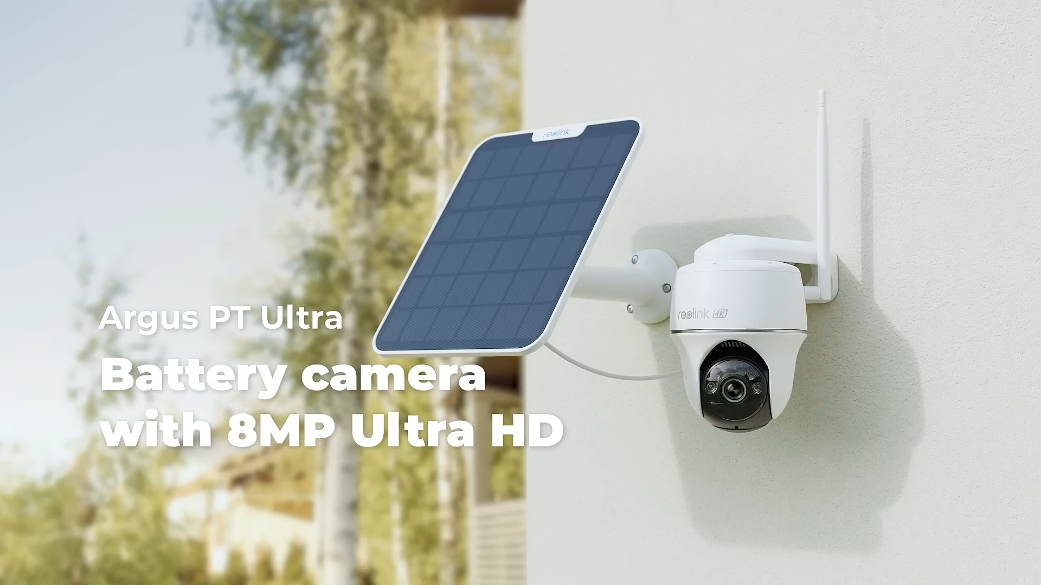
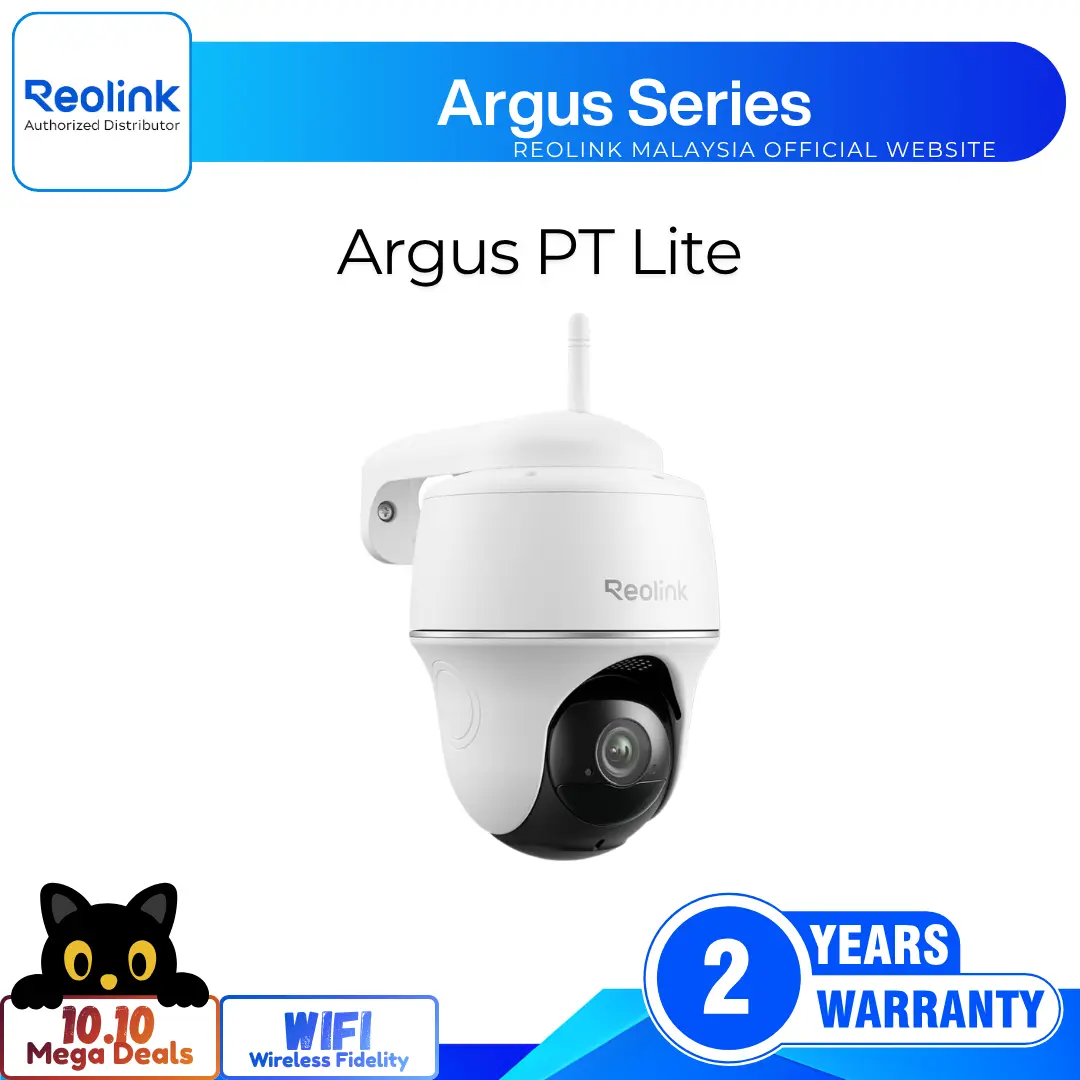
4K Ultra HD Dual-Band Wi-Fi Battery PT Camera with 360° View
4K 8MP Ultra HD Resolution for Clarity
355° Pan and 140° Tilt with Auto-Tracking
Wire-Free with Battery and Solar
Dual-Band WiFi 6 for Stable Connection
Smart Person, Vehicle, and Animal Detection
Full-Color Night Vision with Spotlights
RM799.00–RM1,987.00Price range: RM799.00 through RM1,987.00
Reolink Argus PT Ultra
Argus PT Ultra Video
8 Videos
Solar Panel Video
Others Video
Disclaimer: The videos are intended for reference purposes only and are not guaranteed to be 100% accurate. Please refer to the actual product or contact us for verification.
Camera Overview, Pan & Tilt, Physical Specifications
What is the Reolink Argus PT Ultra security camera?
A: The Reolink Argus PT Ultra is a wire-free, battery or solar-powered outdoor IP security camera featuring 4K 8MP Ultra HD resolution, motorized 355-degree pan and 140-degree tilt capabilities, dual-band WiFi connectivity, and AI smart detection for people, vehicles, and pets.
What video resolution and motorized pan & tilt range does the Argus PT Ultra offer?
A: The camera captures video at 4K Ultra HD resolution (3840x2160 pixels, 8 megapixels) at 15 frames per second (FPS). Its motorized pan and tilt head rotates up to 355 degrees horizontally and 140 degrees vertically using the Reolink App or Client.
What are the physical dimensions, weight, and weatherproof rating of the Argus PT Ultra?
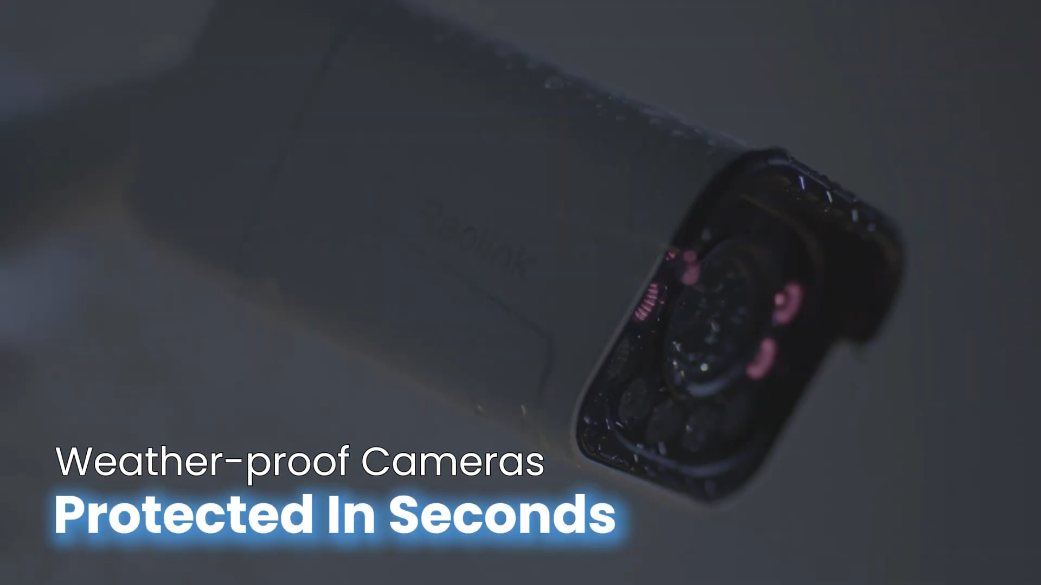
A: The camera body measures 98 mm in diameter by 122 mm in height and weighs approximately 481g (Including the battery). It carries an IP65 weatherproof rating and operates in temperatures ranging from -10°C to 55°C (14°F to 131°F).
What items are included in the box with the Argus PT Ultra?
A: The package includes:
Reolink Argus PT Ultra Camera
Security Bracket
Strap (For tree or pole mounting)
USB-C Charging Cable
Reset Needle
Mounting Hole Template
Pack of Screws
24-Hour Video Surveillance Sticker
Quick Start Guide
Does the Argus PT Ultra support preset pan & tilt positions and a guard position?
A: Yes, the camera supports setting 1 guard position (Home position) and up to 32 preset positions in the Reolink App or Client, allowing you to quickly monitor key areas with a single tap.
Video, Night Vision & Audio Performance
What is the field of view and video compression format of the Argus PT Ultra?
A: The camera uses the H.265 video compression standard to maximize bandwidth and storage efficiency. It features a fixed lens providing a field of view of 90 degrees horizontal, 47 degrees vertical, and 110 degrees diagonal.
How does night vision work on the Argus PT Ultra, and does it support color night vision?
A: Yes, the camera supports both infrared (Black and white) night vision and spotlight-assisted full-color night vision. In complete darkness, it uses built-in infrared LEDs or activates its spotlights to capture bright, full-color video.
What are the specifications of the built-in spotlights and infrared LEDs?
A: The Argus PT Ultra is equipped with 2 white spotlights delivering a total output of 2.4 Watts at a daylight white color temperature of 6500K, as well as 2 infrared LEDs (850nm, 1.2W) providing visibility up to 10 meters (33 feet) in dark environments.
Does the Argus PT Ultra support two-way audio and customized verbal alerts?
A: Yes, the camera features a built-in microphone and speaker, enabling real-time two-way voice communication through the Reolink App or Client as well as custom recorded verbal alerts for motion deterrence.
What recording modes are supported by the camera?
A: The Argus PT Ultra supports motion-triggered event recording, which captures video clips whenever motion or smart AI events are detected by its sensor.
Power, Battery & Solar Management
What is the battery capacity and type of the Argus PT Ultra?
A: The Argus PT Ultra is equipped with an integrated 21.6Wh rechargeable battery. Actual battery performance varies depending on camera settings, usage frequency, motion trigger events, and ambient operating temperatures.
Is the rechargeable battery in the Argus PT Ultra removable?
A: No, the 21.6Wh rechargeable battery is built inside the camera housing and cannot be removed.
How do I charge the Argus PT Ultra, and can I use solar power?
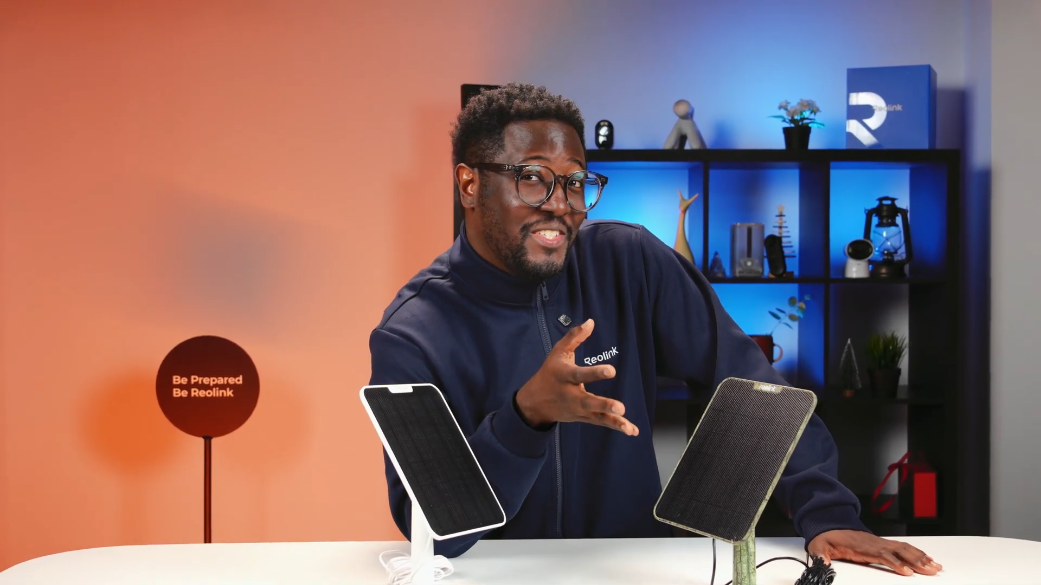
A: You can charge the camera by plugging a standard 5V power adapter into its USB-C port, or connect it directly to an official Reolink Solar Panel for continuous trickle charging outdoors.
Does the Argus PT Ultra support 24/7 continuous recording?
A: No. As a battery-powered security camera, the Argus PT Ultra is designed specifically for motion-triggered event recording and live streaming to maximize battery performance.
What precautions should I follow regarding battery safety and charging?
A: Keep the USB-C charging port clean, dry, and sealed with its rubber cover when not charging. Charge the battery only within temperatures of 0°C to 45°C, avoid heat sources or fire, and use official Reolink solar panels.
Network, Wireless & Compatibility
Does the Argus PT Ultra support both 2.4GHz and 5GHz WiFi networks?
A: Yes, the camera features dual-band WiFi support operating on both 2.4GHz and 5GHz wireless frequencies following the IEEE 802.11 a/b/g/n standards. Connecting to a 5GHz network is recommended for smoother 4K video streaming.
What wireless security encryption standards and protocols are supported?
A: The Argus PT Ultra supports WPA-PSK and WPA2-PSK wireless security encryption standards, along with standard network protocols including SSL, TCP/IP, UDP, UPNP, SMTP, NTP, and P2P.
What do the status LED light colors mean on the Argus PT Ultra?
A: The status LED indicator displays device connection states as follows:
Red Light: WiFi connection failed
Blue Light: WiFi connection succeeded
Blinking: Standby mode
Solid Light On: Active working status
How many simultaneous user streams are supported by the camera?
A: The device supports up to 12 simultaneous video streams in total (2 main streams and 10 sub streams).
What operating systems are compatible with Reolink software?
A: Reolink App and Client software are compatible with iOS and Android mobile devices, as well as Windows PC and Mac OS computers.
Motion Detection, AI Features & Storage
What smart AI detection features are built into the Argus PT Ultra?
A: The camera combines Passive Infrared (PIR) sensing with AI detection algorithms to accurately distinguish between People, Vehicles, and Pets or Animals, minimizing false alerts.
What is the detection range and angle of the PIR sensor?
A: The built-in PIR motion sensor features a 120-degree horizontal detection angle and an adjustable detection range extending up to 10 meters (33 feet).
What local storage capacity does the Argus PT Ultra support?
A: The camera features an onboard microSD card slot supporting memory cards up to 512GB in capacity for local event recording storage.
Does the camera support cloud storage and smart home integration?
A: Yes, it supports Reolink Cloud storage for off-site backup (Available in supported regions) and is compatible with Google Assistant and Amazon Alexa.
What alert notifications are sent when motion is detected?
A: Upon detecting motion, the camera can trigger its built-in siren or custom voice alert, turn on white spotlights, and send instant push notifications and email alerts to your phone.
Installation, Setup & Maintenance
How do I perform initial setup for the Argus PT Ultra using the Reolink App?
A: Flip the power switch on, open the Reolink App, tap the "+" button, scan the QR code on the camera or type the 16-digit UID, select your 2.4GHz or 5GHz WiFi network, let the camera scan the generated QR code on your phone screen at a distance of ~20 cm (8 inches), and set a device password.

What mounting options are available for installing the Argus PT Ultra?
A: The camera offers versatile mounting options: it can be installed on a wall using the security bracket, mounted overhead to a ceiling using the bracket base, or attached to a pole or tree using the included loop strap.
Why is it recommended to mount the camera upside down outdoors?
A: Installing the camera upside down (E.g., via ceiling mount or under overhangs) prevents rainwater from flowing directly into the microphone hole, protecting internal components.
How do I power on, power off, or factory reset the Argus PT Ultra?
A: Access the physical controls located under the rubber protective cover on the camera body:
Power On or Off: Flip the dedicated power switch.
Factory Reset: Insert the provided reset needle into the reset hole until you hear a voice prompt.
What warranty and technical support options are provided with the camera?
A: The camera includes a 2-year limited warranty when purchased through official or authorized channels, with technical assistance available via https://reolinkmalaysia.com.my/support.
Reviews
There are no reviews yet