4K Ultra HD PoE PT Camera with 360° Auto-Tracking & Color Night Vision
4K 8MP Ultra HD Resolution for Clarity
355° Pan and Tilt with Auto-Tracking
Smart Person, Vehicle, and Animal Detection
Full-Color Night Vision with Warm Spotlights
Power Over Ethernet for Easy Setup
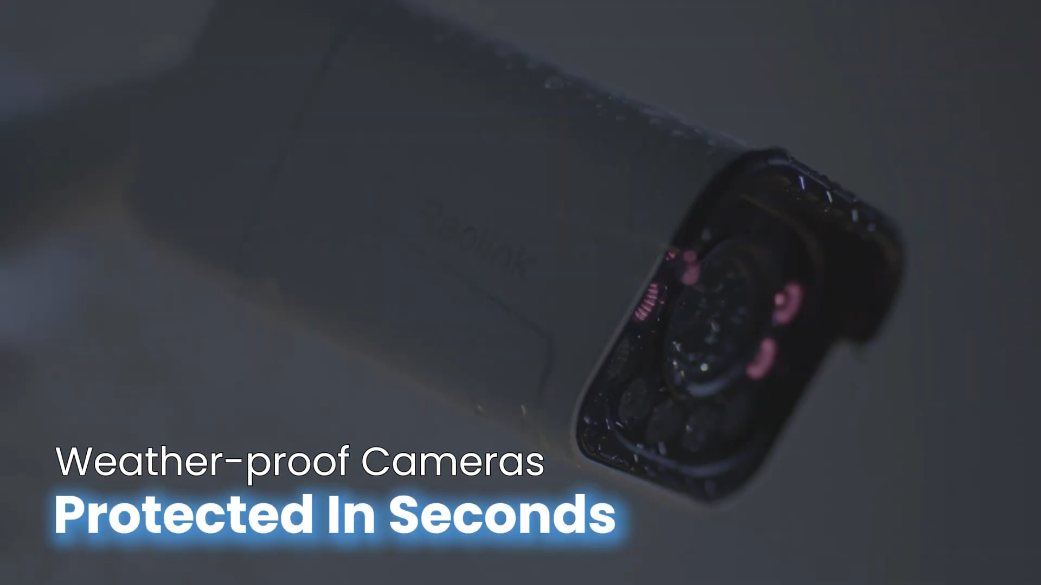
Two-Way Audio and IP65 Weatherproof Rating
RM549.00–RM1,299.00Price range: RM549.00 through RM1,299.00
Reolink E1 Outdoor SE PoE
E1 Outdoor SE PoE Video
4 Videos
Others Video
Disclaimer: The videos are intended for reference purposes only and are not guaranteed to be 100% accurate. Please refer to the actual product or contact us for verification.
A: The Reolink E1 Outdoor SE PoE is a compact 4K 8MP Ultra HD pan-and-tilt Power over Ethernet (PoE) security camera designed for outdoor surveillance. It features 360-degree coverage, auto-tracking, smart person, vehicle, and animal detection, 3000K adjustable warm light color night vision, two-way audio, and an IP65 weatherproof rating.
What are the main key features of the Reolink E1 Outdoor SE PoE?
A: Key features include:
4K 8MP Ultra HD Resolution (3840 x 2160 pixels at 25fps)
Power over Ethernet (PoE) support (IEEE 802.3af, 48V) and optional DC 12V power
355-degree Pan & 50-degree Tilt with Auto Tracking
Smart AI Detections (Person, Vehicle, Animal, and Motion Detection)
Color Night Vision with 4 built-in 3000K adjustable warm light spotlights
10X Digital Zoom
IP65 Weatherproof Housing for outdoor durability
What items are included in the box when purchasing the Reolink E1 Outdoor SE PoE?
A: The standard package includes:
Reolink E1 Outdoor SE PoE Camera
1m Network Cable
Security Bracket & Mounting Plate
Mounting Hole Template
Pack of Screws and Drywall Anchors
24/7 Surveillance Warning Sticker
Quick Start Guide / Operational Instructions
What is the warranty coverage for the Reolink E1 Outdoor SE PoE?
A: The Reolink E1 Outdoor SE PoE comes with a 2-year limited warranty when purchased from official channels. Technical support and software updates are available through the official Reolink support center at https://reolinkmalaysia.com.my/support.
What are the physical dimensions and weight of the Reolink E1 Outdoor SE PoE?
A: The camera measures 90 mm in diameter by 120 mm in height and weighs approximately 446 grams.
Video, Optics, Night Vision & Audio
What video resolution and frame rate does the camera support?
A: The camera captures video in 4K 8MP Ultra HD (3840 x 2160 resolution) at up to 25 frames per second (fps) for the main stream using H.265 or H.264 video compression.
What lens and zoom capabilities does the E1 Outdoor SE PoE feature?
A: The camera is equipped with a 1/2.7-inch CMOS image sensor and a fixed focal length lens (f=4mm, F1.2 aperture). It offers an 88-degree horizontal and 45-degree vertical field of view and supports 10X digital zoom for zooming in on video details.
What night vision modes are available on this camera?
A:
Infrared Night Vision: Utilizes 10 built-in 850nm IR LEDs (1.4W total) with an auto-switching IR-cut filter to capture black-and-white video up to 12 meters (40 feet) in complete darkness.
Color Night Vision: Utilizes 4 built-in 3000K warm light spotlights (3.3W total, adjustable brightness) to provide full-color illumination during nighttime conditions.
Does the camera support two-way audio communication?
A: Yes, the camera features a built-in microphone and speaker, enabling real-time two-way voice communication through the Reolink App or Client software.
What are the default frame rates and video bitrate options?
A:
Main Stream Frame Rate: 2 fps to 25 fps (Default: 25 fps).
Sub Stream Frame Rate: 4 fps to 15 fps (Default: 10 fps).
Main Stream Bitrate: 2048 Kbps to 8192 Kbps (Default: 6144 Kbps).
Sub Stream Bitrate: 64 Kbps to 512 Kbps (Default: 256 Kbps).
Pan, Tilt, Auto Tracking & Smart AI Detections
What are the Pan and Tilt ranges of the E1 Outdoor SE PoE?
A: The motorized camera head turns horizontally up to 355 degrees (Pan) and tilts vertically up to 50 degrees (Tilt), providing broad 360-degree environmental coverage.
Does the camera support Auto Tracking and preset positions?
A: Yes, the camera features Auto Tracking to follow moving subjects automatically across the scene. It also supports 1 Guard Position and up to 64 Preset Positions for fast framing.
What smart detection alerts can the camera trigger?
A: Built-in AI algorithms enable targeted real-time detection for:
Person Detection
Vehicle Detection
Animal Detection
General Motion Detection
Does the camera feature active deterrents like spotlights and audio alarms?
A: Yes, when unauthorized targets or movement are detected, the camera can automatically activate its 4 warm spotlights and sound a customizable audio siren or voice warning to deter intruders.
Does the camera support Time Lapse recording?
A: Yes, the E1 Outdoor SE PoE includes a Time Lapse function accessible in the Reolink App, allowing long events to be compressed into short video clips.
PoE, Power, Hardware & Storage Options
How is the Reolink E1 Outdoor SE PoE powered?
A: The camera supports active Power over Ethernet (PoE) under IEEE 802.3af standards (48V), allowing power and data transmission over a single Ethernet cable. Alternatively, it can be powered using an optional DC 12V, 1A power adapter (power consumption is under 12W).
What local storage options are supported on the device?
A: The camera includes a built-in MicroSD card slot under a protective rubber cover on the lens housing, supporting microSD cards with storage capacities up to 512GB.
What video recording modes are available?
A:
Motion-Triggered Recording (Default setting)
Scheduled Recording (Custom hours or days)
24/7 Continuous Recording (Saves continuously to a microSD card, Reolink NVR, or FTP server)
What physical ports and buttons are located on the camera body?
A:
Camera Base & Tail Cable: DC Power Jack, RJ45 Ethernet Port with waterproof lid, Speaker, and Heat Dissipation Holes.
Sphere Lens Housing: Daylight Sensor, 3000K Warm Light Spotlights, IR LEDs, Microphone, Reset Button, and MicroSD Card Slot.
What are the operational temperature and humidity limits?
A:
Operating Temperature: -10°C to +50°C (14°F to 126°F).
Operating Humidity: 20% to 85% non-condensing.
Networking, Software & Smart Home Compatibility
Does the E1 Outdoor SE PoE support WiFi or require an Ethernet cable?
A: The E1 Outdoor SE PoE is a hardwired PoE network camera. It connects via an RJ45 Ethernet network cable for data and PoE power, and does not feature built-in WiFi.
Which operating systems, browsers, and network protocols are supported?
A:
Applications: Reolink App (iOS, Android) and Reolink Client (Windows PC, Mac OS).
Web Browsers: Google Chrome, Microsoft Edge, Mozilla Firefox, and Apple Safari.
Is the camera compatible with smart home platforms?
A: Yes, the Reolink E1 Outdoor SE PoE is compatible with Google Assistant, enabling live video viewing on smart displays via voice commands.
How many simultaneous users and live video streams are supported?
A:
User Accounts: Up to 20 user accounts (1 Admin account and 19 User accounts).
Simultaneous Streams: Up to 12 simultaneous streams (2 Main Streams and 10 Sub Streams).
What is the weather resistance rating for outdoor installation?
A: The camera has an IP65 weatherproof rating, protecting it against dust ingress, rain, snow, and low-pressure water splashes from any angle.
Setup, Installation & Troubleshooting
How do you set up the Reolink E1 Outdoor SE PoE using the Reolink App?
A:
Connect the camera to a PoE switch, PoE NVR, or router with an Ethernet cable and plug in a DC 12V adapter if not using PoE.
Open the Reolink App and tap "+" in the top right corner.
Scan the QR code on the back of the camera body or tap "Input UID/IP" to manually type the 16-digit UID.
Create an admin password and assign a name to the camera.
Tap "Finish" to complete setup and begin live streaming.
How do you mount the camera on a wall or ceiling?
A:
Wall Mounting: Pull down the button on the security mount to release the bracket. Screw the camera onto the bracket stem clockwise. Drill holes using the template, secure the mount to the wall with screws/anchors, align the camera bracket, and turn counterclockwise until it clicks into place.
Ceiling Mounting: Unscrew the ceiling bracket from the security mount. Fix the ceiling bracket to the ceiling using screws, align the camera base, and turn clockwise until securely locked.
Why must the camera be installed upside down for outdoor mounting?
A: When mounted outdoors, the camera must be installed inverted (Upside down) to ensure proper rubber seal alignment, optimal weatherproofing, and to prevent water from collecting around the lens and housing seams.
How do you perform a factory reset and adjust inverted video?
A:
Factory Reset: Open the rubber protective cover on the lens sphere to reveal the reset hole. Insert a reset needle into the hole and press the reset button until you hear an audio prompt.
Flip Image Vertical: If the camera is mounted upside down, open the Reolink App or Client, navigate to Device Settings > Display, and enable Flip Vertical to orient the image correctly.
What troubleshooting steps should be taken if live view or video quality is unclear?
A:
Clean the lens surface with a soft, clean cloth to remove dust, water spots, or cobwebs.
Ensure the camera lens is directed toward a well-lit area.
Check network bandwidth and lower the bitrate setting if video streaming stutters.
Update the camera to the latest firmware version via the Reolink App/Client, or perform a factory reset using the reset button.
Reviews
There are no reviews yet