Smart 12MP Ultra HD PoE Security Camera with Color Night Vision
12MP Ultra HD Resolution for Stunning Clarity
Color Night Vision with Built-In Spotlight
Smart Person, Vehicle, and Pet Detection
Power Over Ethernet for Easy Wired Setup
Two-Way Audio with Built-In Security Siren
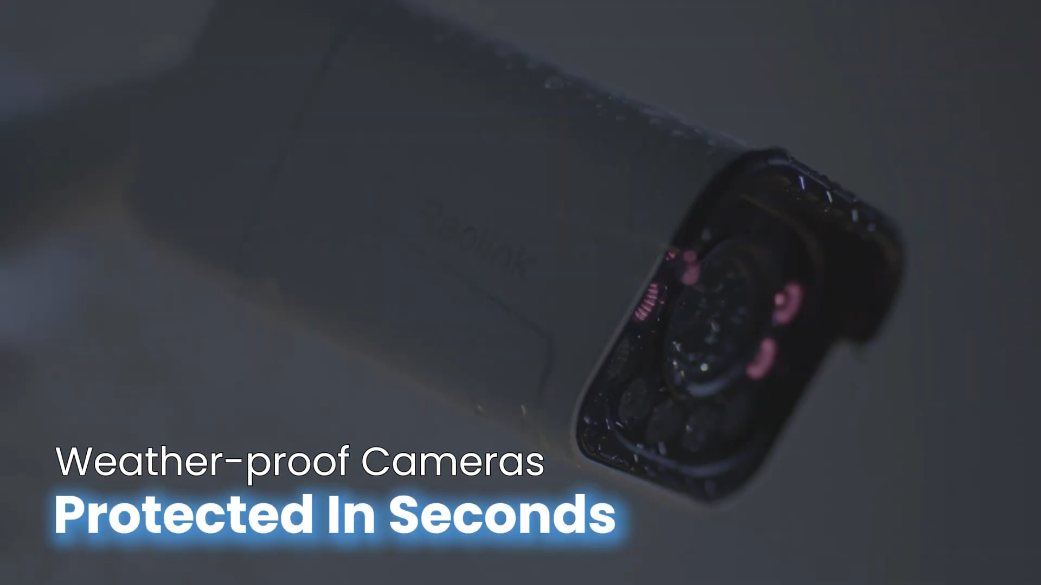
Rugged IP67 Weatherproof Housing for Outdoors
RM529.00–RM1,279.00Price range: RM529.00 through RM1,279.00
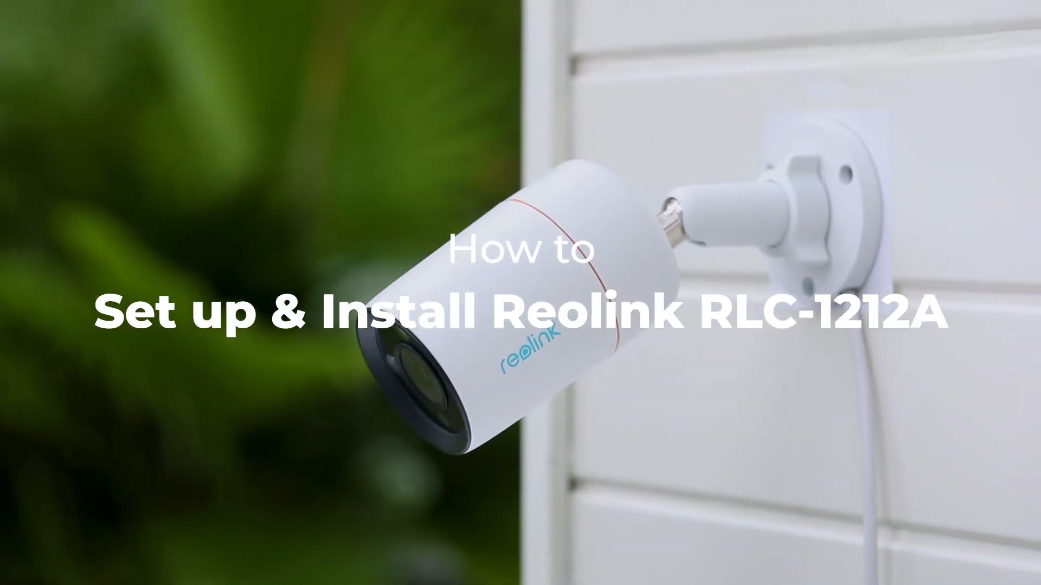
Reolink RLC-1212A
RLC-1212A Video
5 Videos
Others Video
Disclaimer: The videos are intended for reference purposes only and are not guaranteed to be 100% accurate. Please refer to the actual product or contact us for verification.
What is the video resolution and image sensor specification of the Reolink RLC-1212A?
A: The Reolink RLC-1212A is equipped with a 1/2.49-inch CMOS image sensor that captures 12-Megapixel Ultra HD video resolution (4512 x 2512 pixels at 20 frames per second). This provides incredible image sharpness and fine detail clarity for long-range and wide-area monitoring.
What are the lens specifications and field of view for the RLC-1212A?
A: The camera features a fixed f=4.0mm focal length lens with an F1.6 large aperture and an auto-switching IR-cut filter. The large F1.6 aperture allows significantly more light into the sensor, improving low-light image capture. Its field of view covers:
Horizontal Field of View: 97 degrees
Vertical Field of View: 50 degrees
What night vision modes does the camera offer and what are their specifications?
A: The camera offers two night vision modes for clear nighttime surveillance:
Infrared Night Vision: Powered by 2 high-performance IR LEDs (850nm, 28mil) delivering clear black-and-white video up to 30 meters (100 feet) in total darkness.
Color Night Vision: Powered by a built-in 4.3W spotlight (6500K color temperature, 700 lumens) that illuminates the environment to record full-color video at night.
What are the physical dimensions, weight, and exterior build of the camera?
A: The Reolink RLC-1212A features a compact bullet design encased in a durable metal aluminum shell. It measures 67mm in diameter by 187mm in length (2.64 inches x 7.36 inches) and weighs approximately 460 grams (1.01 lbs).
What weather resistance and environmental protection ratings apply to the RLC-1212A?
A: The camera possesses an IP67 weatherproof rating, offering complete protection against dust ingress, heavy rain, and snow. It operates reliably in temperatures ranging from -10 degrees Celsius to 55 degrees Celsius (14 degrees Fahrenheit to 131 degrees Fahrenheit) with operating humidity levels between 10% and 90%.
Power, PoE & Network Connectivity
How is the Reolink RLC-1212A powered?
A: The camera supports two flexible power delivery options:
Power over Ethernet (PoE): Powered via a single network cable compliant with the IEEE 802.3af standard (active 48V PoE) using a PoE switch, PoE injector, or Reolink PoE NVR.
DC Power Adapter: Can be powered independently using an optional DC 12.0V, 1A power adapter (Power consumption is under 12W).
What network interface does the RLC-1212A use?
A: The camera connects to local network equipment through a standard wired Ethernet connection via an RJ45 port supporting 10Mbps / 100Mbps data transfer speeds.
Does the Reolink RLC-1212A support wireless WiFi connections?
A: No. The RLC-1212A is a dedicated wired PoE IP camera and requires a physical Ethernet cable connection for network data transmission.
What connection ports are located on the camera's pigtail cable?
A: The trailing pigtail cable includes three primary connection points:
DC Power Jack: For connecting an optional 12V 1A DC power supply.
RJ45 Ethernet Connector: For network data transmission and IEEE 802.3af PoE power supply.
Hardware Reset Button: Located under a protective cap on the cable assembly.
Waterproof Lid: For sealing the Ethernet connection against outdoor moisture.
Can I use both a DC power adapter and PoE power simultaneously?
A: Only one power source is necessary for normal operation. Utilizing Power over Ethernet (PoE) is recommended for single-cable deployment. However, a 12V 1A DC power adapter can be plugged in alongside an Ethernet cable as a redundant backup power source.
Smart Detection & Deterrence Features
What smart AI detection capabilities are built into the RLC-1212A?
A: The camera incorporates onboard hardware AI algorithms capable of analyzing and distinguishing human, vehicle, and pet/animal shapes from general motion. This local processing filters out non-threatening movements (Like wind-blown trees or falling rain) to minimize false notification triggers.
Does the camera support two-way audio?
A: Yes. The RLC-1212A includes both a built-in microphone and a built-in speaker, enabling real-time two-way voice communication with visitors or intruders through the Reolink App or Client software.
How do the spotlight and siren act as active deterrence tools?
A: Upon detecting a person, vehicle, pet, or motion event, the camera can automatically trigger its bright 700-lumen spotlight and sound its internal audio siren to warn off unwanted intruders.
Does the RLC-1212A support smart home integration with voice assistants?
A: Yes. The camera is compatible with Google Assistant, allowing users to stream live camera footage onto supported smart screens using voice commands.
How are security notifications delivered when motion is detected?
A: When an alert is triggered, the camera can send instant push notifications to your smartphone, dispatch email alerts attached with snapshot photos or video clips, and trigger the local spotlight and siren deterrence system.
Storage, Bitrate & Recording Options
Where is the microSD card slot located and what maximum capacity is supported?
A: The camera contains an onboard microSD card slot supporting card capacities up to 512GB. The slot is located on the underside/rear of the camera body beneath a weather-sealed hatch secured by two screws.
What recording modes are supported on the RLC-1212A?
A: The camera supports three flexible recording operational modes:
Motion-Triggered Event Recording: Records video clips only when motion or AI smart targets (Person, vehicle, pet) are detected (Default setting).
Scheduled Recording: Records continuously during pre-configured hours set in the app or client.
Continuous 24/7 Recording: Saves continuous video footage non-stop to a microSD card, FTP server, or Reolink PoE NVR.
What video compression formats, frame rates, and bitrates are used?
A: The camera supports both H.265 and H.264 video compression formats:
Mainstream: Resolution of 4512 x 2512 at 2fps to 20fps (Default: 20fps) with configurable bitrates from 3072 Kbps to 10240 Kbps (Default: 8192 Kbps).
Substream: Configurable frame rates from 4fps to 20fps (Default: 10fps) with bitrates from 128 Kbps to 1024 Kbps (Default: 768 Kbps).
Can I record video footage to an NVR, NAS, or FTP server?
A: Yes. The RLC-1212A supports recording to Reolink Network Video Recorders (NVRs), NAS systems, and off-site FTP servers utilizing standard protocols including ONVIF, RTSP, RTMP, and P2P.
How much footage can a high-capacity microSD card hold?
A: With support for up to 512GB microSD cards, at the default mainstream bitrate of 8192 Kbps, a 512GB card can store approximately 48 to 96 hours of continuous 12MP mainstream video, or several months of motion-triggered event clips.
Setup, Installation & Maintenance
What items are included in the standard Reolink RLC-1212A package?
A: The standard package includes:
Reolink RLC-1212A Camera
1-meter Network Cable
Quick Start Guide
24/7 Surveillance Sticker
Mounting Template
Pack of Screws with Drywall Anchors
Waterproof Lid Kit
How do I perform initial setup using the Reolink App?
A:
Connect the camera to a PoE switch, PoE injector, or Reolink NVR or power via 12V DC adapter and connect to router.
Download and launch the Reolink App, then tap the plus (+) icon in the top right corner.
Scan the QR code on the camera body or tap "Input UID/IP" to manually type the 16-character UID code.
Create an administrator password and give your camera a name.
Tap Finish to complete setup and launch the live viewing stream.
How do I mount the bullet camera to a wall or surface?
A:
Apply the mounting template to the desired wall or ceiling location and drill holes.
Insert drywall anchors if mounting into drywall or masonry.
Pass the pigtail cable through the cable notch on the mount base.
Secure the mount base to the surface using the provided mounting screws.
How do I adjust the viewing angle after mounting?
A: Unscrew the bracket adjustment ring or screw counterclockwise to loosen the arm joint. Swivel and rotate the camera body (Supports 360 degrees rotation and 90 degrees tilt) to achieve your target viewing coverage, then twist the adjustment ring/screw clockwise to lock it securely in place.
How do I perform a hardware factory reset on the RLC-1212A?
A: Locate the reset button on the camera's pigtail cable assembly. Unscrew the protective screw cap, then press and hold the reset button for approximately 10 seconds while the camera is powered on until default factory settings are restored.
Compatibility, Software Features & Technical Support
What mobile and desktop operating systems and browsers support the RLC-1212A?
A:
Desktop Software: Windows PC and Mac OS (via Reolink Client).
Mobile Platforms: iOS and Android (via Reolink App).
Web Browsers: Microsoft Edge, Google Chrome, Mozilla Firefox, and Apple Safari.
How many simultaneous user accounts and video streams are supported?
A:
User Accounts: Supports up to 20 user accounts (1 administrator account and 19 standard user accounts).
Video Streams: Supports up to 12 simultaneous video streams (10 substreams and 2 mainstreams).
What network protocols and security standards are supported?
Is a monthly subscription required to access smart AI detection or software features?
A: No. All core camera features—including smart person/vehicle/pet detection, local microSD storage, live streaming, push notifications, two-way audio, and software access—are completely subscription-free.
What warranty and technical support service come with the Reolink RLC-1212A?
A: The camera includes a 2-year limited hardware warranty and access to official technical support through the online Reolink Help Center.
Reviews
There are no reviews yet