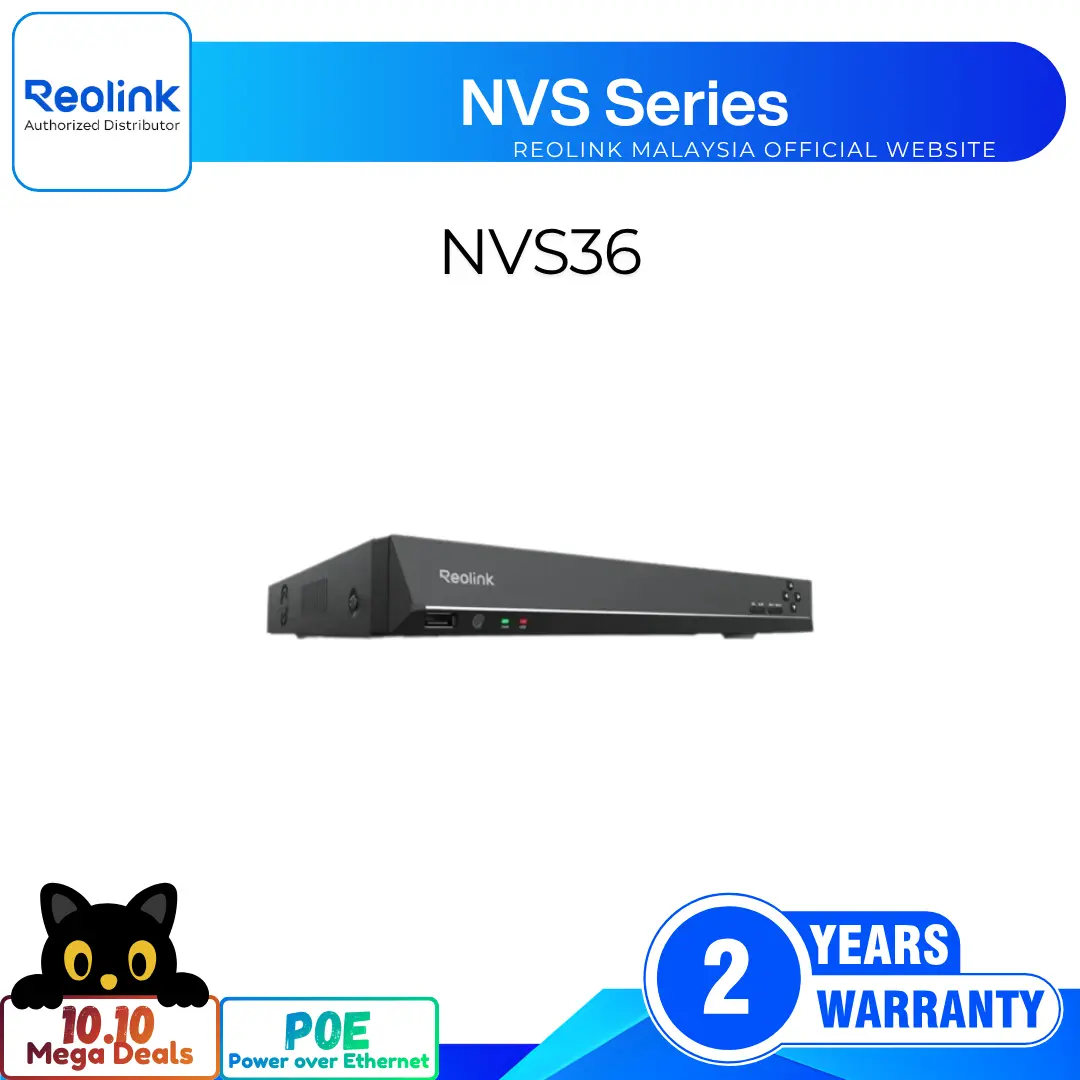
16MP Ultra HD 12-Channel Dual-Band Wi-Fi 6 Network Video Recorder
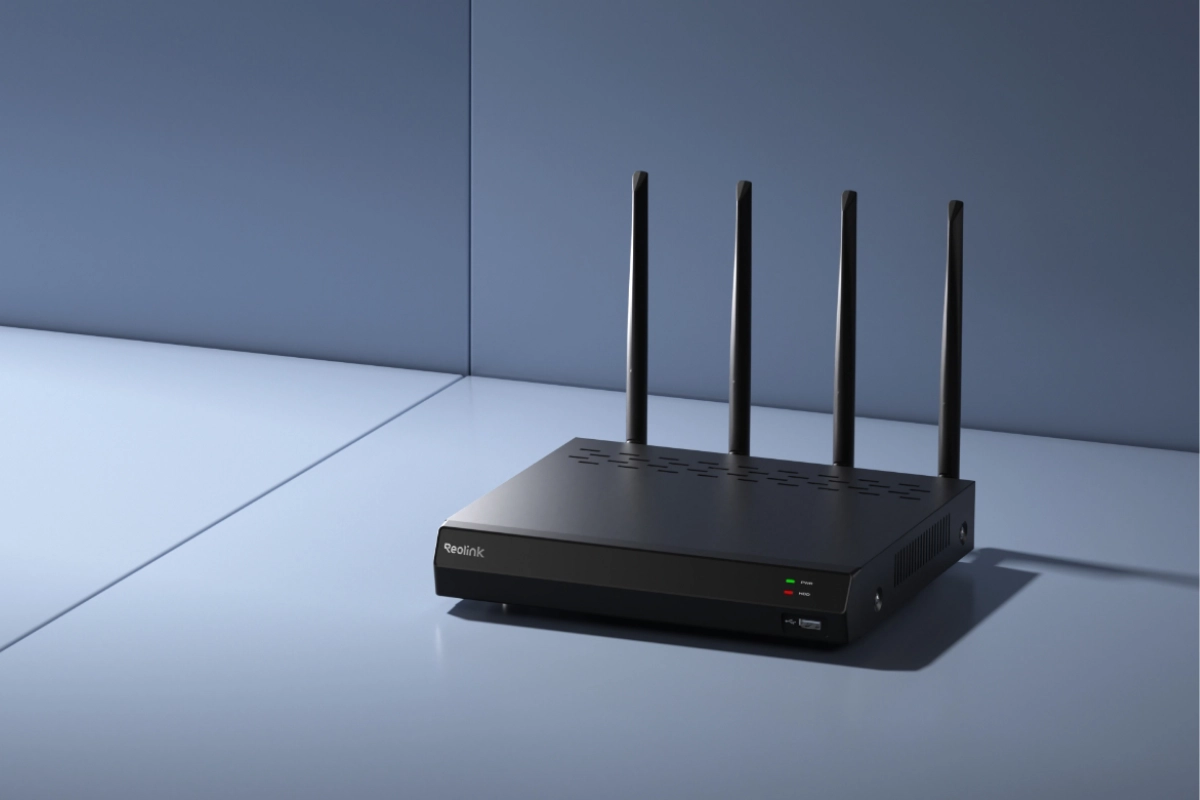
12 Channel WiFi 6 NVR for Wireless Setups
Dual-Band WiFi 6 for Stable Connection
Supports Up to 16MP Ultra HD Resolution
Expandable HDD Storage for 24/7 Local Recording
4K HDMI and VGA Dual Video Outputs
Broad Compatibility with Reolink IP Cameras
RM2,199.00Original price was: RM2,199.00.RM1,799.00Current price is: RM1,799.00.
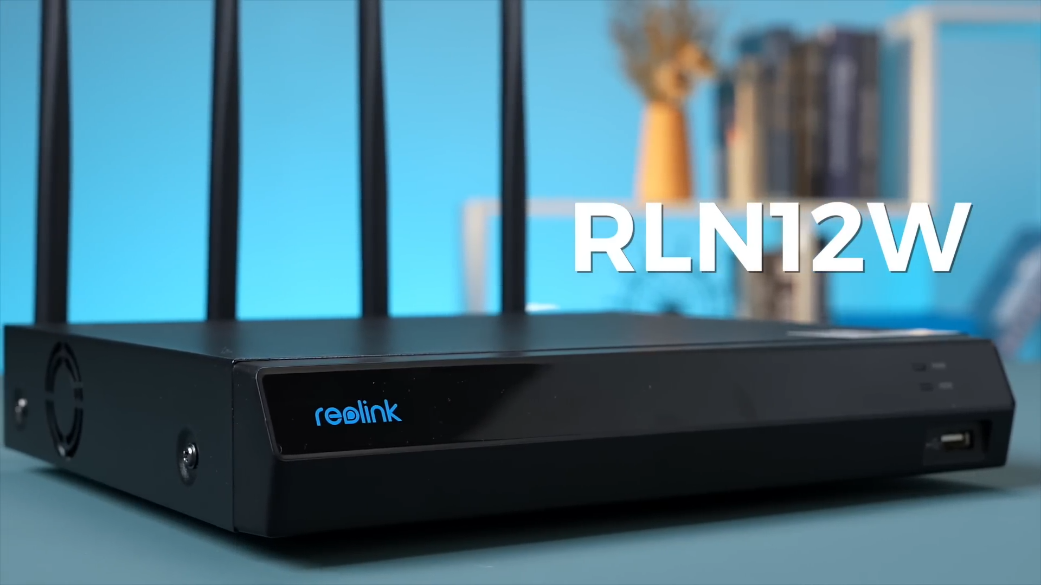
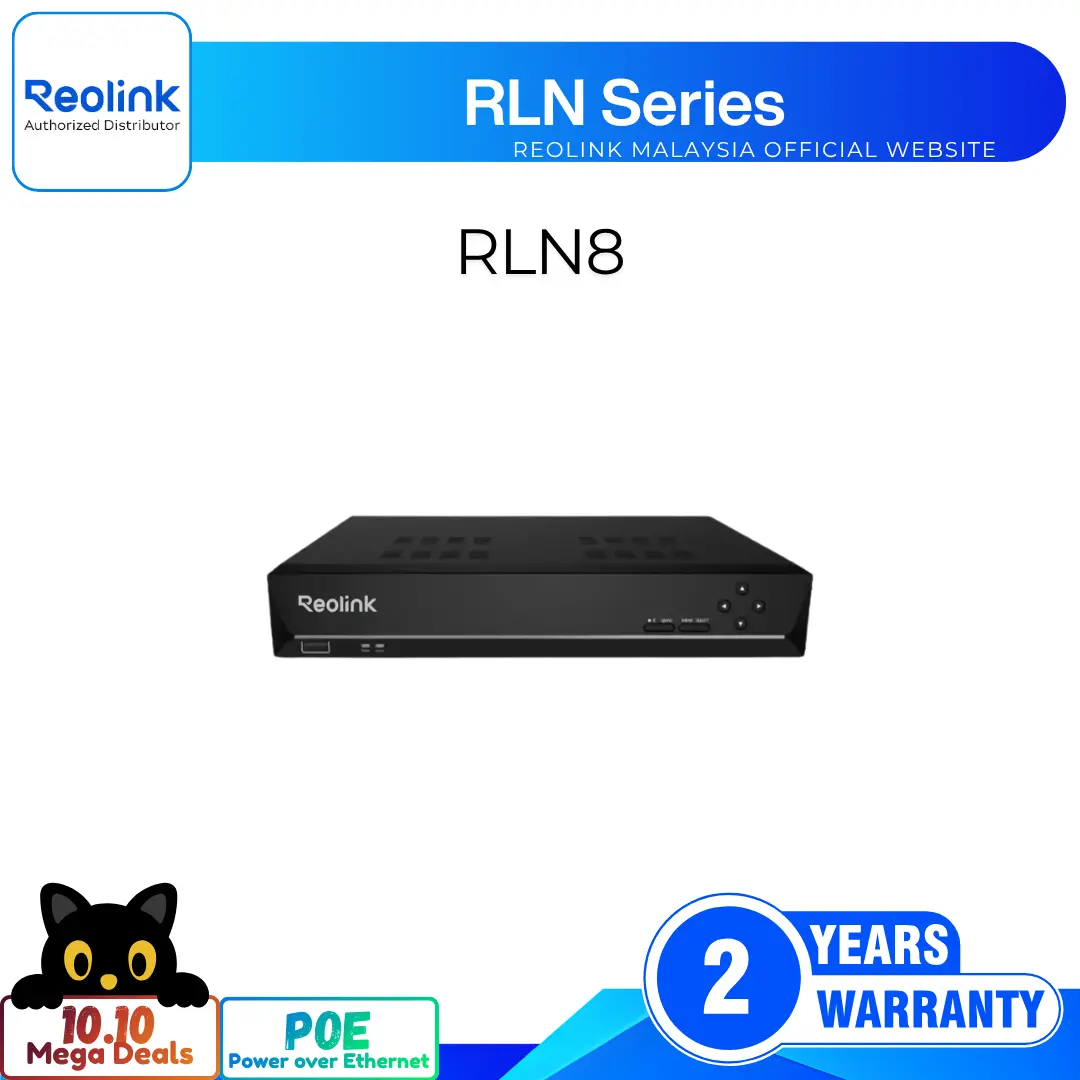
Reolink RLN12W
RLN12W Video
5 Videos
Others Video
Disclaimer: The videos are intended for reference purposes only and are not guaranteed to be 100% accurate. Please refer to the actual product or contact us for verification.
What type of NVR is the Reolink RLN12W and how many cameras can it support?
A: The Reolink RLN12W is a 12-channel dual-band WiFi 6 Network Video Recorder. It supports up to 12 simultaneous IP camera channels for centralized 24/7 recording, live preview, multi-channel playback, and device management.
What WiFi standards and frequency bands does the RLN12W utilize?
A: The NVR features dual-band WiFi 6 technology conforming to IEEE 802.11a/b/g/n/ac/ax across both 2.4 GHz and 5 GHz frequency bands. It includes 4 high-gain external omnidirectional antennas to provide high data throughput, lower latency, and broad wireless coverage across your property.
What wireless security encryption standards are supported?
A: The RLN12W supports modern wireless security protocols including WPA, WPA2, and the latest WPA3 encryption standards (WPA-PSK, WPA2-PSK, and WPA3-SAE) to safeguard your wireless camera streams against unauthorized interception.
Can the RLN12W connect to both WiFi and wired Reolink cameras?
A: Yes. While designed as a dedicated WiFi 6 NVR, the RLN12W supports both wireless Reolink IP cameras and wired Reolink IP cameras connected via the rear network ports, a local PoE switch, or your local area network (LAN).
How far can WiFi cameras be placed from the RLN12W?
A: In open, unobstructed environments, the RLN12W can maintain reliable wireless communication with WiFi cameras up to 100 meters (approx. 330 feet). In typical residential or commercial buildings with walls and obstacles, effective range is typically 20 to 45 meters depending on wall materials and radio interference.
Video Decoding, Display Output & Playback
What video resolution and camera types does the RLN12W support?
A: The RLN12W supports resolutions ranging from 720p and 1080p Full HD up to 4K 8MP (3840x2160), 12MP (4096x3072 / 4512x2512), 16MP Dual-Lens Ultra HD (7680x2160), and 5MP/4MP cameras.
Which video compression formats are supported by the NVR?
A: The system supports both modern H.265 (HEVC) and standard H.264 video compression codecs, optimizing storage space on the hard drive and reducing network bandwidth consumption while preserving maximum image clarity.
What video display outputs are available on the RLN12W?
A: The rear panel includes two dedicated monitor outputs:
HDMI Output: Supports display resolutions of 3840x2160 (4K UHD), 1920x1080, 1280x1024, 1280x720, and 1024x768.
VGA Output: Supports resolutions of 1920x1080 (1080p), 1280x1024, 1280x720, and 1024x768.
How many channels can be played back synchronously at the same time?
A: The RLN12W supports synchronous playback of up to 4 camera channels simultaneously on a connected monitor or via the Reolink Client software, allowing you to review multi-angle incident footage in synchronized time.
Does the RLN12W support audio output and two-way talk?
A: Yes. The NVR records incoming audio from connected cameras with built-in microphones. For local audio monitoring, it includes 1 RCA audio output port on the rear panel. Two-way audio communication can also be conducted directly via the Reolink App and Client.
Hard Drive Installation, Storage & Recording Modes
Does this standalone RLN12W include a hard drive, and what capacity is supported?
A: This standalone version of the RLN12W does not include a pre-installed hard drive (HDD sold separately). The internal SATA interface supports one 3.5-inch or 2.5-inch internal SATA hard drive with a maximum storage capacity of up to 8TB. Surveillance-grade hard drives (Such as Seagate SkyHawk or Western Digital Purple) are recommended.
How do you install an internal SATA hard drive into the RLN12W?
A:
Power off the NVR and unplug the power adapter.
Remove the screws on the top and sides of the metal chassis and slide off the top cover.
Connect the SATA data and power cables from the NVR motherboard to your internal SATA HDD.
Secure the hard drive to the bottom plate using the supplied mounting screws.
Reassemble the outer casing, power on the NVR, go to Settings > Storage, and format the newly installed drive.
What recording modes can be configured on the RLN12W?
A: The NVR supports three flexible recording schedules per channel:
24/7 Continuous Recording: Constant non-stop recording across selected channels.
Motion / Smart AI Event Recording: Records only when person, vehicle, animal, or motion events occur.
Scheduled / Timer Recording: Records during specific hours or days designated by the user.
What happens when the hard drive runs out of storage space?
A: By default, the RLN12W features automatic HDD Overwrite enabled. When the disk reaches full capacity, the NVR automatically overwrites the oldest recorded footage to make room for new recordings without interrupting surveillance.
How can recorded video footage be backed up or exported?
A: You can export recordings locally by plugging a FAT32 or NTFS formatted USB flash drive into the front or rear USB 2.0 ports and downloading clips through the on-screen menu. You can also download recorded MP4 files remotely via the Reolink App or Reolink Client software.
Physical Ports, Hardware & Network Interfaces
What physical ports and buttons are located on the rear and front panels?
A:
Front Panel: Power LED (Green), HDD Activity LED (Red), and 1x USB 2.0 port.
Rear Panel: 4x Wi-Fi Antennas, 1x Hardware Reset Button, 1x DC 12V Power Input Port, 1x USB 2.0 port, 1x HDMI port, 1x VGA port, 1x RCA Audio Output, 1x RJ45 LAN/WAN Internet Port, and 4x RJ45 IP Camera Ports.
What is the purpose of the 4 RJ-45 LAN ports on the rear of the RLN12W?
A: The 4 dedicated RJ45 ports (10/100 Mbps) are designed for direct wired IP camera connections and initial Wi-Fi configuration/pairing. Please note that these ports do not provide Power over Ethernet (PoE); connected cameras require their own power source (Such as their included DC power adapter or an external PoE injector/switch).
What are the power requirements and energy consumption of the NVR?
A: The RLN12W is powered by an included DC 12.0V 2A external power adapter. Power consumption of the NVR unit is under 10W (Excluding connected hard drive activity), making it energy-efficient for continuous 24/7 operation.
What are the physical dimensions and operating environment parameters?
A:
Dimensions: 255 mm (Width) x 49.5 mm (Height) x 222.7 mm (Depth)
Weight: Approximately 1.4 kg (Chassis unit)
Operating Temperature: -10°C to +45°C (14°F to 113°F)
Operating Humidity: 10% to 90% non-condensing
How do you perform a hardware factory reset on the RLN12W?
A: Locate the Reset hole/button on the rear panel next to the power input. While the device is powered on, use a pin or paperclip to press and hold the reset button for approximately 10 seconds until the system reboots and restores factory default settings.
Camera Pairing, WiFi Sync & Compatibility
How do you sync and connect Reolink WiFi cameras to the RLN12W?
A:
Power on your Reolink WiFi camera with its power adapter and connect it to one of the NVR's 4 IPC LAN ports using an Ethernet cable.
On the monitor connected to the NVR, navigate to Settings > Channel > Channel Management and enable "Auto Add".
On the live preview screen, click "Sync WiFi Info" to automatically push the NVR's wireless SSID and password to the camera.
Once "Connection Succeeded" appears, unplug the Ethernet cable; the camera will now stream wirelessly to the NVR.
Which Reolink camera models are compatible with the RLN12W?
A: The RLN12W is compatible with all Reolink WiFi cameras (Such as RLC-843WA, RLC-840WA, E1 series, TrackMix WiFi, Duo 2 WiFi), Reolink WiFi/PoE Video Doorbells, and Reolink PoE IP cameras (Connected via network switch or router).
Are Reolink battery-powered cameras supported for 24/7 recording on the RLN12W?
A: Reolink battery-powered cameras (Argus series) are primarily designed for PIR motion recording to preserve battery life and do not support 24/7 continuous recording. However, newer Reolink battery cameras with updated firmware can be linked to the NVR for motion-triggered clip recording and centralized live view.
Does the RLN12W support third-party ONVIF cameras?
A: The RLN12W is optimized for the Reolink ecosystem. While some standard ONVIF Profile S third-party IP cameras can be added manually over the local network for basic video streaming, proprietary AI detection features and smart spotlight/siren controls are only fully supported on native Reolink cameras.
Can the NVR record and display dual-lens and multi-sensor panoramic cameras?
A: Yes. The RLN12W fully supports Reolink dual-lens cameras (Such as Duo series and TrackMix series), displaying ultra-wide stitched 180-degree panoramic views or dual wide/telephoto stream channels up to 16MP resolution.
Network Setup, Remote Software & System Management
Can the RLN12W operate standalone without an Internet connection?
A: Yes. The RLN12W can function entirely as an offline closed-circuit local surveillance system without any Internet access. You can connect cameras, record 24/7 to the installed hard drive, and view live feeds or playbacks on a connected HDMI/VGA monitor. Internet access is only required for mobile push alerts and remote viewing outside your home network.
How do you set up remote access using the Reolink App on a smartphone?
A:
Connect the NVR's LAN/WAN port to your home router with an Ethernet cable.
Open the Reolink App on your smartphone, tap the "+" icon in the top right corner, and scan the QR code located on the NVR chassis or manually enter the 16-character UID.
Enter the admin username and password created during the initial setup wizard.
Tap "Access" to view all connected camera channels from anywhere in the world.
Which operating systems and web browsers are compatible with the RLN12W?
A:
Desktop OS: Reolink Client software for Windows PC and macOS.
Mobile OS: Reolink App for iOS (iPhone/iPad) and Android.
Web Browsers: Direct browser access via Microsoft Edge, Google Chrome, Mozilla Firefox, and Apple Safari.
What network protocols does the RLN12W support?
A: The RLN12W supports a wide range of standard network protocols: HTTPS, SSL, TCP/IP, UDP, IPv4, DHCP, UPnP, RTSP, RTMP, SMTP, NTP, DNS, DDNS, FTP, and Reolink P2P.
What items are included in the standard retail package of the RLN12W?
Reviews
There are no reviews yet