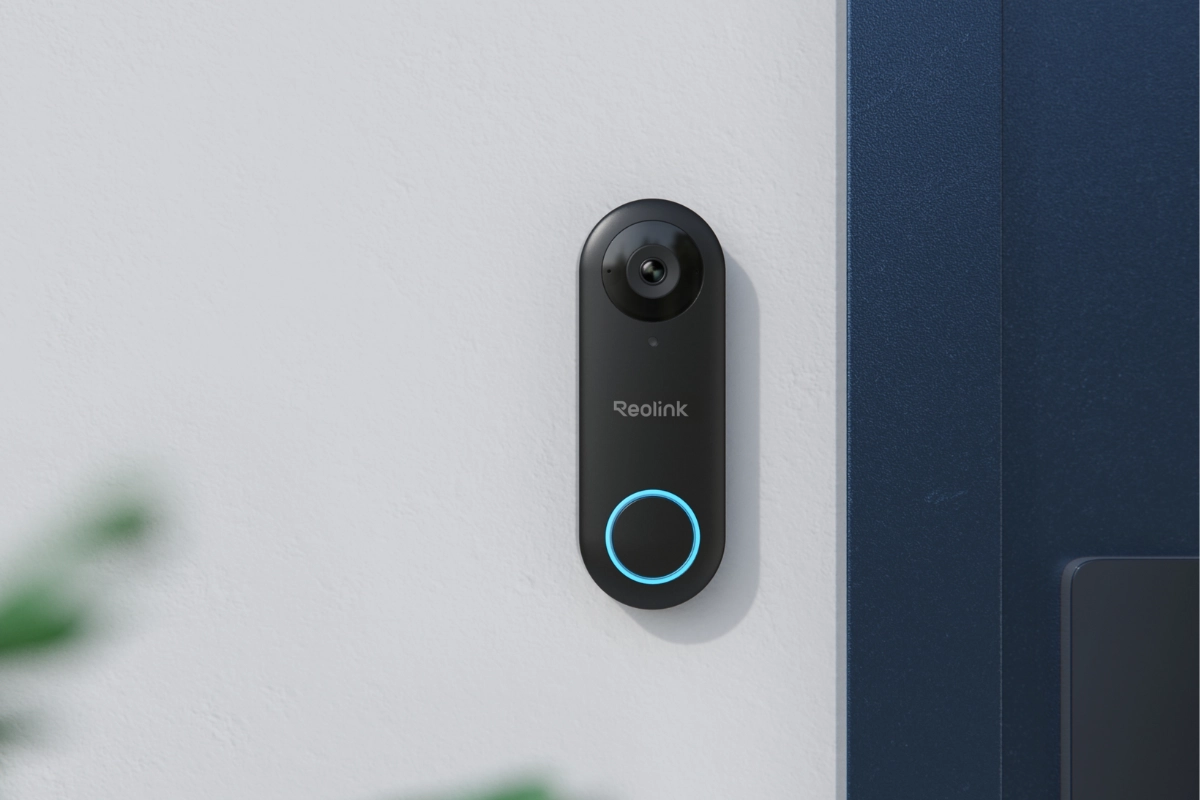
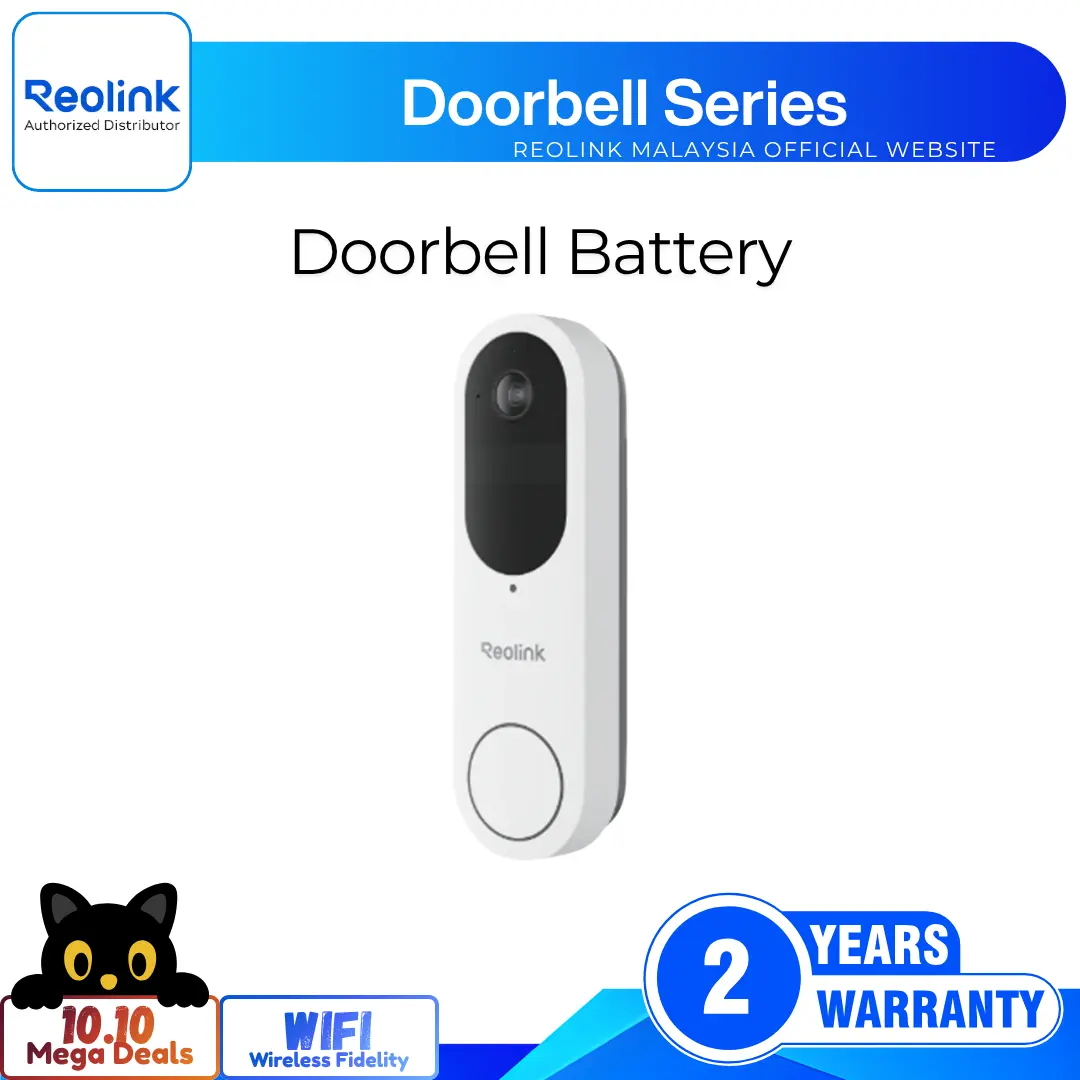
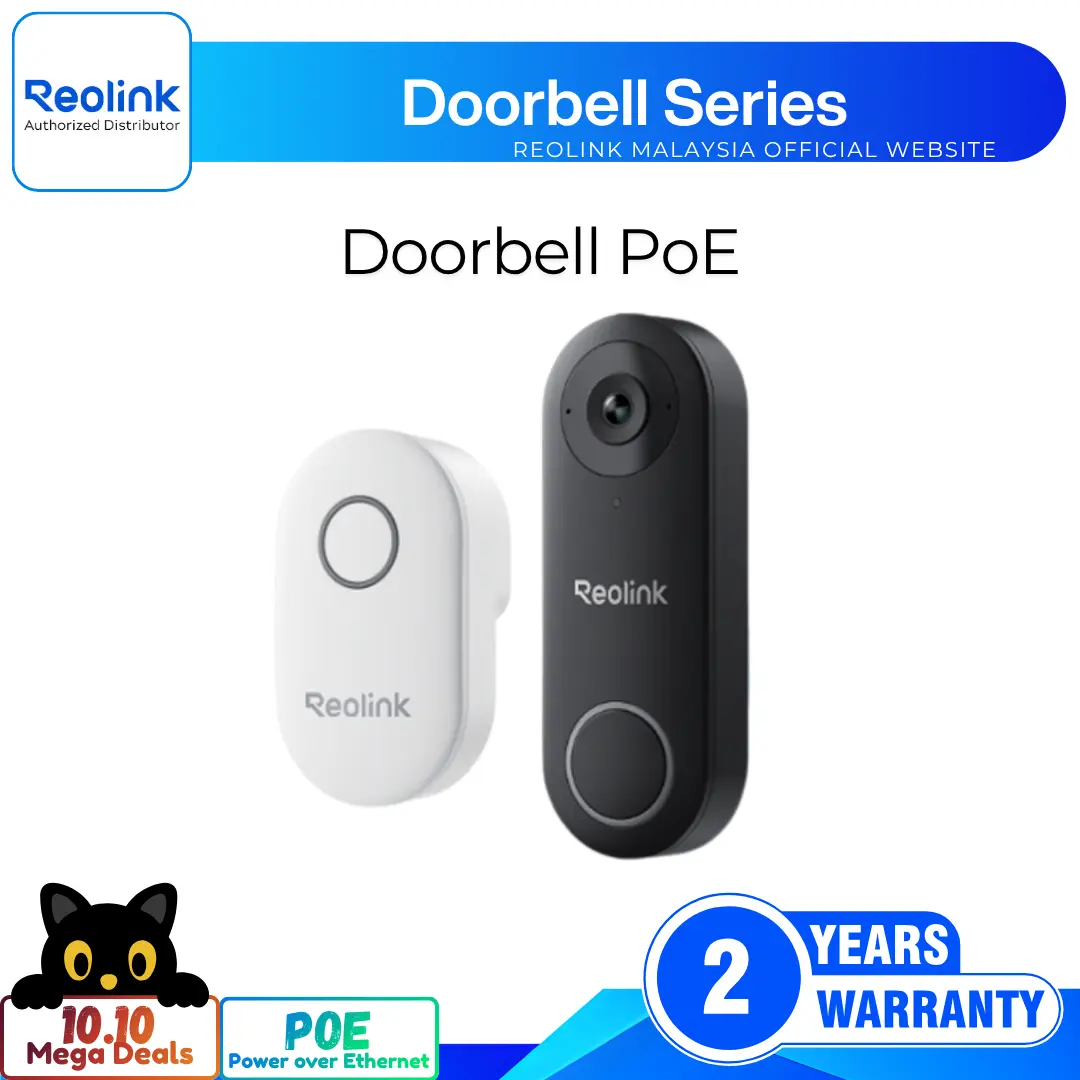
2K+ 5MP Dual-Band Wi-Fi Doorbell with Person Detection
2K+ 5MP Super HD Resolution for Clarity
180° Diagonal FOV for Wide Coverage
Dual-Band WiFi for Stable Connection
Smart Person and Package Detection Alerts
Two-Way Audio with Quick Voice Replies
Plug-In Wireless Indoor Chime Included
RM599.00–RM949.00Price range: RM599.00 through RM949.00
Reolink Doorbell WiFi
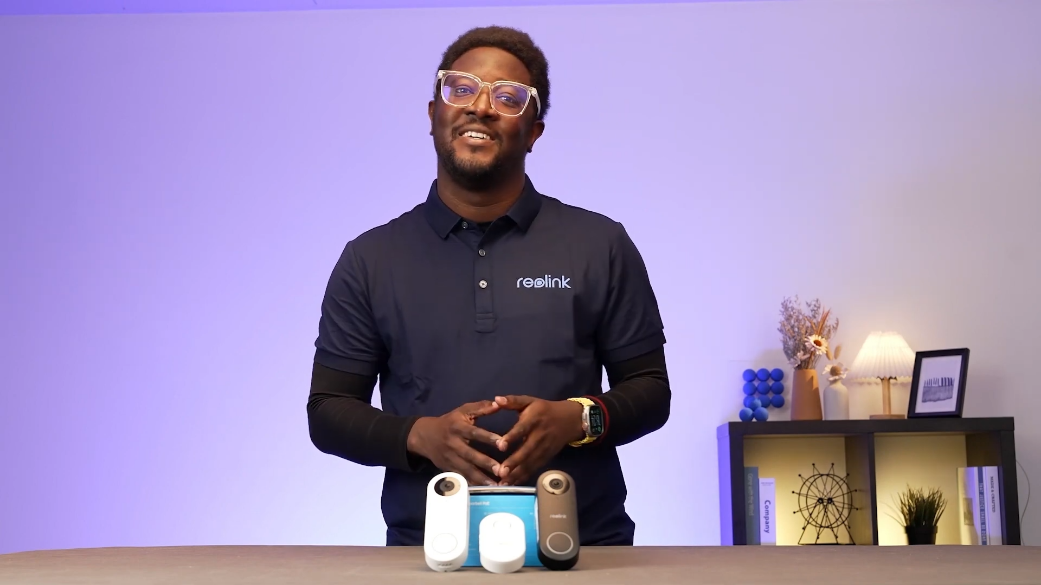
Doorbell WiFi Video
9 Videos
Others Video
Disclaimer: The videos are intended for reference purposes only and are not guaranteed to be 100% accurate. Please refer to the actual product or contact us for verification.
What is the video resolution and field of view of the Reolink Doorbell WiFi?
A: The Reolink Video Doorbell WiFi features 2K+ 5MP Super HD resolution (2560 x 1920 pixels) at 20 frames per second with a 4:3 aspect ratio. It offers a wide diagonal field of view of 180 degrees, capturing visitors clearly from top to bottom along with packages left on the doorstep.
What is the difference between the Black and White versions of the Reolink Doorbell WiFi?
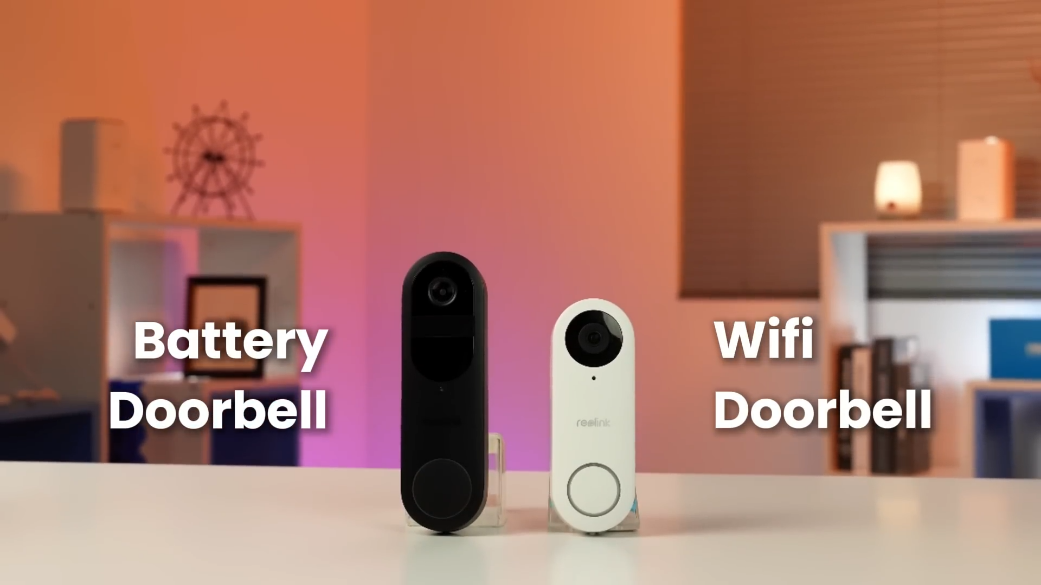
A: The primary differences relate to lens orientation and specific detection capabilities:
Black Version: Features a horizontal field of view of 135 degrees, a vertical field of view of 100 degrees, and a diagonal field of view of 180 degrees.
White Version: Features a horizontal field of view of 100 degrees, a vertical field of view of 135 degrees, and a diagonal field of view of 180 degrees. Additionally, the White version supports built-in AI Package Detection.
What items are included in the product box?
A: The package includes:
Reolink Video Doorbell WiFi
Wireless Indoor Chime
Mounting Plate
Corner Wedge Angle Bracket
Mounting Hole Template
Power Adapter & Power Extension Cable
1m Ethernet Cable
Extension Cable & Wire Nuts
Jumper Cable for mechanical chime bypass
Pack of Screws and Wall Anchors
Reset Needle or Release Pin
Quick Start Guide or Operational Instructions
Is the Reolink Doorbell WiFi weatherproof for outdoor use?
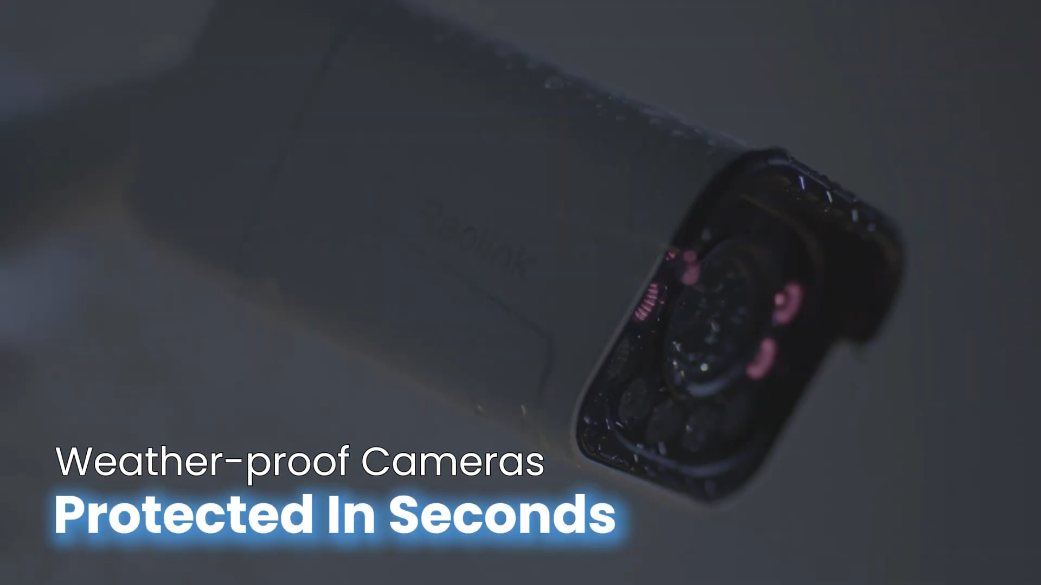
A: Yes, the doorbell is IP65 certified weatherproof, offering protection against rain, snow, and dust. It is built to operate reliably in outdoor temperatures ranging from -10°C to +50°C (14°F to 122°F).
What smart detection and pre-recording features does this doorbell offer?
A: The doorbell features built-in AI algorithms for accurate Person and Motion detection (Plus Package detection on White models). It also includes a Pre-Motion Recording feature that automatically captures and saves a 6-second video clip prior to a triggered motion event, providing full context on approaching visitors.
Power Supply & Hardwiring Options
How is the Reolink Video Doorbell WiFi powered?
A: The doorbell can be powered in two ways:
Included Power Adapter: Plugs into an indoor socket near your door using the included power adapter and power extension cable (DC 24V).
Existing Doorbell Wiring: Hardwired into your house's existing doorbell system providing 12-24V AC (50/60Hz) or 24V DC power.
Can I power the doorbell WiFi using my existing house doorbell wiring?
A: Yes. If you have existing 12-24V AC or 24V DC wires at your front door, connect them directly to the terminal screws on the back panel of the doorbell using the provided Y-shaped spade connectors.
Will the Reolink Doorbell WiFi trigger my existing mechanical house chime?
A: No. When connecting to existing doorbell wiring, you must use the provided Jumper Cable to bypass your existing mechanical chime box. Bypassing ensures a continuous, stable power supply to the video doorbell and prevents the mechanical chime from buzzing, humming, or vibrating.
What are the provided Power Adapter and Power Extension Cable used for?
A: If you do not have existing doorbell wiring, you can use the included DC power adapter. Plug the adapter into an indoor electrical outlet near your entrance and run the power cable through the wall to the back of the doorbell unit. Use the power extension cable if the outlet is farther away.
Why are Y-shaped spade connectors used, and how should they be attached?
A: The Y-shaped spade connectors attach to the wiring terminal screws on the back panel of the doorbell. They ensure a secure, solid electrical connection. Always make sure the two Y-shaped connectors remain separated from each other to prevent electrical short circuits.
WiFi, Ethernet & Network Configuration
What WiFi frequencies and wireless security standards are supported?
A: The doorbell supports dual-band WiFi (2.4GHz and 5GHz) operating under IEEE 802.11a/b/g/n standards. It supports WPA-PSK and WPA2-PSK wireless encryption protocols for network security.
Does the Reolink Doorbell WiFi have an Ethernet port, and can I use a wired network connection?
A: Yes, the doorbell includes a built-in 10M/100Mbps RJ45 LAN port. Although it is primarily a WiFi camera, you can plug an Ethernet cable into this port to run the device over a hardwired network connection if preferred.
Why is a 1m Ethernet cable included in the box if this is a doorbell WiFi?
A: The included 1m Ethernet cable is provided for convenient initial setup. Connecting the doorbell directly to your router via Ethernet during first-time configuration allows the Reolink App to quickly detect and configure wireless settings without setup failures.
How do I troubleshoot WiFi connection issues during initial setup?
A: If the doorbell fails to connect to Wi-Fi:
Double-check that your WiFi password is typed correctly.
Ensure your WiFi SSID is within 31 characters and the password is within 64 characters, using standard keyboard characters.
Bring the doorbell closer to your router or temporarily connect it via the included Ethernet cable for initial setup.
Set your router's wireless security encryption to WPA2-PSK or WPA-PSK.
Can I access and view the Reolink Doorbell WiFi on a PC or Mac?
A: Yes. You can monitor live video, adjust settings, and review recordings using:
Reolink App: iOS and Android mobile devices.
Reolink Client: Desktop application for Windows PC and macOS.
Web Browsers: Chrome, Edge, Firefox, and Safari via direct IP address access.
Installation & Physical Mounting
What is the recommended mounting height for optimal performance?
A: It is recommended to install the video doorbell approximately 1.2 meters (48 inches / 4 feet) above the ground. This height provides the ideal balance for motion detection accuracy, head-to-toe visitor coverage, and package monitoring.
What is the function of the included Corner Wedge angle bracket?
A: The corner wedge bracket allows you to angle the camera horizontally toward your primary entrance path. This is particularly useful if the doorbell is mounted on a side wall perpendicular to your door frame.
Do I need to drill holes and use wall anchors during installation?
A: Wall anchors are required when mounting the plate onto hard masonry surfaces such as brick, concrete, stucco, or stone. For soft wooden walls or wooden door frames, you can drive the mounting screws directly into the wall without anchors.
How do I remove or detach the doorbell unit from its mounting plate once installed?
A: To detach the device, insert the provided reset needle or a thin paperclip into the release pinhole located at the bottom edge of the doorbell, push lightly to release the internal latch, and slide the unit away from the plate.
What are the physical dimensions and weight of the device?
A: The doorbell unit measures 133mm in height, 48mm in width, and 23mm in depth (5.2 x 1.8 x 0.9 inches). It weighs only 96 grams, delivering a compact and modern profile.
Chime, Audio & Smart Features
Is an indoor chime included, and how does it connect to the doorbell?
A: Yes, every Reolink Video Doorbell WiFi package includes a dedicated Reolink Wireless Chime. The chime plugs into any standard indoor AC wall socket and pairs wirelessly with the doorbell over an 868MHz radio frequency band.
Can I adjust chime ringtones or pair multiple indoor chimes?
A: Yes. Through the Reolink App, you can select from various ringtone melodies and adjust the chime volume level. You can also pair multiple Reolink Chimes throughout your home so notifications can be heard in different rooms.
How do Two-Way Audio and Quick Replies work on this doorbell?
A:
Two-Way Audio: Features two built-in microphones and a loud speaker with active noise reduction and echo suppression for clear, real-time voice conversations with visitors.
Quick Replies: Allows you to select pre-recorded voice messages (e.g., "Please leave the package at the door") to play automatically or on-demand via the app when you cannot answer the door.
Does the Reolink Doorbell WiFi work with smart home assistants?
A: Yes, the doorbell integrates with Google Assistant and Amazon Alexa in supported regions. You can stream live video directly to smart displays like the Google Nest Hub or Amazon Echo Show using voice commands.
What are Rich Notifications, and how do I enable them?
A: Rich Notifications send push alerts to your smartphone that include a video snapshot thumbnail of the event trigger, allowing you to see who is at your door without opening the app. This feature is available with an optional Reolink Cloud plan.
Storage, Integration & Troubleshooting
What video storage options are available for local and offsite recording?
A: The doorbell supports multiple flexible recording destinations:
microSD Card: Onboard slot supporting cards up to 256GB for local event recording.
Reolink NVR: Continuous 24/7, motion, or scheduled recording to Reolink NVR hard drives.
FTP Server: Automated uploading of video clips to a local or remote FTP server.
Reolink Cloud: Optional encrypted cloud backups (Available in supported regions).
Is a paid monthly subscription mandatory to use the doorbell?
A: No. All core functionality including live video streaming, AI person detection, push alerts, two-way audio, quick replies, and local recording to microSD cards or NVRs, works fee-free out of the box without any subscription.
Is this doorbell compatible with Reolink NVRs and third-party software?
A: Yes. The doorbell fully integrates with Reolink NVRs (PoE and WiFi models). It also supports standard open network protocols including ONVIF, RTSP, RTMP, HTTPS, P2P, IPv4, UPNP, SMTP, NTP, DHCP, and FTP, allowing integration with Home Assistant, Synology Surveillance Station, Blue Iris, and Scrypted.

How do I perform a hard factory reset on the Reolink Doorbell WiFi?
A: While the doorbell is powered on, locate the Reset Button on the back panel (Under the rubber protective cover). Press and hold the reset button with the reset needle for about 5 seconds until you hear a audio voice prompt confirming factory restoration.
What warranty and technical support options are provided?
A: The product comes with a 2-year limited warranty when purchased from the official Reolink store or authorized resellers. Free technical support, firmware updates, and troubleshooting resources are available online at https://reolinkmalaysia.com.my/support.
Reviews
There are no reviews yet