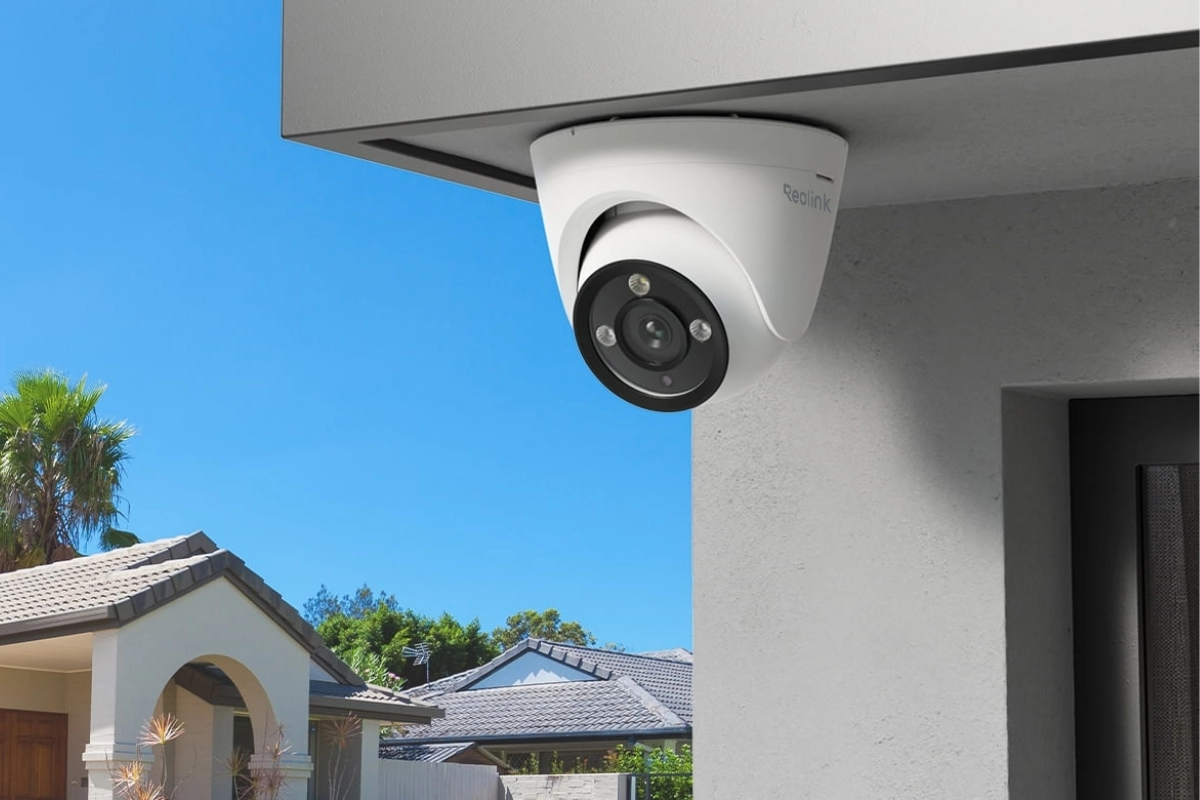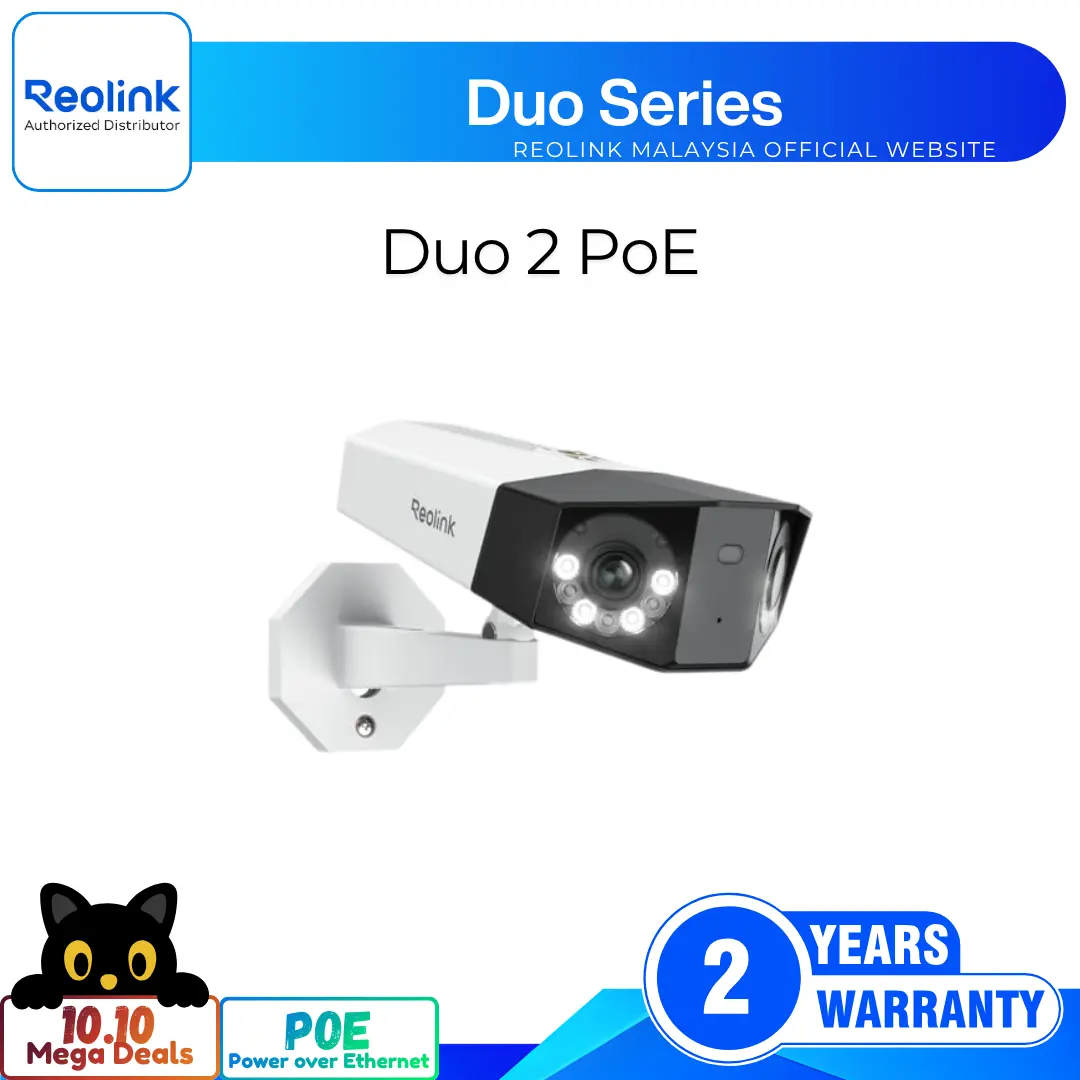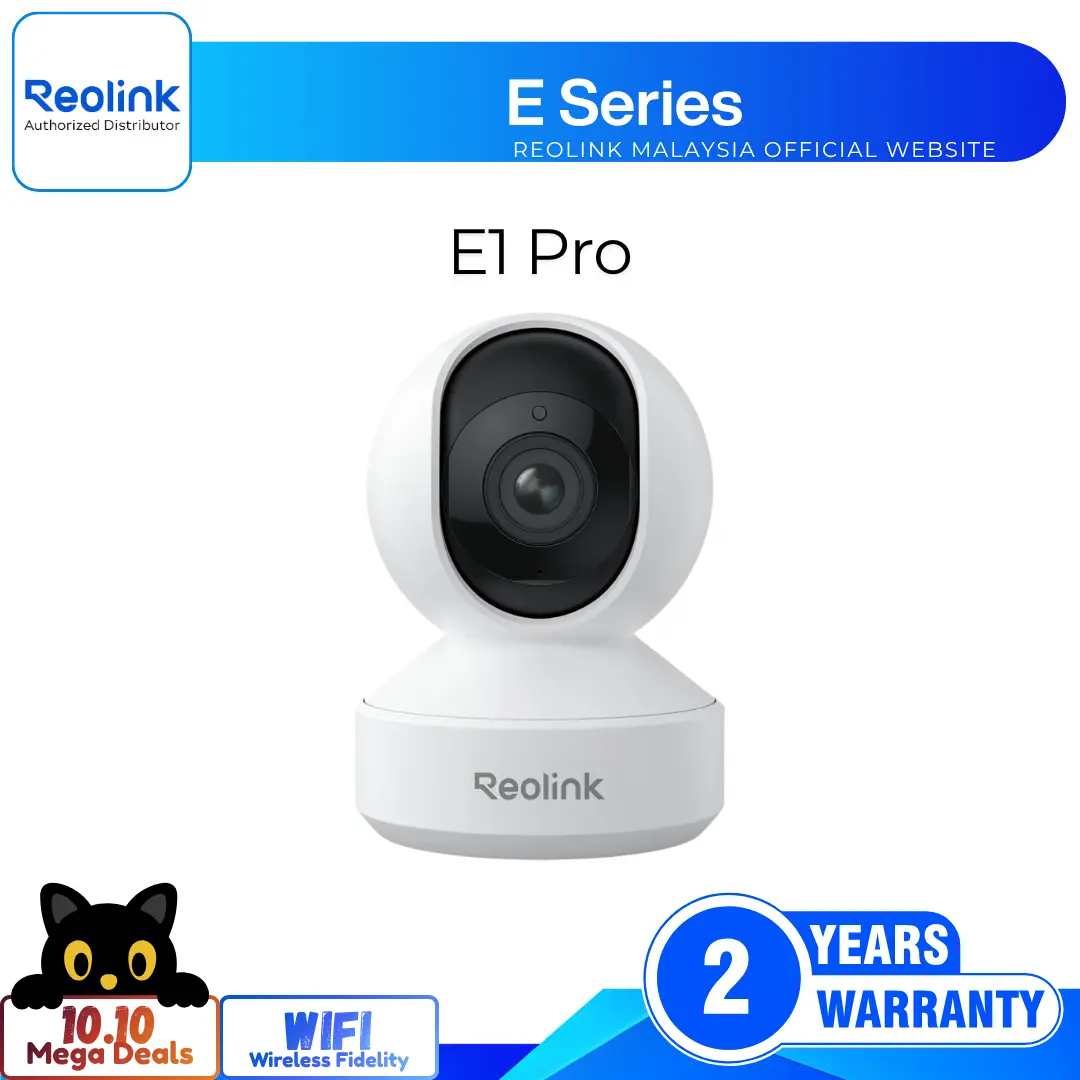
Smart 4K 8MP PoE Turret Camera with 3x Optical Zoom
4K 8MP Ultra HD Resolution for Clarity
3× Optical Zoom for Detailed Close-Ups
Color Night Vision with Built-In Spotlights
Smart Person, Vehicle, and Pet Detection
Power Over Ethernet for Easy Wired Setup
Two-Way Audio with Built-In Security Siren
RM699.00–RM1,449.00Price range: RM699.00 through RM1,449.00
Reolink RLC-833A
RLC-833A Video
4 Videos
Others Video
Disclaimer: The videos are intended for reference purposes only and are not guaranteed to be 100% accurate. Please refer to the actual product or contact us for verification.
What video resolution and frame rate does the Reolink RLC-833A support?
A: The Reolink RLC-833A delivers 4K Ultra HD video at 3840x2160 resolution (8 Megapixels) at up to 25 frames per second (fps). The mainstream frame rate is adjustable from 2 fps to 25 fps (Default: 25 fps), while the substream runs between 4 fps and 15 fps (Default: 10 fps).
What type of optical zoom lens does the camera have?
A: The camera is equipped with a 3X motorized optical zoom varifocal lens with a focal length of f = 2.8 mm to 8 mm and a maximum aperture of F1.6. It allows you to zoom in on specific areas to view fine details without losing 4K resolution.
What is the Field of View (FOV) at minimum and maximum zoom?
A: Because of the motorized 3X varifocal lens, the field of view varies as follows:
Horizontal FOV: 94 degrees (Wide angle) to 50 degrees (Telephoto)
Vertical FOV: 53 degrees (Wide angle) to 30 degrees (Telephoto)
Which video compression codecs and bitrates does the camera use?
A: The camera supports both H.265 and H.264 video compression formats. The mainstream bitrate can be configured from 4096 Kbps to 8192 Kbps (Default: 6144 Kbps), and the substream ranges from 64 Kbps to 512 Kbps (Default: 256 Kbps).
Does the camera feature motorized pan and tilt (PTZ)?
A: No. The RLC-833A has a motorized 3X optical zoom lens, but pan and tilt adjustments are done manually during installation. You can manually adjust the turret body 360 degrees horizontally and 90 degrees vertically to aim at your desired monitoring area.
Night Vision, Audio & Smart Deterrence
How far does the infrared (IR) night vision reach?
A: The camera provides black-and-white infrared night vision up to 30 meters (100 feet). It uses 2 high-power 850nm IR LEDs (28mil) paired with an automatic IR-cut filter.
Does the RLC-833A support full-color night vision?
A: Yes. The camera features a built-in 4.7W spotlight producing 700 lumens with a 6500K daylight color temperature. When the spotlight turns on in low-light conditions, it delivers full-color night vision.
Does the camera support two-way audio?
A: Yes. The RLC-833A has both a built-in noise-canceling microphone and a built-in high-output speaker, allowing you to listen in and speak in real time through the Reolink App or Client.
Can the spotlight and siren trigger automatically upon motion detection?
A: Yes. You can configure the spotlight and the built-in audio siren alarm to trigger automatically when a person, vehicle, or pet is detected to actively deter intruders.
How does the daylight sensor control night vision modes?
A: The integrated daylight sensor monitors ambient light levels. When light drops below the threshold, it automatically engages the IR-cut filter to switch between daytime color mode, IR black-and-white night vision, or spotlight-assisted color night vision.
AI Smart Detection & Recording Modes
What smart AI detection features are built into the camera?
A: The RLC-833A features on-device AI algorithms that distinguish between:
Person Detection
Vehicle Detection
Pet / Animal Detection
General Motion Detection
What recording modes can be configured on the camera?
A: The camera supports three recording modes:
Motion / AI-Triggered Recording
24/7 Continuous Recording
Scheduled / Timer Recording
Does the RLC-833A support Time-Lapse video recording?
A: Yes. You can create customizable Time-Lapse videos directly via the Reolink App or Client to capture long-term events like sunrises, construction projects, or garden growth.
Can I set up motion detection zones and privacy masks?
A: Yes. Through the Reolink software, you can draw customized Motion Zones to ignore busy public streets, and define Privacy Mask blocks to obscure sensitive private areas from the video feed.
What push notifications and alert methods are available?
A: When an alarm event is triggered, the camera can send:
Instant push notifications to your mobile phone
Email alerts with snapshot images or short video clips
Audio siren alarms on the camera speaker
Automatic FTP video/image uploads
Power, Connectivity & Network Protocols
How is the Reolink RLC-833A powered?
A: The camera supports two power options:
Power over Ethernet (PoE): Standard IEEE 802.3af (48V active PoE).
DC Power Adapter: DC 12.0V 1A power supply (Power consumption is under 12W).
What network connector and speed does the camera feature?
A: The camera has one RJ45 10M/100Mbps Ethernet port on its tail cable, supplied with an outdoor waterproof lid to protect the connection from moisture and dirt.
Which network protocols and standards are supported?
How many simultaneous video streams and user accounts are supported?
A: The camera supports up to 20 user accounts (1 administrator account and 19 user accounts) and up to 12 simultaneous live video streams (2 mainstreams and 10 substreams).
Can the RLC-833A integrate with third-party systems and smart assistants?
A: Yes. With ONVIF and RTSP support, the camera works seamlessly with Synology Surveillance Station, QNAP, Blue Iris, and Home Assistant. It also natively supports Google Assistant for streaming live feeds to smart displays.
Storage Options & Software Compatibility
What storage methods can be used to store video footage?
A: You can store footage across three primary destinations:
Local MicroSD card (Installed directly into the camera)
Reolink NVR (Network Video Recorder) for multi-channel centralized recording
Remote NAS or FTP server
What is the maximum MicroSD card capacity supported?
A: The camera's onboard MicroSD card slot supports cards up to 512GB (FAT32/exFAT format, Class 10 or higher recommended).
Where is the MicroSD card slot located on the camera?
A: The MicroSD card slot is hidden on the sphere behind the camera lens. To access it, rotate the lens ball upward to reveal the protective waterproof cover, unscrew the cover screws, and insert the card.
Which operating systems and apps are compatible with the RLC-833A?
A:
Computers: Reolink Client software for Windows PC and macOS
Mobile Devices: Reolink App for iOS and Android
Web Browsers: Direct web interface access via Google Chrome, Mozilla Firefox, Microsoft Edge, and Apple Safari
Can the camera work standalone without an NVR or Internet?
A: Yes. The camera can operate as an independent standalone device powered by a PoE injector or DC 12V adapter with recordings saved to a MicroSD card. An internet connection is only required for remote mobile access and push notifications outside your local network.
Hardware, Installation & Maintenance
What are the physical dimensions and weight of the RLC-833A?
A:
Dimensions: Diameter 117.4 mm x Height 103.8 mm (Turret / Dome form factor)
Weight: Approximately 510 grams (1.12 lbs)
Construction: Heavy-duty metal aluminum casing
What is the weatherproof rating and working temperature range?
A:
Weatherproof Rating: IP67 certified dust-tight and waterproof (Suitable for harsh outdoor installations).
Operating Temperature: -10°C to +50°C (14°F to 122°F).
Operating Humidity: 10% to 90% non-condensing.
How is the RLC-833A mounted to a ceiling or wall?
A:
Hold and press the camera top and turn it counterclockwise to separate the mounting plate.
Use the mounting template to drill holes and screw the mounting plate to the ceiling or wall.
Align the camera with the mounting plate and rotate clockwise until the alignment marks lock together.
Manually rotate the camera eyeball to aim in the desired direction.
Where is the camera reset button located and how do you reset it?
A: The reset button is located on the pigtail tail cable (Separate waterproof cap). To factory reset, press and hold the reset button for about 10 seconds while the camera is powered on until you hear a prompt tone or the camera restarts.
What items are included in the standard retail box?
Reviews
There are no reviews yet