Smart 1080p Wi-Fi Outdoor Camera with PIR Motion Detection
1080p Full HD Resolution for Clear Video
Color Night Vision with Built-In Spotlight
PIR and Motion Detection Trigger Alerts
Two-Way Audio for Real-Time Talk
2.4GHz WiFi Stable Wireless Connection
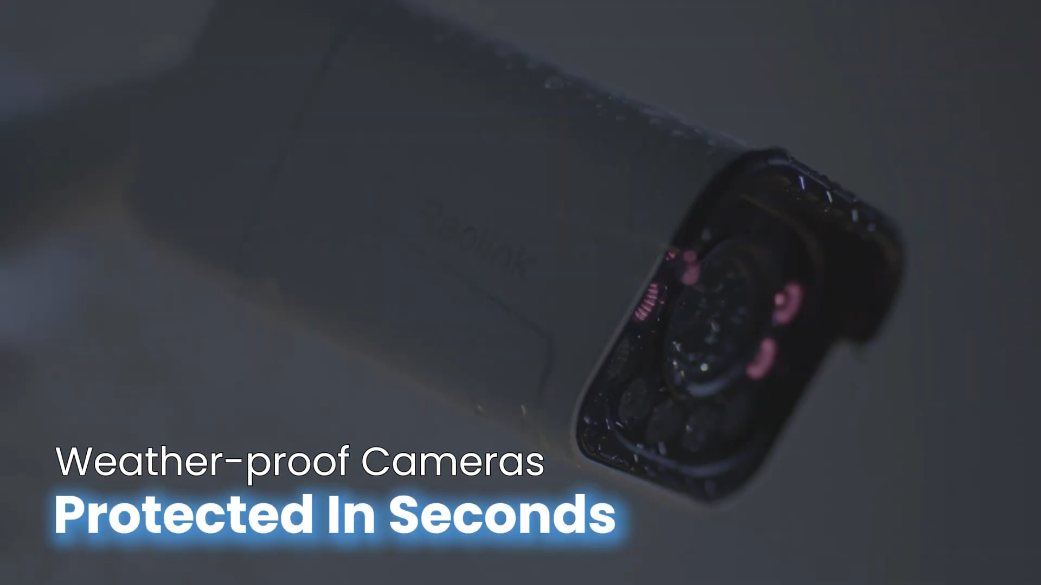
IP65 Weatherproof Rating for Outdoor Use
RM179.00–RM399.00Price range: RM179.00 through RM399.00
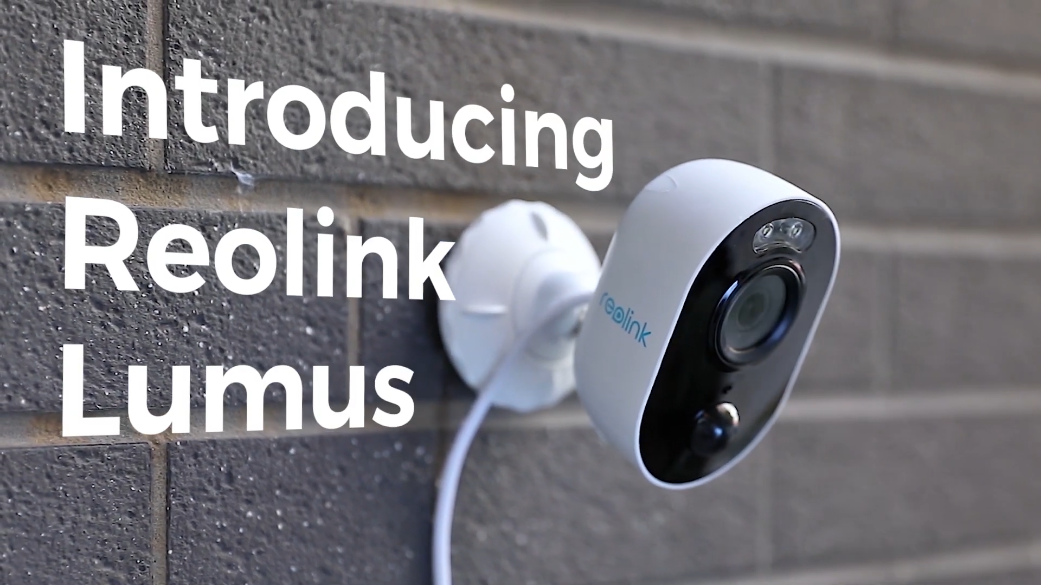
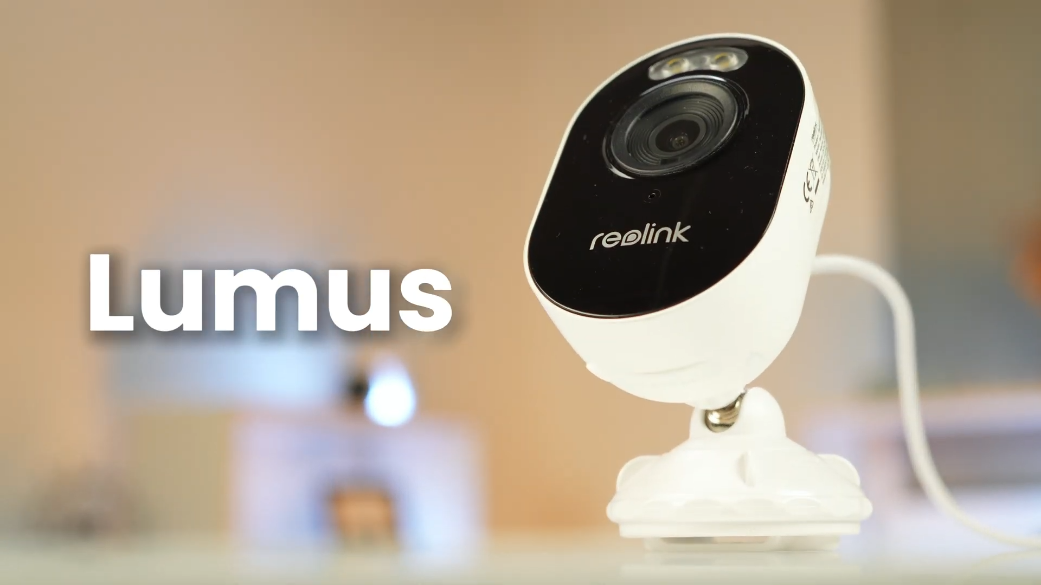
Reolink Lumus
Lumus Video
7 Videos
Others Video
Disclaimer: The videos are intended for reference purposes only and are not guaranteed to be 100% accurate. Please refer to the actual product or contact us for verification.
What is the Reolink Lumus camera and how does it function?
A: The Reolink Lumus is a compact, plug-in outdoor 1080p Full HD WiFi security camera equipped with a motion-triggered LED spotlight. It provides 24/7 continuous or motion-triggered video surveillance, color night vision, two-way audio, and active deterrence capabilities for home and outdoor monitoring.
What are the key features of the Reolink Lumus?
A: Key features include:
1080p Full HD Resolution (1920 x 1080 pixels at 15fps)
Integrated Motion-Triggered LED Spotlight for color night vision
Hybrid Motion Detection combining a PIR thermal sensor with pixel motion detection
Two-Way Audio with a built-in microphone and high-output speaker
IP65 Weatherproof Housing for outdoor installation
Local Storage Support via MicroSD card (Up to 128GB) and 24/7 continuous recording
What items are included in the package box when purchasing the Reolink Lumus?
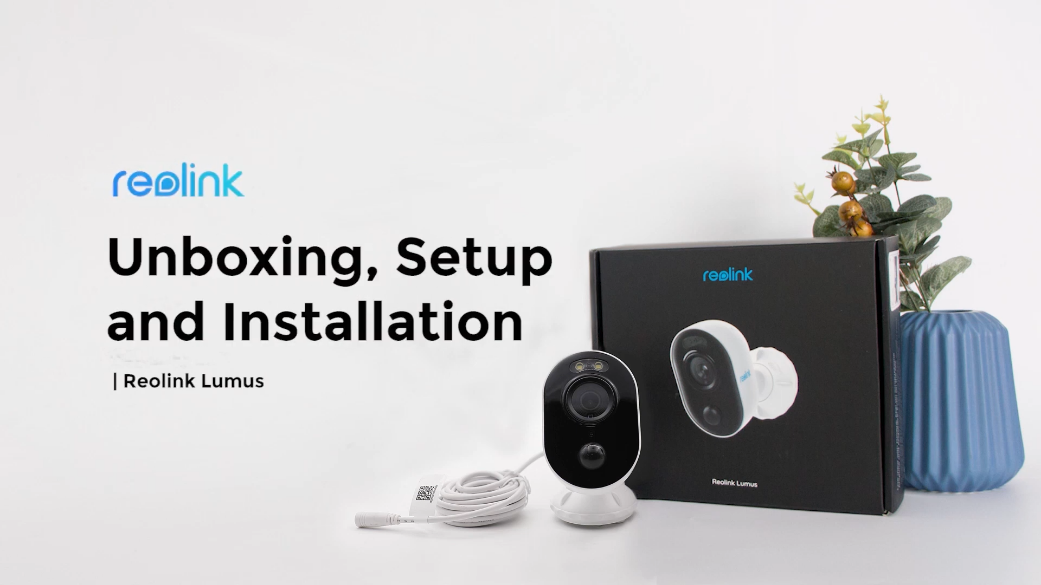
A: The standard package includes:
Reolink Lumus Camera
Camera Mounting Bracket
DC 5V Power Adapter
Mounting Hole Template
Pack of Screws and Wall Anchors
Reset Needle
24/7 Surveillance Warning Sticker
Quick Start Guide / Operational Instructions
What are the physical dimensions, weight, and weather resistance rating of the unit?
A:
Dimensions: 99 mm length x 91 mm height x 60 mm width
Weight: Approximately 185 grams
Weather Resistance: Certified IP65 weatherproof rating, making it resistant to heavy rain, snow, and dust ingress. The operating temperature ranges from -10°C to +55°C (14°F to 131°F).
What warranty coverage and smart home integrations does the Reolink Lumus support?
A: The camera comes with a 2-year limited warranty backed by official Reolink technical support. It is fully compatible with Google Assistant and Amazon Alexa, allowing users to view live video streams on smart display devices using voice commands.
Video Resolution, Night Vision & Two-Way Audio
What video resolution, frame rate, and field of view does the camera support?
A:
Video Resolution: 1080p Full HD (1920 x 1080 pixels).
Frame Rate: Up to 15 frames per second (15fps).
Video Compression: H.264.
Field of View: 100 degrees horizontal viewing angle and 54 degrees vertical viewing angle.
How does the spotlight feature work for Color Night Vision?
A: The camera features a built-in 1.6W LED spotlight (Producing 180 Lumens at a 6500K color temperature). When dark, the spotlight turns on automatically upon motion detection or manually via the Reolink App to illuminate the area in full color, capturing vivid nighttime video.
What are the specifications for Infrared (IR) Night Vision?
A: For black-and-white viewing in complete darkness without turning on the spotlight, the camera uses 6 built-in 850nm IR LEDs with an auto-switching IR-cut filter, providing visibility up to 10 meters (33 feet).
Does the Reolink Lumus support two-way audio communication?
A: Yes, the device features an integrated microphone and a built-in speaker, allowing users to engage in real-time two-way voice conversations with visitors or intruders through the Reolink App or Client software.
Can you record Time Lapse videos with the Reolink Lumus?
A: Yes, the camera supports a Time Lapse feature accessible in the Reolink App, enabling long events (Such as yard work, construction, or sunsets) to be compressed into short, playable video clips.
How does motion detection work on the Reolink Lumus?
A: The camera uses a hybrid detection technology combining a Passive Infrared (PIR) thermal sensor with image-processing pixel motion detection. This dual-sensing method significantly increases detection accuracy and reduces false alerts.
What type of motion sensor is built into the camera?
A: The built-in PIR motion sensor detects body heat signatures from humans and animals across a 100-degree horizontal detection angle at distances up to 7 meters (23 feet).
How can the spotlight and siren be used as active deterrents?
A: When movement is detected, the camera can automatically activate its 180-lumen spotlight to illuminate trespassers and sound a loud customizable audio siren or voice alert to deter intruders from your property.
What alert notification options are available when motion is detected?
A: Upon target detection, the camera can trigger:
Push Notifications sent directly to your smartphone via the Reolink App.
Email Alerts with attached image snapshots or video clips.
Local Audio Siren played through the camera speaker.
How can false motion alarms be reduced or minimized?
A: To minimize false triggers:
Adjust PIR thermal sensitivity and motion detection zones in the Reolink App.
Avoid facing the camera lens toward direct sunlight, reflective water surfaces, or mirrors.
Avoid placing the camera near heating vents, air conditioners, or moving tree branches.
WiFi Networking, Connectivity & Compatibility
Which WiFi frequency bands and wireless standards does the camera support?
A: The Reolink Lumus operates exclusively on the 2.4 GHz wireless frequency band under IEEE 802.11 b/g/n standards with WPA-PSK and WPA2-PSK security encryption protocols. It does not support 5 GHz WiFi networks.
Is the Reolink Lumus battery-operated or hardwired?
A: The Reolink Lumus is a plug-in DC-powered camera. It is powered by an included DC 5V, 2A power adapter connected to its fixed power cable. It is not battery-operated and does not support Power over Ethernet (PoE).
Which mobile apps and computer software can control the camera?
A:
Computers: Official Reolink Client software for Windows PC and Mac OS.
Mobile Devices: Official Reolink App for iOS and Android smartphones and tablets.
Can you access the Reolink Lumus through web browsers?
A: Web browser viewing is unsupported on the Reolink Lumus. Live view, playback, and system configurations are managed through the official Reolink App or Reolink Client software.
How many simultaneous users and live video streams are supported?
A:
User Accounts: Up to 20 user accounts (1 Admin account and 19 User accounts).
Simultaneous Streams: Up to 12 simultaneous video streams (2 Main Streams and 10 Sub Streams).
Onboard Local Storage, Cloud Options & Hardware Features
What local storage capacity does the Reolink Lumus support?
A: The camera contains a MicroSD card slot located on the underside of the housing that supports microSD cards with storage capacities up to 128GB.
Does the Reolink Lumus support 24/7 continuous recording?
A: Yes. Unlike battery-powered cameras, the plug-in Reolink Lumus supports 24/7 continuous recording, scheduled recording, and motion-triggered event recording saved directly to an onboard MicroSD card, a Reolink NVR, or an FTP server.
Is Reolink Cloud storage supported on this model?
A: Yes, the Reolink Lumus supports Reolink Cloud storage in eligible countries, allowing motion event clips to be backed up off-site automatically.
Where are the physical hardware ports, slots, and reset button located?
A:
Front Face: Spotlight, Status LED, 6 IR LEDs, Lens, Daylight Sensor, Built-In Microphone, and PIR Motion Sensor.
Bottom Body Flap: MicroSD Card Slot and Reset Button (Protected under a weather-sealed rubber cover).
Rear Body: Built-In Speaker, Fixed Power Cable, and Mounting Thread Socket.
Can the Reolink Lumus be connected to a Reolink NVR?
A: Yes, the Reolink Lumus can record continuously over the local network to a Reolink NVR (Network Video Recorder) for centralized surveillance storage.
Setup, Installation & Troubleshooting Guide
How do you perform initial setup for the Reolink Lumus using the Reolink App?
A:
Connect the camera to power using the included DC 5V 2A power adapter.
Open the Reolink App on your smartphone and tap the "+" button in the top right corner.
Scan the QR code located on the camera housing or manually enter the 16-character UID.
Select "WiFi Not Configured", choose your 2.4GHz WiFi network, and enter the password.
Hold your phone screen showing the generated QR code in front of the camera lens (Distance of about 20 cm / 8 inches) until you hear a beep.
Create an admin password, name the device, and complete initial setup.
How do you mount the Reolink Lumus onto a wall or surface?
A:
Separate the bracket parts by turning the locking ring counterclockwise.
Drill holes into the surface using the mounting hole template and insert drywall anchors if mounting on masonry.
Fasten the bracket base to the surface using the provided mounting screws.
Thread the camera body onto the bracket stem, adjust the lens angle toward your target area, and tighten the bracket ring clockwise to lock the camera position.
What do the different Status LED light colors indicate?
A:
Solid Blue: Camera is booting up or WiFi network connection succeeded.
Blinking Blue: WiFi is not configured or WiFi network connection failed.
How do you perform a factory reset on the Reolink Lumus?
A: Open the rubber protective flap on the bottom of the camera housing to reveal the reset button. While the device is powered on, insert the included reset needle into the reset hole, press and hold the reset button for 5 seconds until you hear an audio prompt, then release it.
What troubleshooting steps should be taken if the camera fails to connect to WiFi or image quality is blurry?
A:
WiFi Failure: Ensure you are connecting to a 2.4GHz WiFi network (5GHz is unsupported) and verify your password. Place the camera closer to the router during initial pairing.
Blurry Image: Gently clean the glass lens and front cover with a soft microfiber cloth to remove dirt, cobwebs, or fingerprints. Ensure no protective shipping film remains on the lens.





Reviews
There are no reviews yet