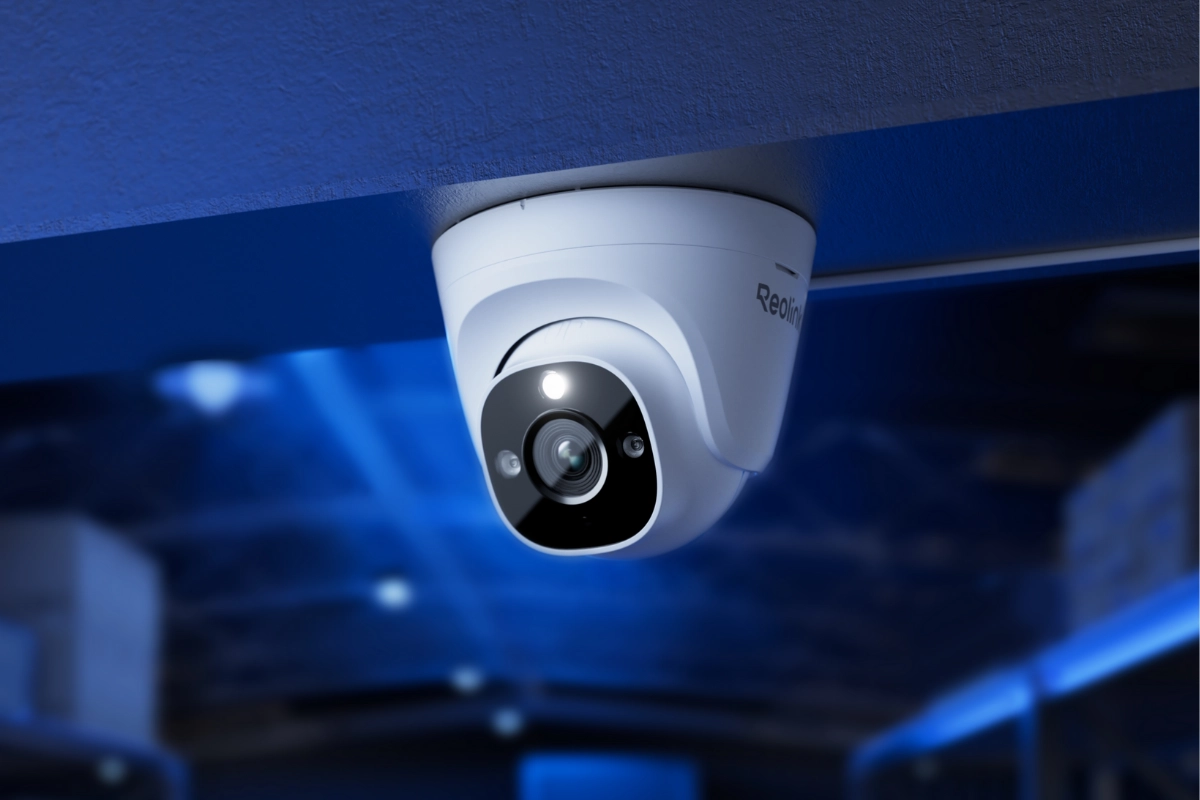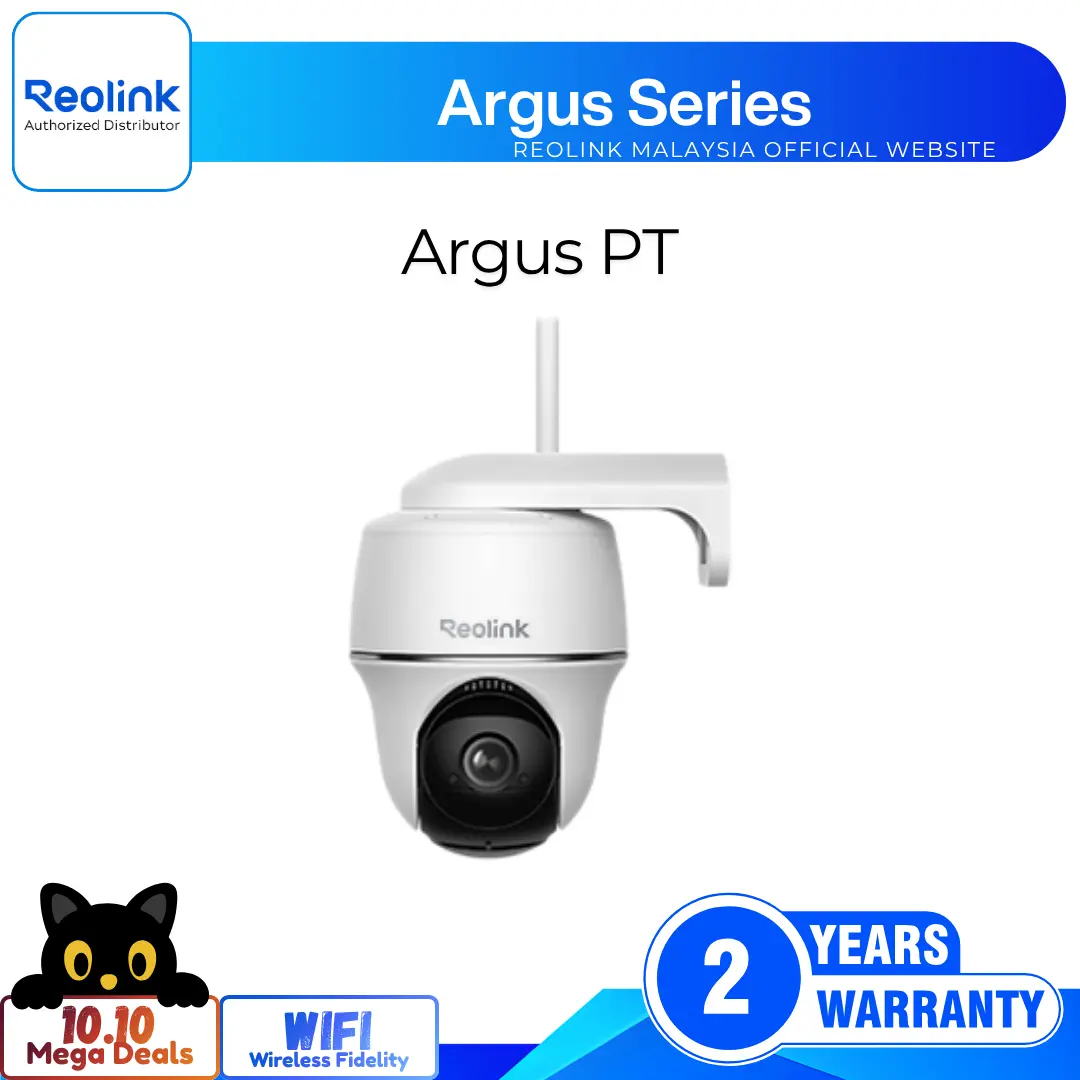
Smart 4K 8MP Professional PoE Turret with 125° Ultra-Wide View
4K 8MP Ultra HD Resolution for Clarity
Color Night Vision with Built-In Spotlight
Smart Person, Vehicle, and Animal Detection
Power Over Ethernet for Easy Wired Setup
Built-In Microphone for Clear Audio Recording
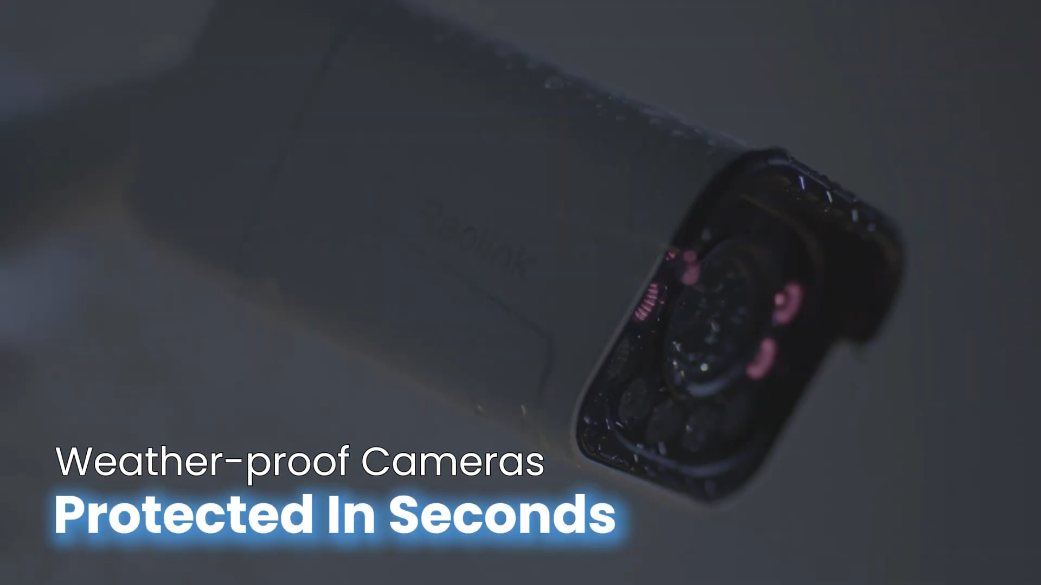
Rugged IP67 Weatherproof Turret Housing Design
RM599.00–RM1,349.00Price range: RM599.00 through RM1,349.00
Reolink RP-PCT8M
RP-PCT8M Video
7 Videos
Professional Series Video
Others Video
Disclaimer: The videos are intended for reference purposes only and are not guaranteed to be 100% accurate. Please refer to the actual product or contact us for verification.
What video resolution and frame rate does the Reolink RP-PCT8M deliver?
A: The Reolink RP-PCT8M delivers 4K Ultra HD video at 3840x2160 resolution (8 Megapixels) at up to 25 frames per second (fps). The mainstream frame rate is adjustable from 2 fps to 25 fps (Default is 25 fps), while the substream runs between 4 fps and 15 fps (Default is 10 fps).
What type of lens and field of view (FOV) does the camera feature?
A: The camera is equipped with a 1/2.7-inch CMOS image sensor and a fixed f=2.8mm / F1.6 wide-angle lens. It provides an expansive 125-degree diagonal field of view, covering 105 degrees horizontally and 56 degrees vertically to minimize blind spots across residential, commercial, or retail environments.
Which video compression codecs and bitrates are supported?
A: The RP-PCT8M supports dual video compression standards: advanced H.265 (HEVC) and standard H.264. The mainstream bitrate is configurable from 2048 Kbps to 9216 Kbps (Default is 7168 Kbps), while the substream bitrate ranges from 64 Kbps to 512 Kbps (Default is 256 Kbps).
Does the RP-PCT8M support optical zoom or motorized pan/tilt (PTZ)?
A: No. The RP-PCT8M is a fixed-focal turret camera featuring a fixed 2.8mm lens (Optical zoom is N/A). It does not have motorized pan, tilt, or zoom mechanisms. You manually rotate and angle the camera eyeball during installation to point at your intended surveillance zone, though high-definition digital zoom can be performed via the Reolink App or Client.
What is the advantage of the F1.6 aperture on this model?
A: The large F1.6 aperture allows significantly more ambient light to enter the sensor compared to standard F2.0 lenses. This enhances low-light sensitivity, producing brighter images in shadow areas during the day and cleaner, more vibrant full-color night vision when illuminated.
Night Vision, Spotlights & Active Deterrence
How far does the infrared (IR) night vision reach on the RP-PCT8M?
A: The camera provides black-and-white infrared night vision up to 30 meters (100 feet). It uses 2 high-efficiency 850nm IR LEDs paired with an automatic IR-cut filter that transitions smoothly between day and night modes based on ambient light levels.
What are the specifications of the built-in spotlight?
A: The camera features 1 high-output integrated spotlight producing 700 lumens of light at a 6500K daylight color temperature. When activated in low-light conditions, it enables clear, vibrant full-color night vision.
What lighting modes are available for the spotlight?
A: You can configure the spotlight into three distinct operating modes through the Reolink App or Client:
Always On: Automatically turns on at dusk and stays illuminated throughout the night.
Alarm-Triggered: Remains off during standby (Utilizing covert IR night vision) and turns on or flashes only when a person, vehicle, animal, or motion is detected.
Manually Off: Disables the spotlight completely, allowing the camera to operate exclusively in black-and-white infrared night vision.
Does the RP-PCT8M support two-way audio communication?
A: Yes. The camera features a built-in microphone and an integrated high-output speaker. This enables real-time interactive two-way voice conversations with visitors, delivery couriers, or potential trespassers directly through the Reolink App or Client software.
Can the camera sound an audible siren automatically during an intrusion?
A: Yes. In addition to triggering the 700-lumen spotlight, the camera's built-in speaker can broadcast a loud siren alarm or custom recorded voice message automatically when a smart detection or perimeter rule is breached, actively deterring intruders before an incident occurs.
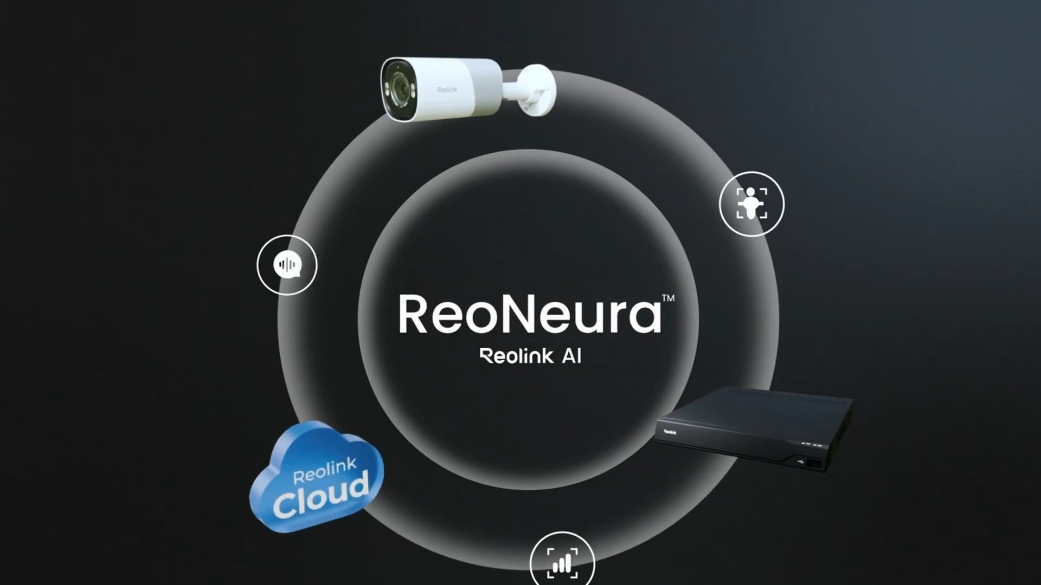
Edge AI Detection & Perimeter Protection
What smart target detection capabilities are built into the RP-PCT8M?
A: The RP-PCT8M features on-device edge AI algorithms capable of recognizing and distinguishing between:
Person Detection
Vehicle Detection
Animal / Pet Detection
General Motion Detection
What advanced Perimeter Protection analytics are supported?
A: The RP-PCT8M incorporates commercial-grade perimeter security analytics, including:
Line Crossing Alert: Flags an alarm when a target crosses a virtual boundary line drawn across a driveway, doorway, or fence.
Zone Intrusion Alert: Detects when a target enters a designated restricted perimeter zone.
Zone Loitering Alert: Triggers an alert when a target lingers within a defined zone past a user-configured duration threshold.
What abnormal smart event detection features are available on this model?
A: The camera includes beta smart event detection algorithms that identify:
Forgotten Object Detection: Alerts when an unattended package, luggage, or object is left behind in a monitored zone.
Object Removal Detection: Flags an alert when an established object (Such as inventory, tools, equipment, or vehicles) is moved or removed from a designated area.
Can detection sensitivity, object size filters, and alarm delays be customized?
A: Yes. For person, vehicle, and animal detection, you can customize minimum and maximum target size filters (To ignore tiny pets or distant background traffic), fine-tune numerical sensitivity levels, and configure alarm delay times to prevent momentary false triggers.
What recording schedules and modes can be configured on the RP-PCT8M?
A: The camera supports three flexible recording schedules:
Motion / Smart AI Event Recording (Default): Records video clips only when motion or classified AI events occur.
24/7 Continuous Recording: Uninterrupted round-the-clock recording (Best paired with a Reolink NVR or high-capacity MicroSD card).
Scheduled / Timer Recording: Records only during specific hours or days of the week designated by the user.
Power, Physical Connectivity & Network Protocols
How is the Reolink RP-PCT8M powered?
A: The camera supports two power methods:
Power over Ethernet (PoE): Conforms to IEEE 802.3af standard (48V active PoE via standard Cat5e/Cat6/Cat7 Ethernet cable).
DC Power Adapter: Powered via an external DC 12.0V 1A power supply (Total power consumption is under 12W).
What physical network interface does the camera feature?
A: The camera features one 10M/100Mbps RJ45 Ethernet port on its tail cable. It comes supplied with an outdoor waterproof connector lid to seal the cable connection against rain, snow, and moisture penetration.
Which network protocols and standards are supported?
A: The camera supports standard networking protocols: HTTPS, SSL, TCP/IP, UDP, HTTP, IPv4, UPnP, RTSP, RTMP, SMTP, NTP, DHCP, DNS, DDNS, FTP, P2P, and ONVIF.
How many user accounts and simultaneous video streams does the camera support?
A: The RP-PCT8M supports up to 20 user accounts (1 administrator account and 19 standard user accounts) and up to 12 simultaneous live video streams (2 mainstreams and 10 substreams).
Can the RP-PCT8M integrate with third-party software and smart platforms?
A: Yes. Thanks to native ONVIF and RTSP streaming support, the camera integrates smoothly with third-party VMS platforms and home automation systems such as Home Assistant, Blue Iris, Synology Surveillance Station, and QNAP. It also natively supports Google Assistant for streaming live feeds to compatible smart displays.
What storage options are available for recorded video footage?
A: The camera supports three primary storage destinations:
Local MicroSD Card: Installed directly into the camera's onboard waterproof card slot.
Reolink NVR: Centrally records multiple channels 24/7 over the local network or PoE switch.
Remote FTP / NAS Server: Automatically uploads motion clips or continuous video feeds over the network.
What is the maximum MicroSD card capacity supported, and where is the slot located?
A: The camera supports MicroSD cards up to 512GB (FAT32/exFAT format, Class 10 or higher recommended). The card slot is located on the camera eyeball sphere behind a sealed protective cover to protect against weather exposure and unauthorized tampering.
How do you initially set up the camera using the Reolink App?
A:
Connect the camera to your router's LAN port, PoE switch, or Reolink NVR using an Ethernet cable and supply power.
Open the Reolink App on your smartphone, tap the "+" button in the top right corner, and scan the QR code located on the camera body or tap Input UID/IP to manually enter the 16-character UID.
Create a secure administrator login password and assign a name to your camera.
Once initialization finishes, live viewing and smart event configuration are immediately accessible.
Which desktop operating systems and web browsers are compatible?
A:
Desktop Software: Reolink Client software for Windows PC and macOS.
Mobile OS: Reolink App for iOS (iPhone/iPad) and Android devices.
Web Browsers: Direct web interface access via Google Chrome, Microsoft Edge, Mozilla Firefox, and Apple Safari.
Can the camera operate standalone without an NVR or Internet connection?
A: Yes. The RP-PCT8M functions standalone when powered by a PoE switch/injector or 12V DC adapter, recording motion events or continuous video directly to an installed MicroSD card. An Internet connection is only required for remote mobile access, push notifications, and initial cloud registration.
What are the physical dimensions, weight, and form factor of the RP-PCT8M?
A:
Form Factor: Turret security camera
Dimensions: Diameter 117.4 mm x Height 103.8 mm
Weight: Approximately 526 grams (Camera unit without accessories)
Construction: Sturdy all-metal aluminum housing
What is the weatherproof rating and working temperature range?
A:
Weatherproof Rating: IP67 certified dust-tight and waterproof, engineered for outdoor exposure to rain, snow, and dirt.
Operating Temperature: -30 degrees Celsius to +55 degrees Celsius (-22 degrees Fahrenheit to 131 degrees Fahrenheit).
Operating Humidity: 10% to 90% non-condensing.
How do you mount and aim the camera on a ceiling or wall?
A:
Hold and press the camera top and turn it counterclockwise to separate the mounting plate from the camera base.
Place the mounting hole template on the ceiling or wall, drill holes, insert drywall anchors if needed, and screw the mounting plate securely in place.
Route the pigtail cable through the cable notch on the mount base.
Align the camera with the mounting plate and turn the camera clockwise until the two alignment marks lock tightly together.
Manually rotate and adjust the camera eyeball to achieve your desired monitoring angle.
Where is the hardware reset button located, and how do you restore factory defaults?
A: The hardware reset button is located on the pigtail tail cable (With a duplicate reset button located beside the MicroSD card slot). While the camera is powered on, press and hold the reset button for approximately 10 seconds until the camera beeps or restarts, restoring factory default settings.
What items are included in the standard retail package?
A: The standard retail package contains:
Reolink Professional Series RP-PCT8M Turret Camera
Reviews
There are no reviews yet