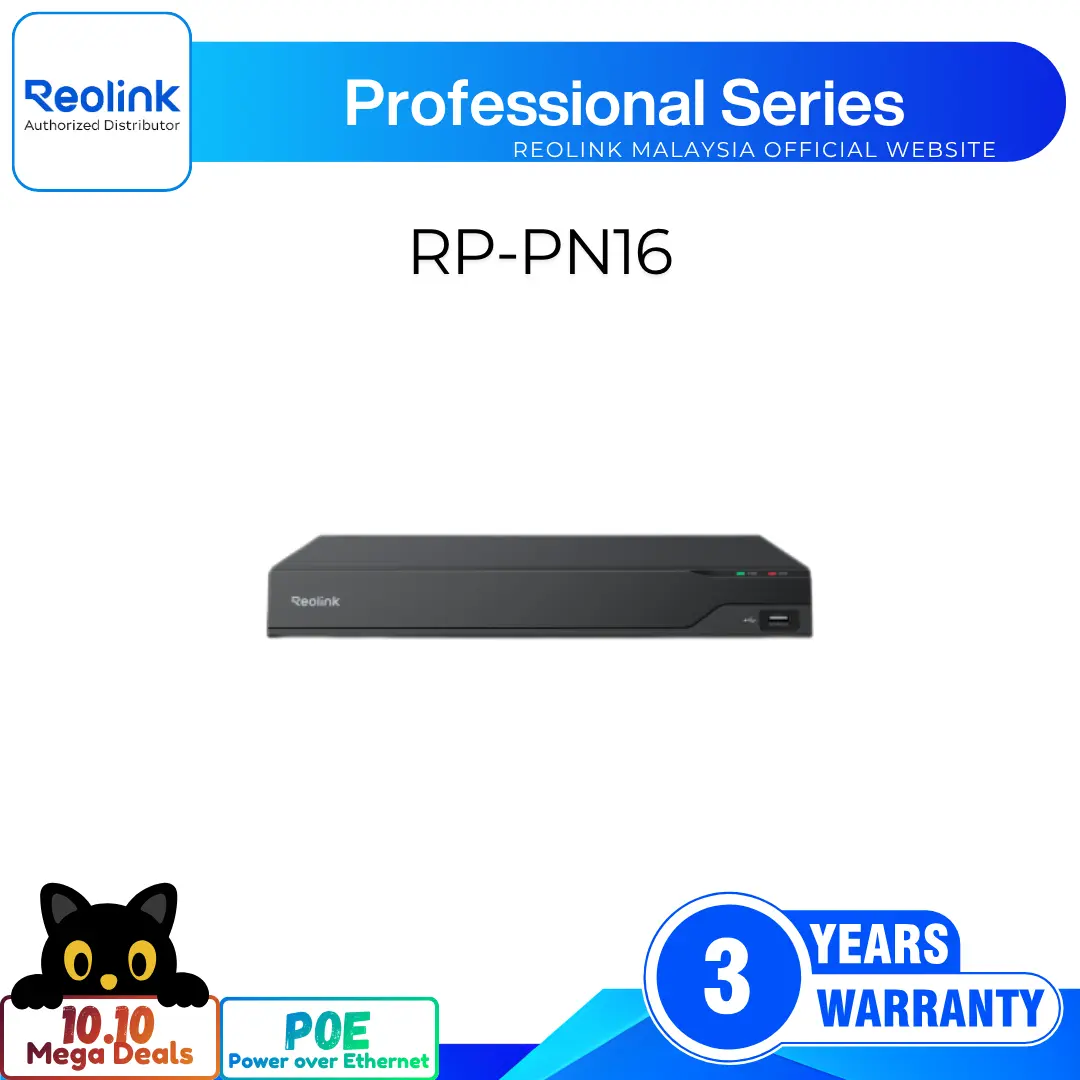
36-Channel 16MP Professional NVR with Triple 16TB HDD Support
36 Channel Capacity for Large-Scale Security Monitoring
Supports Up to 16MP Ultra-High Resolution
24/7 Continuous Recording for Uninterrupted Security
8 Alarm Inputs and 4 Alarm Outputs
4K HDMI and VGA Video Outputs
Two-Way Audio via Built-In Audio Ports
RM1,139.00–RM2,519.00Price range: RM1,139.00 through RM2,519.00
Reolink NVS36
NVS36 Video
4 Videos
Others Video
Disclaimer: The videos are intended for reference purposes only and are not guaranteed to be 100% accurate. Please refer to the actual product or contact us for verification.
System Overview, Channel Support & Camera Compatibility
What is the Reolink NVS36 and what primary role does it serve in a security system?
A: The Reolink NVS36 is a high-capacity 36-channel Network Video Recorder (NVR) designed for commercial and large-scale residential surveillance systems. It serves as a centralized hub to connect, record, and manage video feeds from up to 36 IP cameras across local network environments.
How many IP cameras can be managed by the Reolink NVS36?
A: The Reolink NVS36 supports management and recording for up to 36 total IP cameras on the same local area network (LAN).
Does the Reolink NVS36 feature built-in Power over Ethernet (PoE) ports?
A: No, the NVS36 does not have direct built-in PoE camera ports. Cameras are connected to the NVR over the local network via external PoE switches or network routers.
What maximum camera decoding resolutions are supported by the Reolink NVS36?
A: The Reolink NVS36 supports high-resolution IP cameras up to 16 Megapixels (16MP UHD). Supported decoding and live view resolutions include 16MP (7680x2160), 12MP (4608x1728 / 4096x3072), 11MP (4512x2512), 8MP 4K (3840x2160), 6MP (2560x2560), 5MP (2560x1920), 4MP (2560x1440), 3MP (2048x1536 / 2304x1296), 1080p, and 720p.
What standard items are included in the package box when purchasing the Reolink NVS36?
A: The standard package includes the Reolink NVS36 NVR unit, a DC 12V 5.4A power adapter, an HDMI cable, a USB optical mouse, a 1-meter Ethernet cable, internal SATA HDD cables with mounting screws, and a quick start operational guide.
Hard Drive Storage, Installation & Recording Modes
What hard drive specifications and maximum total storage capacity does the NVS36 support?
A: The NVS36 features 3 internal SATA drive bays supporting 3.5-inch or 2.5-inch internal SATA I, II, or III surveillance-grade hard drives. Each SATA slot supports a capacity of up to 16TB, providing a maximum total system capacity of 48TB (16TB x 3).
How do you install internal SATA hard drives into the NVS36 NVR chassis?
A:
Power off the NVS36 NVR unit and unplug the DC power adapter.
Remove the casing screws on the side and rear panels of the metal chassis and slide off the top cover.
Connect the provided SATA power and data cables from the motherboard to your SATA hard drive(s).
Align the hard drive mounting holes with the screw slots on the bottom plate of the casing and secure them using the provided HDD mounting screws.
Replace the chassis top cover, tighten the screws, plug in power, and format the drive(s) via the connected monitor screen menu or Reolink software.
What video recording modes does the Reolink NVS36 support?
A: The Reolink NVS36 supports three primary local recording modes:
24/7 Continuous Recording (Default mode, non-stop recording to installed SATA HDDs)
Motion & AI-Triggered Event Recording (Records when motion, person, or vehicle targets are detected)
Scheduled Recording (Customizable time windows and days per camera channel)
Does the Reolink NVS36 require an active internet connection to record video locally?
A: No. The NVS36 functions as an independent, standalone local security vault. Connected IP cameras stream and record directly to your internal hard drives 24/7 over the local network without requiring active internet access. An internet connection is only needed when viewing live streams or receiving notifications remotely on smartphones or computers.
How can recorded video footage be backed up or exported from the Reolink NVS36?
A: Users can export recorded event clips or historical video archives directly to a USB flash drive or external hard drive connected to the front or rear USB ports, download files remotely via the Reolink Client/App, or configure automated FTP (File Transfer Protocol) uploads to an off-site server.
How do you connect IP cameras to the Reolink NVS36 since it lacks onboard PoE ports?
A: IP cameras connect to external PoE switches or your local router. The PoE switch powers the cameras and connects to one of the 4 dedicated Gigabit RJ-45 camera network ports on the rear panel of the NVS36, allowing the NVR to discover and stream video over the local network.
What network interfaces and Ethernet ports are available on the rear panel?
4 x IP Camera LAN Ports: For direct connection to PoE switches or dedicated camera network segments.
1 x Main WAN/LAN Port: Connects directly to your primary internet router for network access and remote viewing.
What are the Alarm Input and Alarm Output channels on the NVS36 used for?
A: The rear panel features an integrated terminal block containing 8 Alarm Input channels and 4 Alarm Output channels. These physical channels allow the NVR to connect to third-party hardware such as door sensors, PIR detectors, glass break detectors, external sirens, strobe lights, or access control systems for customized physical security triggers.
What power supply adapter is required to operate the Reolink NVS36?
A: The NVS36 unit is powered by an included DC 12V, 5.4A power adapter. The standalone power consumption of the NVR unit is under 10 Watts (Excluding internal hard drive power draw).
What network protocols and security standards are supported by the system?
A: Supported network protocols include HTTP, TCP/IP, UDP, DHCP, P2P, UPnP, RTSP, RTMP, SMTP, SSL/TLS, DNS, DDNS, NTP, and FTP.
Video Output, Decoding Specifications & Two-Way Audio
What video output display options are available on the Reolink NVS36 rear panel?
A: The rear panel includes 1 HDMI port and 1 VGA port for direct connection to external TV screens or desktop display monitors.
What output display resolutions are supported via the HDMI and VGA ports?
VGA Display Resolutions: 1920x1080 (1080p), 1280x1024, 1280x720, and 1024x768.
How many channels can be played back synchronously on a connected monitor?
A: The NVS36 supports synchronous playback for 1 to 4 channels simultaneously in a split-screen grid layout. Note that when viewing channels in 8MP or higher resolution, 1-channel playback is recommended for maximum performance.
Does the Reolink NVS36 support Two-Way Audio?
A: Yes. The rear panel includes 1 RCA Audio Input port and 1 RCA Audio Output port. Combined with cameras featuring built-in microphones and speakers, users can engage in real-time two-way audio conversations through the system software or connected hardware.
What video compression formats does the Reolink NVS36 support?
A: The NVS36 supports advanced H.265 and H.264 video compression formats to optimize drive storage space and minimize local network bandwidth draw.
Remote Management, Software & User Access
Which mobile apps and computer software manage the Reolink NVS36?
A:
Computers: Official Reolink Client software for Windows PC and Mac OS.
Smartphones & Tablets: Official Reolink App for iOS and Android.
Can you access and manage the Reolink NVS36 using a web browser?
A: Yes, full system management, live view streaming, playback, and configuration settings are supported via popular desktop web browsers including Microsoft Edge, Google Chrome, Mozilla Firefox, and Apple Safari.
How many user accounts and simultaneous live streams are supported?
A:
User Accounts: Up to 20 registered user accounts (1 primary Admin account and 19 User accounts).
Simultaneous Live Streams: Supports up to 12 simultaneous video streams (2 Main Streams and 10 Sub Streams).
Does the Reolink NVS36 support instant email alerts and push notifications?
A: Yes. When connected cameras detect motion, person, vehicle, or alarm input triggers, the NVS36 can send instant push notifications to mobile devices and email alerts with attached video snapshot thumbnails.
Is the Reolink NVS36 compatible with smart home voice assistants?
A: Yes, the system supports Google Assistant integration, allowing camera feeds to be streamed to compatible smart display screens using simple voice commands.
How do you perform initial setup for the Reolink NVS36 using a monitor?
A:
Connect the USB mouse to a front or rear USB port on the NVR.
Connect an HDMI or VGA cable from the NVR to your monitor or TV.
Connect the main LAN/WAN port to your router and plug in the DC 12V 5.4A power adapter.
Flip the rear power switch to ON and follow the on-screen setup wizard to set up system language, screen resolution, time zone, format installed SATA drives, and set a secure admin password.
Where are the physical hardware ports, status LEDs, and controls located on the NVS36 chassis?
A:
Front Panel: Reolink Logo, Power LED, HDD Activity LED, Front USB 2.0 Port, and Control Navigation Panel (Directional arrows and enter buttons).
Rear Panel: Power Rocker Switch, DC 12V Power Input Jack, HDMI Port, VGA Port, RCA Audio Input Port, RCA Audio Output Port, 1 USB 2.0 Port, 1 USB 3.0 Port, 1 Main WAN/LAN Port, 4 IP Camera LAN Ports, and the 12-channel Alarm In/Out Terminal Block.
What troubleshooting steps should I take if a connected camera channel displays a "Video Loss" error?
A:
Verify that the camera and external PoE switch are powered on and functioning properly.
Check that the Ethernet cable is firmly latched into both the camera and the switch/NVR port.
Verify that the NVR, PoE switch, and IP cameras are operating on the same local network subnet.
Access Settings > Camera Management on the NVR screen or Reolink Client/App to rescan, re-add, or update the camera credentials.
What should I do if the NVS36 fails to detect an installed SATA hard drive or displays an HDD error?
A: Turn off the NVR and unplug the power supply. Open the metal chassis cover to ensure that both the SATA power cable and SATA data cable are firmly seated into the motherboard and hard drive. Verify that your drive is a compatible 3.5-inch or 2.5-inch SATA HDD (Up to 16TB capacity per slot), then access System Settings > Storage on the monitor interface or Reolink Client/App to initialize and format the drive.
How do you perform a factory reset or recover a forgotten password on the Reolink NVS36?
A:
Password Recovery: Answer the security questions configured during the initial setup wizard on the monitor, or use the Reolink App/Client password recovery tool.
Factory Reset: Access System Settings > Maintenance on the NVR monitor interface or Reolink App/Client and select Restore to Factory Default.
Reviews
There are no reviews yet