You must be logged in to post a review.
L O A D I N G
0%


Products > Security Cameras > PoE Cameras > Reolink Duo 2V PoE
4K 8MP Ultra HD Resolution for Clarity
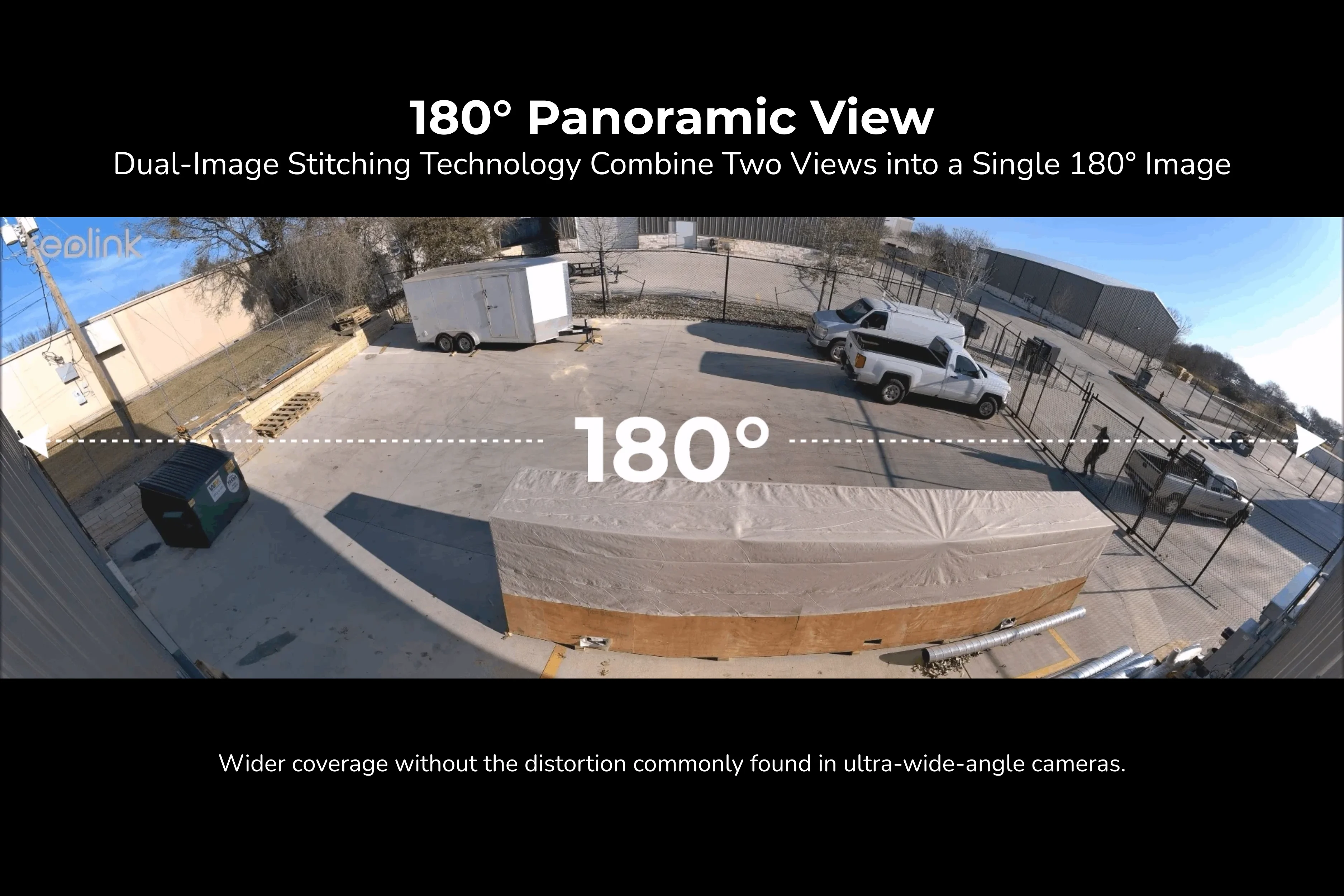
180° Dual-Lens Seamless Panoramic View
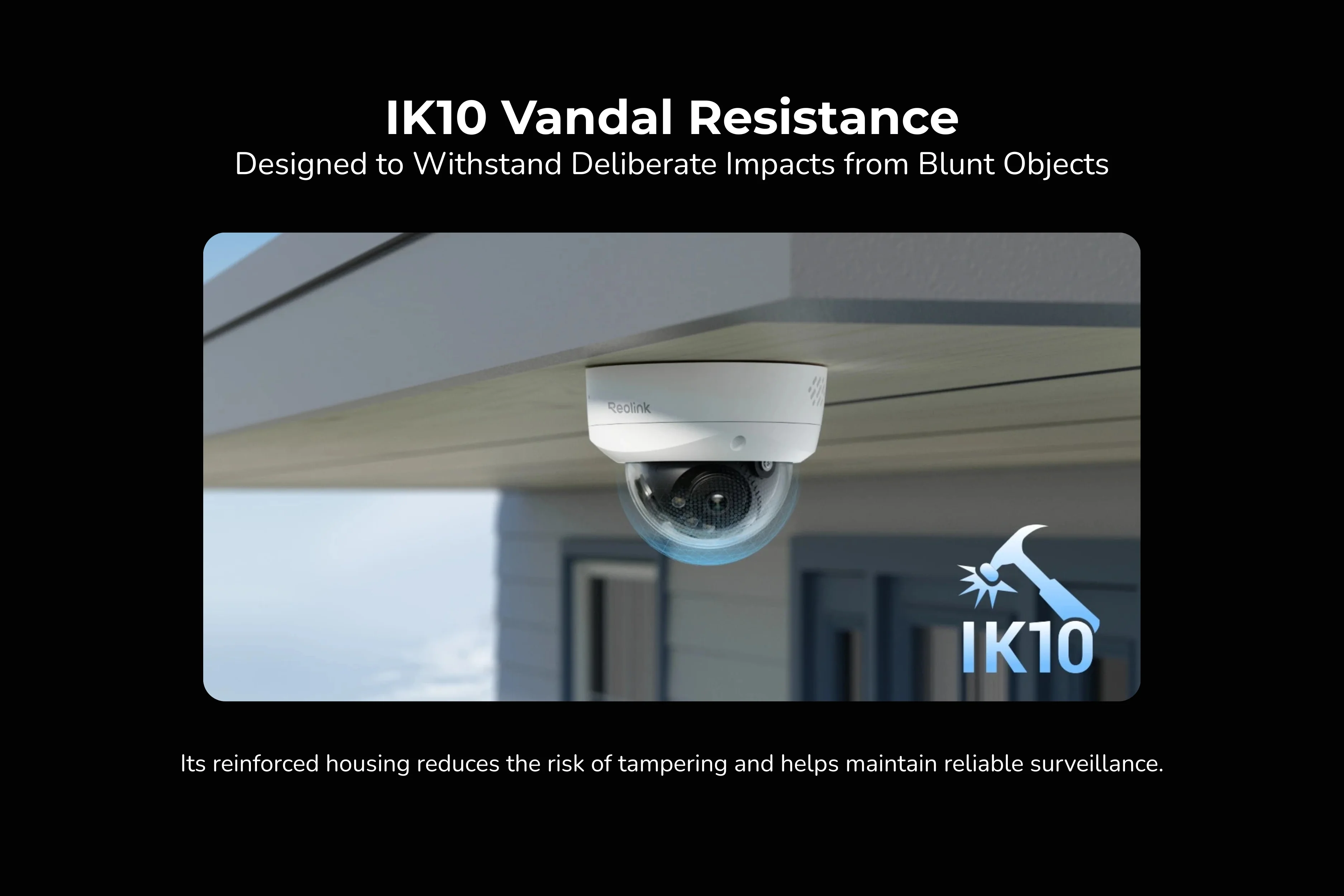
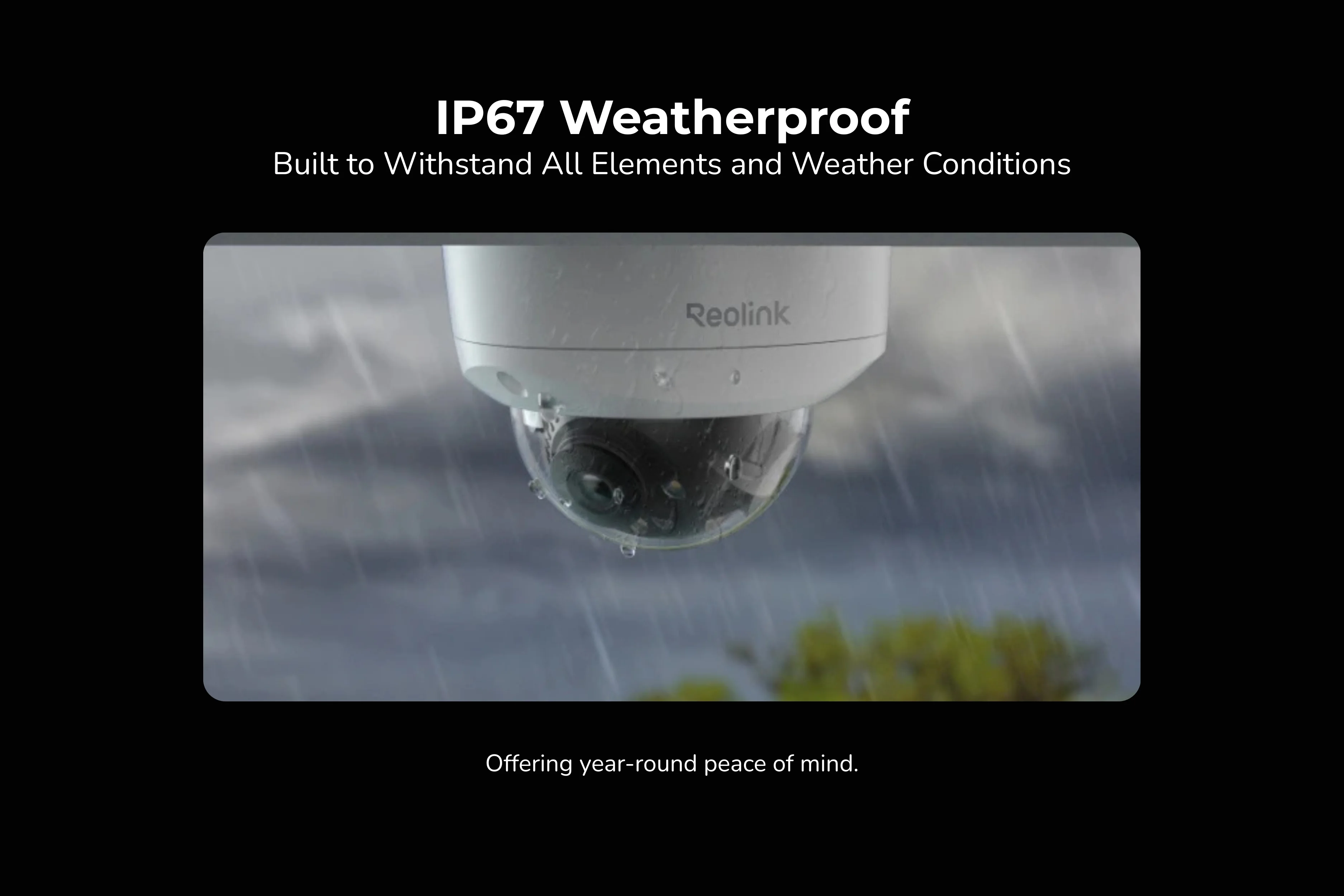
IK10 Vandal-Proof and IP67 Weatherproof Housing
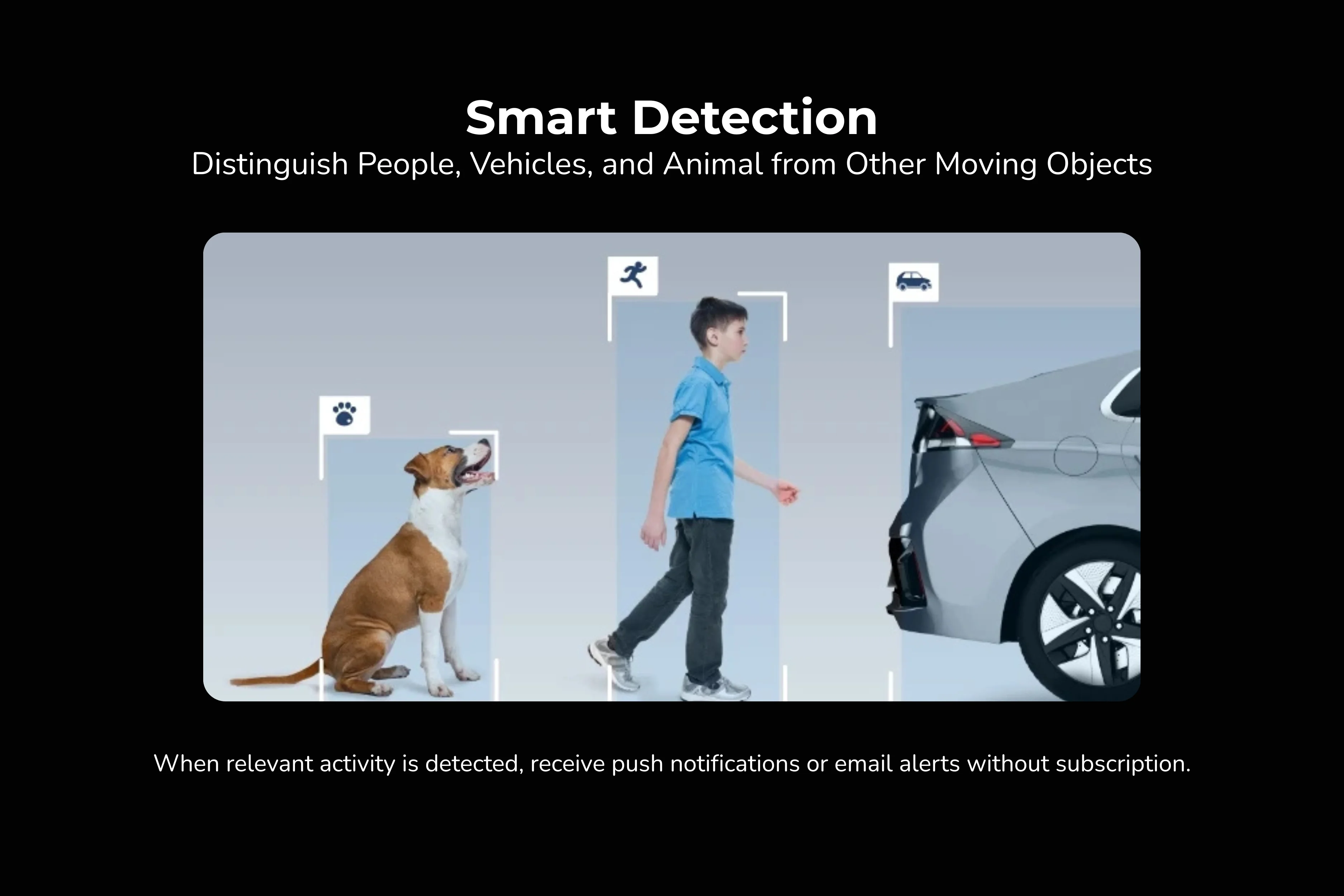
Smart Person, Vehicle, and Animal Detection
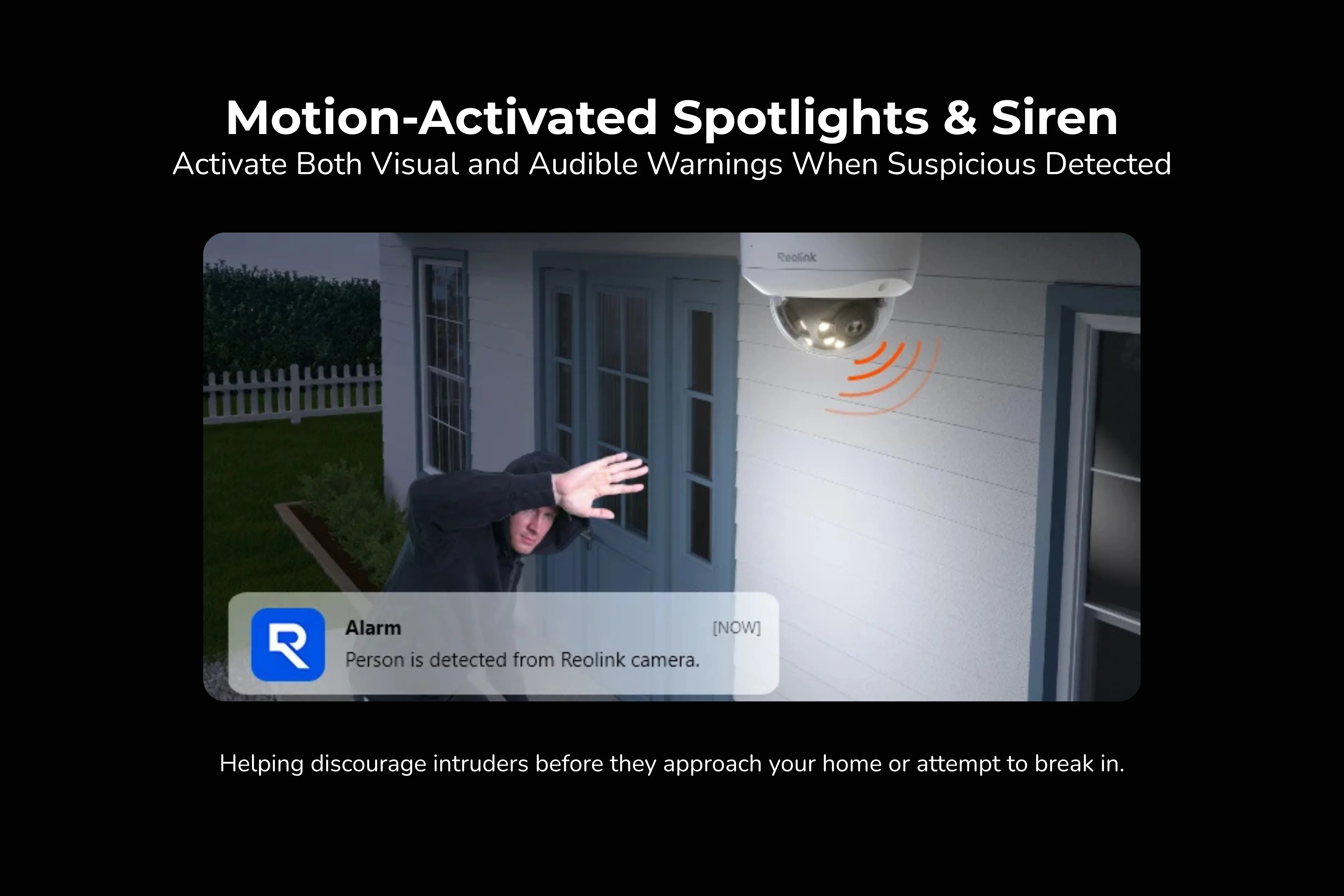
Full-Color Night Vision with Motion Spotlights
Power Over Ethernet for Easy Setup
RM685.00 – RM1,435.00Price range: RM685.00 through RM1,435.00
Disclaimer: The videos are intended for reference purposes only and are not guaranteed to be 100% accurate. Please refer to the actual product or contact us for verification.
Reolink Duo 2V PoE × 1
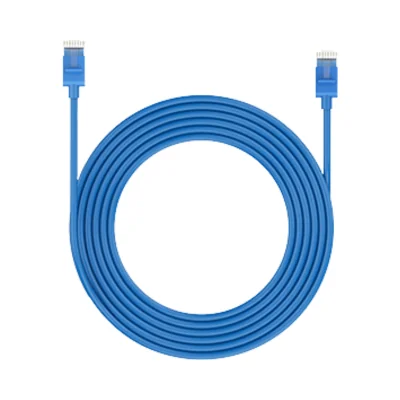
1M Ethernet Cable × 1
Quick Start Guide × 1
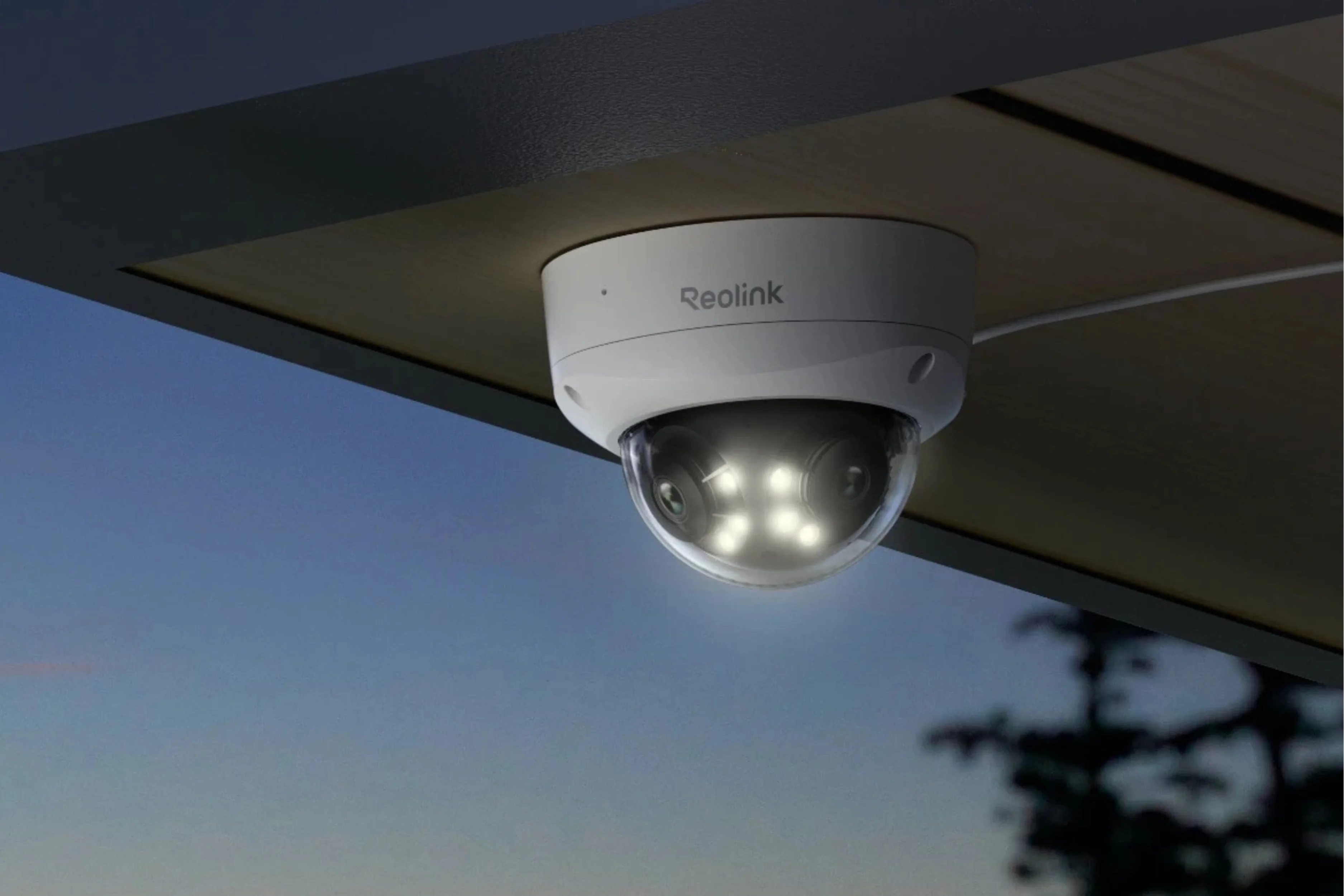
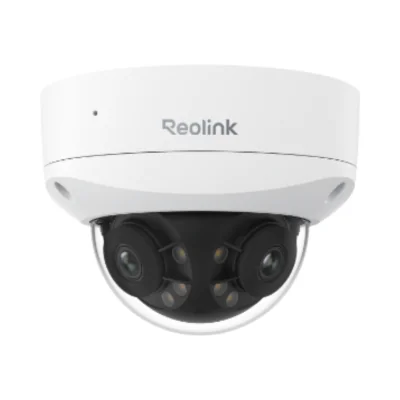
The Reolink Duo 2V PoE is a hardwired 4K 8MP (5120 × 1552) dual-lens PoE dome camera featuring an IK10 vandal-proof and IP67 weatherproof housing that stitches two views into a seamless 180° horizontal × 57° vertical panorama. Unlike the standard Reolink Duo 2 PoE (which uses a rectangular bracket-mounted housing without an IK10 dome), the Reolink Duo 2V PoE shields its lenses behind an impact-resistant dome (Ø137 × 98.5 mm). Compared to the 16MP Reolink Duo 3V PoE (7680 × 2160 with Motion Track), the Reolink Duo 2V PoE provides 4K 8MP Ultra HD clarity at a lower price point.
It has no internal battery and no Wi-Fi radio. It operates on continuous wired power via either an IEEE 802.3af (48V active) PoE switch / PoE injector / Reolink PoE NVR over a single Ethernet cable, or a DC 12.0V⎓1A power adapter (<12W) connected to its auxiliary DC power port.
Yes. Because it runs on constant wired PoE or DC power, the Reolink Duo 2V PoE supports uninterrupted 24/7 Continuous Recording at up to 20 fps, alongside Scheduled Recording and Motion-Triggered Recording.
No. While it connects plug-and-play with Reolink PoE NVRs, the Reolink Duo 2V PoE also works completely standalone with a microSD card (up to 512GB), FTP server, NAS, or Reolink Home Hub with zero monthly subscription fees.
The standard retail package includes 1x Reolink Duo 2V PoE Camera, 1x 1-Meter Network Patch Cable, 1x Waterproof Lid (RJ45 cable gland), 1x Mounting Hole Template, 1x Pack of Screws & Allen Wrench (for dome bolts), 1x Surveillance Sign Sticker, and 1x Quick Start Guide.
Certified to IK10 impact resistance, the reinforced metal base and heavy-duty polycarbonate dome shield the dual lenses and internal sensors against deliberate strikes from blunt objects, rocks, or tampering attempts—making it ideal for low ceilings, building entrances, retail storefronts, stairwells, and public parking areas.
The Reolink Duo 2V PoE houses two f = 2.8mm (F = 1.6) fixed lenses paired with 1/2.65" CMOS sensors. Reolink's in-camera stitching algorithm merges both feeds into one distortion-corrected 4K 8MP (5120 × 1552) panoramic image covering 180° horizontally and 57° vertically with no center blind spot.
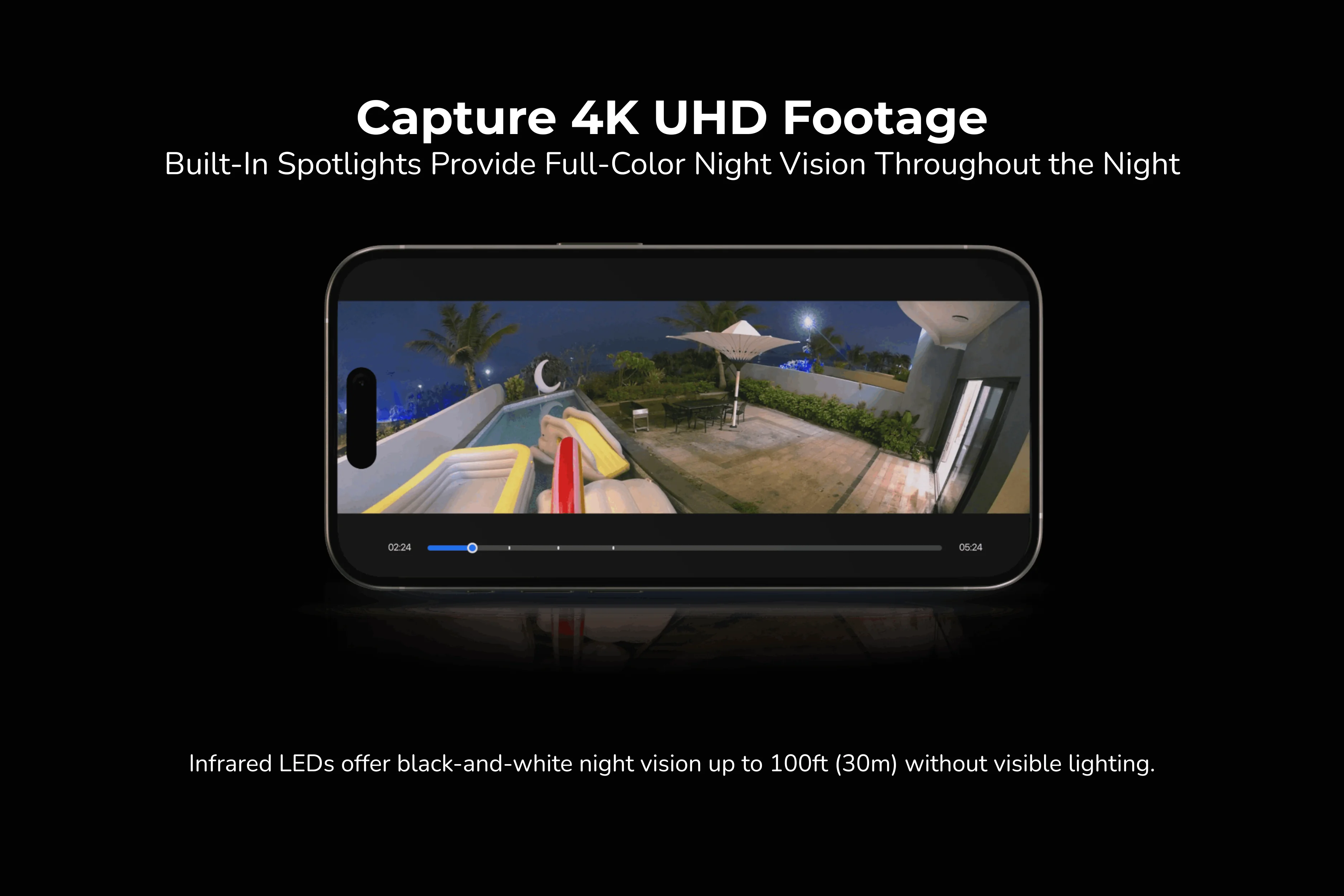
It offers both infrared and full-color night vision up to 30 meters (100 feet):
Infrared (Black & White) Night Vision: Uses 6 built-in Infrared LEDs (20mil / 850nm) with an auto-switching IR-cut filter for crisp black-and-white monitoring without visible light.
Spotlight Color Night Vision: Uses 6 built-in LED spotlights (1.6W / 4500K / 540–840 Lumens) that can activate automatically upon motion detection or stay on via schedule to capture vivid full-color 4K panoramic footage at night.
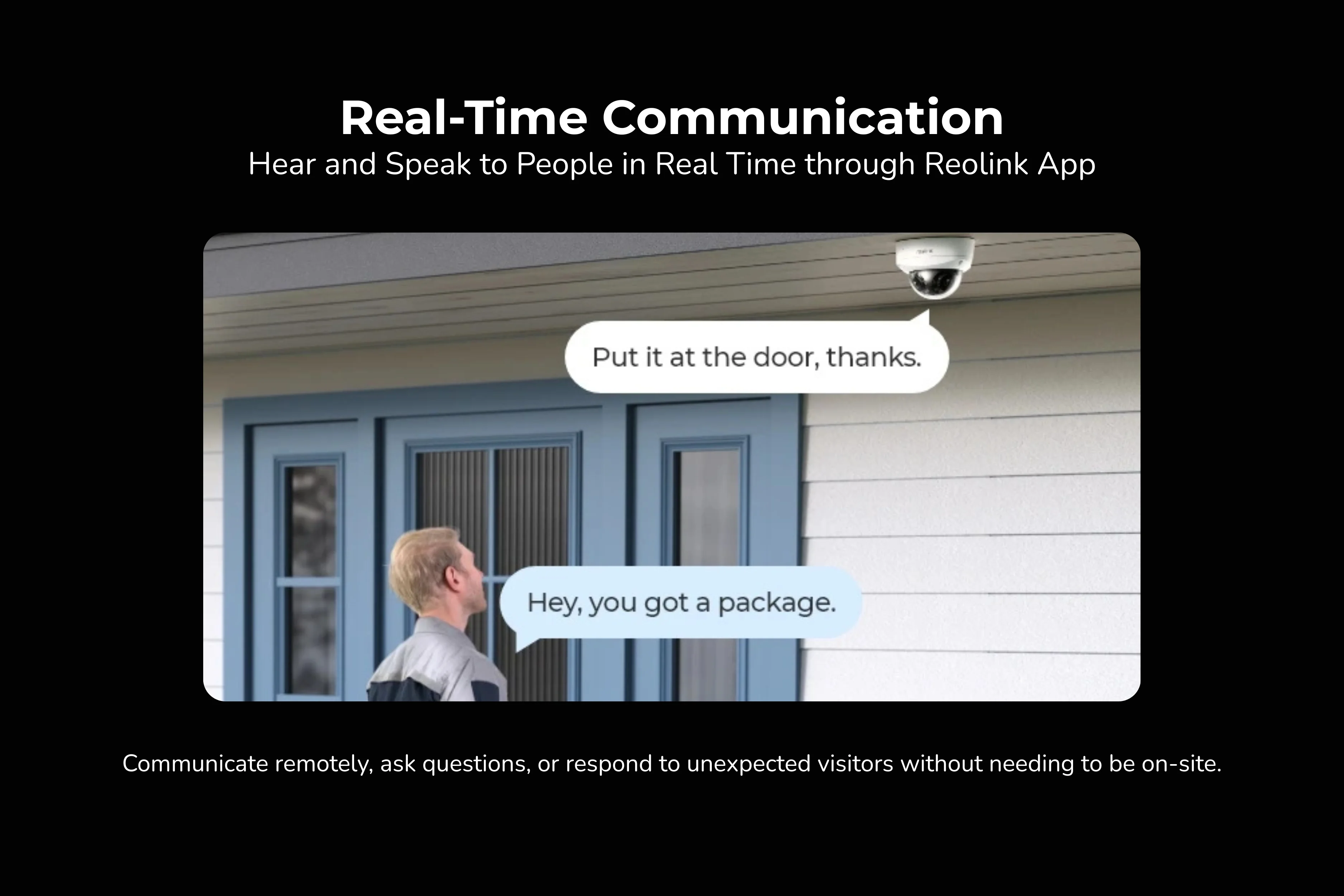
Onboard AI analyzes shapes locally to accurately distinguish People, Vehicles, and Animals across the entire 180° view while filtering out false alerts from shadows or swaying leaves. Upon detection, the camera can flash its 540–840 lumen spotlights and sound its built-in siren to deter intruders, while Two-Way Audio (built-in microphone and speaker with adjustable Noise Reduction) lets you talk live via the Reolink App.
Yes. It natively supports RTSP, RTMP, ONVIF, HTTPS, and FTP for integration with Reolink NVRs, Home Assistant, Synology / QNAP NAS, and Blue Iris, and includes 180° panoramic Time-Lapse recording in the Reolink App.
Category
Technical Specification
Product Name & Form Factor
Reolink Duo 2V PoE — Wired 4K Dual-Lens 180° IK10 Vandal-Proof PoE Dome Camera
Image Sensor
1/2.65" CMOS Sensor
Video Resolution & Frame Rate
4K 8MP Ultra HD (5120 × 1552 pixels) @ up to 20 fps
Lens & Aperture
Dual f = 2.8 mm fixed lenses
F = 1.6 aperture
Field of View (FOV)
Horizontal: 180°
Vertical: 57°
Video Compression & Zoom
Main Stream: H.265
Sub Stream: H.264
Digital Zoom Supported
Stream Frame Rate & Bitrate
Main Stream: 2–20 fps (default 20 fps); Bitrate: 3072–9216 Kbps (default 7168 Kbps)
Sub Stream: 4–20 fps (default 20 fps); Bitrate: 256–2048 Kbps (default 1024 Kbps)
Infrared Night Vision
Up to 30 Meters (100 ft) (LED: 6 pcs / 20mil / 850nm, auto-switching with IR-cut filter)
Color Night Vision
With built-in spotlights: 6 pcs / 1.6W / 4500K / 540–840 Lumens
Smart AI Detection & Tracking
Motion Detection
Person Detection
Vehicle Detection
Animal Detection
Recording Modes
Motion-Triggered Recording (Default)
Scheduled Recording
24/7 Continuous Recording
Audio & Alarms
Two-Way Audio (built-in microphone & speaker with Noise Reduction)
Built-in Siren & Motion Spotlights
Power Supply
PoE: IEEE 802.3af, 48V Active
DC Power: DC 12.0V⎓1A, <12W (11W max consumption; DC adapter not included)
Network Interface
1x 10M/100Mbps RJ45 Ethernet Port (Wi-Fi & Bluetooth: Not supported)
Network Protocols
HTTPS, SSL, TCP/IP, UDP, HTTP, IPv4, UPnP, RTSP, RTMP, ONVIF, SMTP, NTP, DHCP, DNS, DDNS, FTP, P2P
Storage Options
microSD card slot (up to 512GB, FAT32, Class 10)
Reolink PoE NVR
Reolink Home Hub Series
FTP / NAS
Reolink Cloud
OS & Browsers Supported
iOS, Android, Windows, macOS
Edge, Chrome, Firefox, Safari
Max User Access & Streams
Max 20 Users (1 admin & 19 users)
Max 12 simultaneous streams (2 main & 10 sub-streams)
Smart Home & Time-Lapse
Google Assistant
Time-Lapse Supported
Vandal & Weather Resistance
IK10 Vandal-Proof
IP67 Certified Weatherproof
Operating Environment
Operating Temp: -15°C to 45°C (5°F to 113°F)
Humidity: 10% to 90%
Dimensions & Weight
Ø 137 × 98.5 mm
664 g

With a Reolink PoE NVR: Run a Cat5e/Cat6 Ethernet cable from an open PoE port on your Reolink PoE NVR directly to the camera's RJ45 port—it powers on and displays automatically on your NVR and Reolink App.
Standalone (with a PoE Switch / Injector): Connect the camera's RJ45 port to an IEEE 802.3af (48V) PoE switch or PoE injector linked to your router (or use a DC 12V⎓1A power adapter + Ethernet cable). Open the Reolink App on the same network, tap + (Add Device), scan the QR code on the camera body, and set your device password.
1. Loosen the Allen bolts on the outer dome cover using the included Allen wrench and lift off the cover.
2. Place the Mounting Hole Template on your ceiling or wall, drill the holes, insert the wall anchors, and screw the mounting plate / base firmly in place.
3. Route the Ethernet cable through the wall/ceiling opening, secure the camera onto the mounting plate with the screws, adjust the tilt angle while viewing the live preview in the Reolink App, and reattach the dome cover by tightening the Allen bolts evenly.
Mount the Reolink Duo 2V PoE 2.5 to 3.5 meters (8 to 11.5 feet) above the ground on a ceiling overhang or flat exterior wall. Keep nearby walls, pillars, or bright light fixtures away from the far left and right edges of the 180° horizontal lens view so the 540–840 lumen spotlights and 850nm IR LEDs do not reflect glare inside the dome.
Before crimping or routing your Ethernet cable, pass the cable through the included Waterproof Lid components (rubber grommet, waterproof housing, and locking nut), snap the sleeve onto the camera's RJ45 jack, and twist it clockwise until the rubber O-ring seals tightly. Tuck the unused DC 12V pigtail inside the ceiling cavity or a weatherproof junction box.
Using standard Cat5e or Cat6 solid-copper Ethernet cabling connected to an IEEE 802.3af (48V active) PoE switch or Reolink PoE NVR, you can run a single cable up to 100 meters (328 feet) without power loss or video latency.
Remove the outer dome cover by loosening the Allen bolts to expose the inner lens module. Locate the Reset Button right next to the microSD card slot on the inner camera body; while the camera is powered on via PoE or DC 12V, press and hold the Reset Button for about 5 to 10 seconds until you hear a confirmation chime and the camera reboots.
Verify that your switch or injector provides active IEEE 802.3af (48V) PoE (11W max consumption)—standard non-PoE switches and passive 24V injectors will not power the camera. If powering via the auxiliary DC port instead of PoE, use a regulated DC 12.0V⎓1A (or higher amperage) power adapter.
Hazy glare at night happens when the 850nm IR LEDs or 4500K spotlights reflect off dust, fingerprints, or water droplets on the clear dome—or off an adjacent wall within 30 cm of the lens. Wipe the inside and outside of the dome cover with a clean, dry microfiber cloth, ensure the rubber lens gasket sits flush against the inner dome before tightening the Allen bolts, and keep the edges of the 180° view clear of close walls.
The Reolink Duo 2V PoE supports microSD cards up to 512GB formatted in FAT32 with a speed rating of Class 10 / U1 / U3 or higher. Remove the outer dome cover, insert the microSD card firmly into the slot on the inner camera body until it clicks, re-secure the dome cover, and open Settings > Storage > Format in the Reolink App.
For network security, third-party protocols are turned off by default on newer firmware. Open the Reolink Client on Windows/macOS, go to Device Settings > Network > Advanced > Server Settings, and manually toggle HTTP/HTTPS, RTSP, and ONVIF to On.
At the default 4K 8MP (5120 × 1552 @ 20 fps, 7168 Kbps) H.265 bitrate, approximate 24/7 continuous recording capacity is:
128GB microSD: ~41.6 hours (~1.7 days)
256GB microSD: ~83.2 hours (~3.5 days)
512GB microSD: ~166.4 hours (~6.9 days)
(If you set the camera to Motion-Triggered Recording only, a single card stores weeks to months of events, and Overwrite automatically replaces the oldest footage when full.)
Yes. It works plug-and-play with Reolink PoE NVRs (hardware versions with updated firmware) for multi-terabyte 24/7 hard drive recording, and can also be added over your local network to the Reolink Home Hub and Reolink Home Hub Pro.
Yes. When added as a standalone camera (not connected directly behind NVR PoE ports), you can link your Reolink account to Google Home / Google Assistant to stream the live 180° 4K view hands-free on a Google Nest Hub or Chromecast-enabled TV.
The Reolink Duo 2V PoE supports up to 20 user accounts (1 admin and 19 users) and up to 12 simultaneous live video streams (2 main streams and 10 sub-streams) across iOS, Android, Windows, macOS, and web browsers (Edge, Chrome, Firefox, Safari). You can share access with family members or staff under Settings > Share Device in the Reolink App.
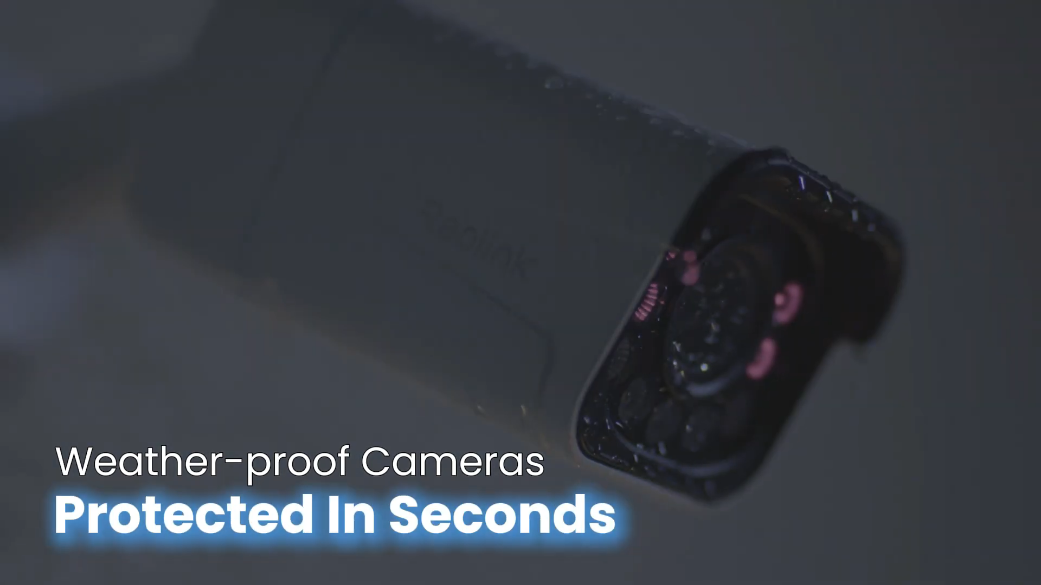
The Reolink Duo 2V PoE is certified to both IK10 vandal resistance and IP67 weatherproof protection, operating reliably across temperatures from -15°C to 45°C (5°F to 113°F) at 10% to 90% humidity, backed by a 2-year limited warranty.
You must be logged in to post a review.
Reviews
There are no reviews yet