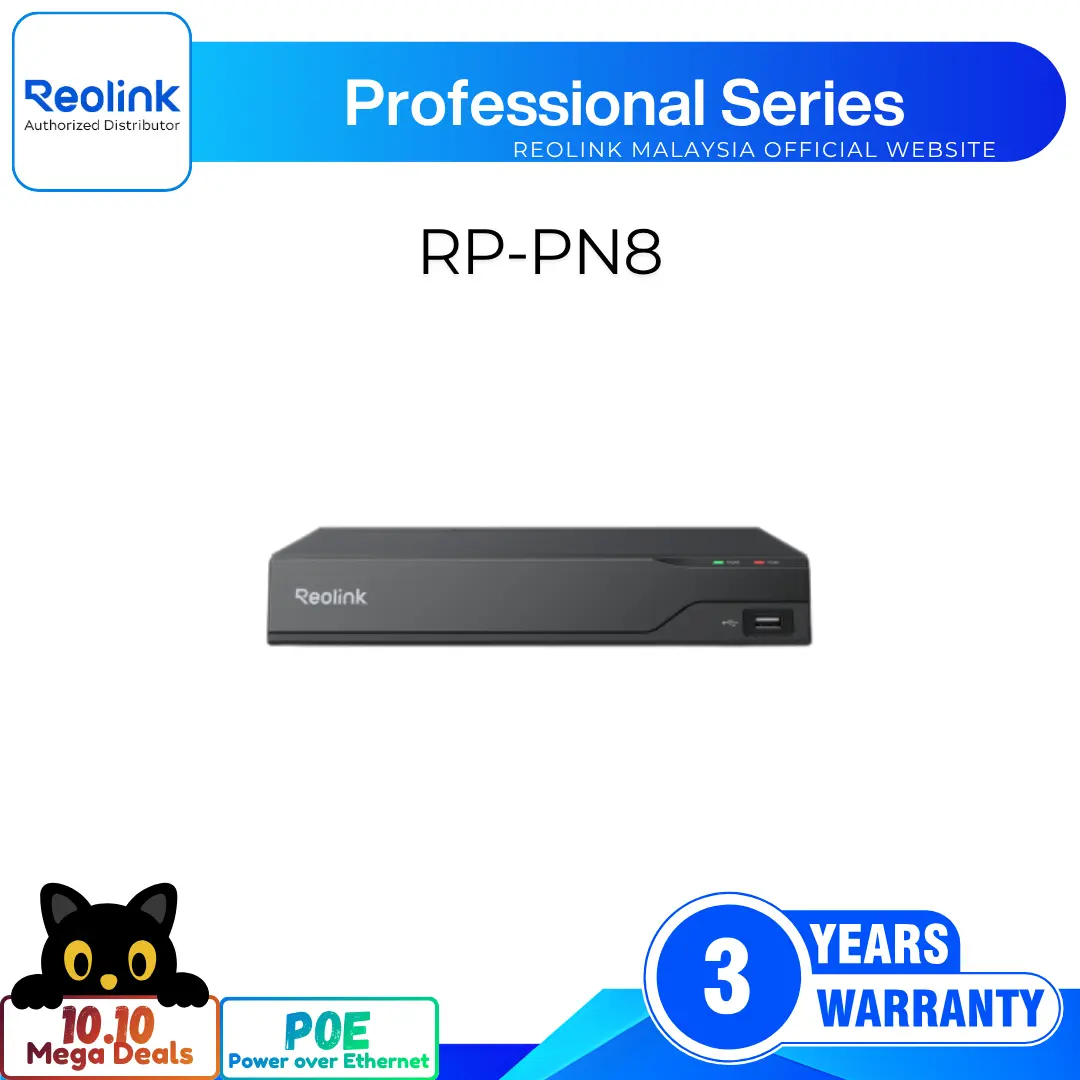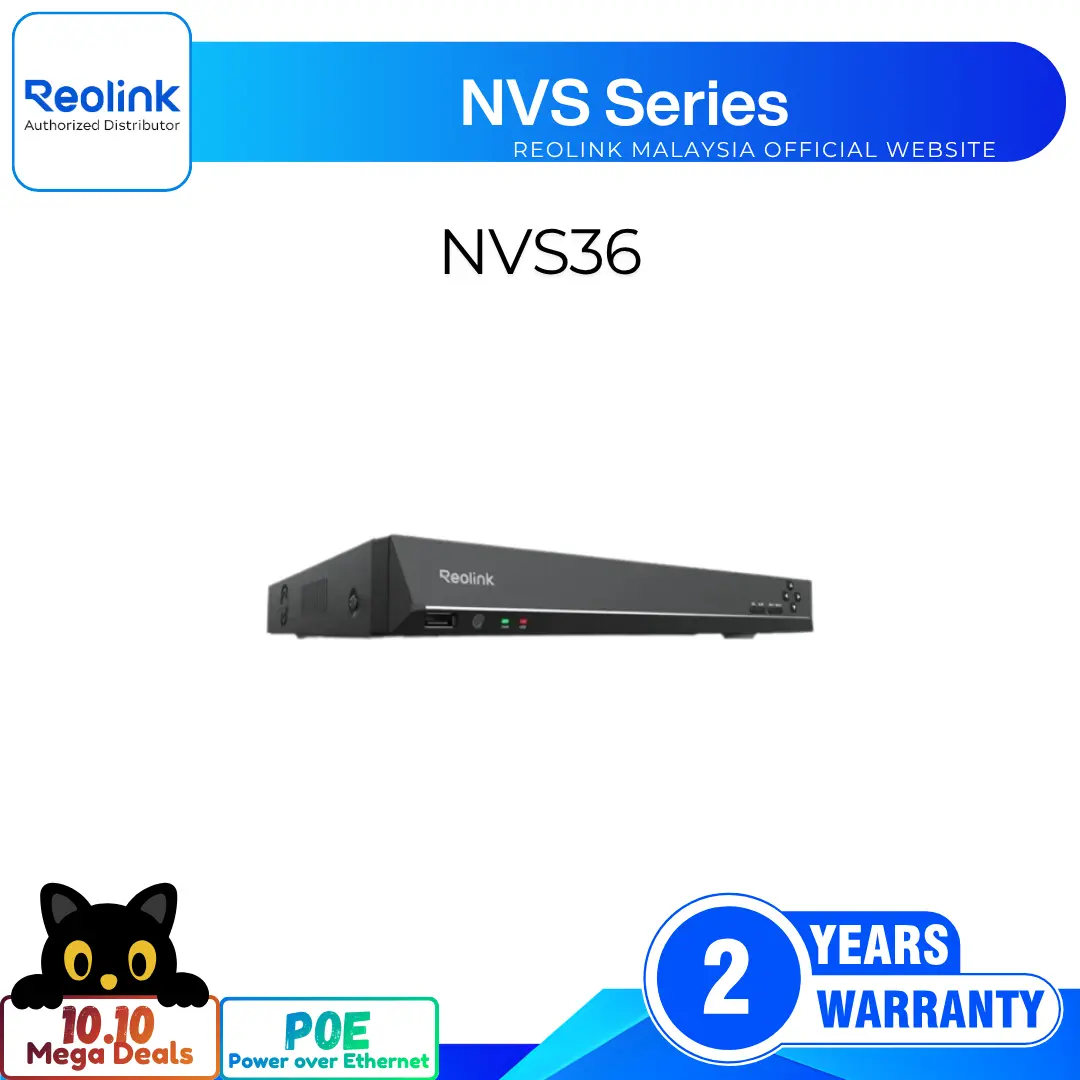
Professional 24-Channel NVR with 16 PoE Ports & AI Video Search
16 PoE Channels for Plug-and-Play Setup
Supports Up to 16MP Ultra HD Resolution
Expandable Dual-Bay Storage Up to 32TB Capacity
Continuous 24/7 Recording Across All Channels
4K HDMI and VGA Dual Video Outputs
Broad Compatibility with Reolink IP Cameras
RM1,899.00–RM3,279.00Price range: RM1,899.00 through RM3,279.00

Reolink RP-PN16
RP-PN16 Video
7 Videos
Professional Series Video
Others Video
Disclaimer: The videos are intended for reference purposes only and are not guaranteed to be 100% accurate. Please refer to the actual product or contact us for verification.
Channel Capacity, PoE System Overview & Hardware Architecture
What is the Reolink RP-PN16 and how many camera channels does it support?
A: The Reolink RP-PN16 is a commercial-grade 24-channel Power over Ethernet (PoE) Network Video Recorder (NVR) engineered for round-the-clock 24/7 continuous surveillance recording and centralized device management. It is equipped with 16 built-in PoE ports and supports up to 24 IP cameras in total: up to 16 wired PoE or plug-in powered WiFi cameras plus 8 battery-powered WiFi cameras, or up to 24 battery-powered WiFi cameras simultaneously.
How does the built-in 16-channel PoE system operate?
A: The rear panel features 16 dedicated 10/100 Mbps RJ45 PoE ports conforming to IEEE 802.3af/at standards. Each port can deliver up to 25W of electric power, transmitting ultra-high-definition digital video and power over a single Cat5e, Cat6, or Cat7 Ethernet cable up to 100 meters (330 feet) without requiring individual power adapters for each camera.
Which camera models and maximum resolutions are supported on each channel?
A: The RP-PN16 supports the complete Reolink IP camera ecosystem, including wired PoE cameras, plug-in WiFi cameras, Reolink Video Doorbells, and compatible Reolink battery-powered WiFi cameras. Each channel supports ultra-high-definition video stream inputs up to 16 Megapixels (7680x2160). Standalone 4G cellular cameras without local WiFi bridging are excluded.
What physical ports, controls, and LED indicators are found on the RP-PN16 chassis?
A:
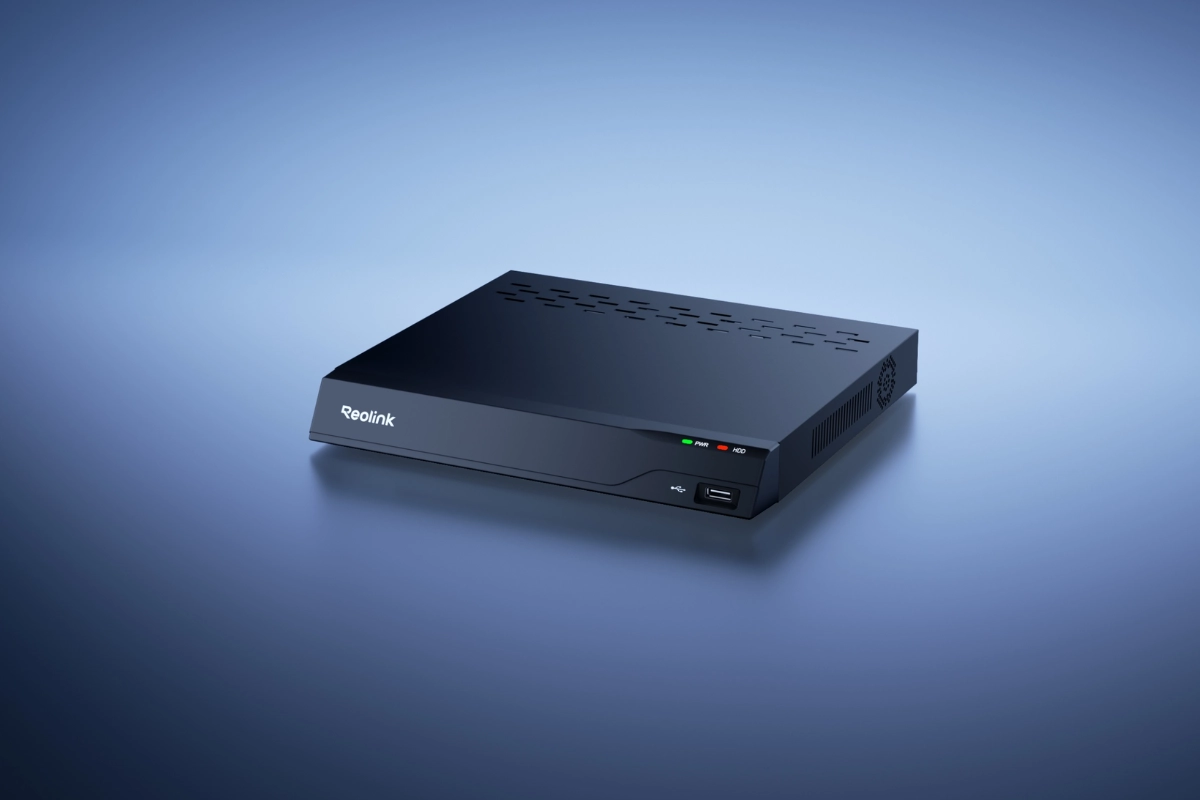
Front Panel: Power LED indicator (Solid green when powered on), HDD Activity LED indicator (Flashing red during active read/write operations), and 1x USB 2.0 port for connecting a mouse or flash drive.
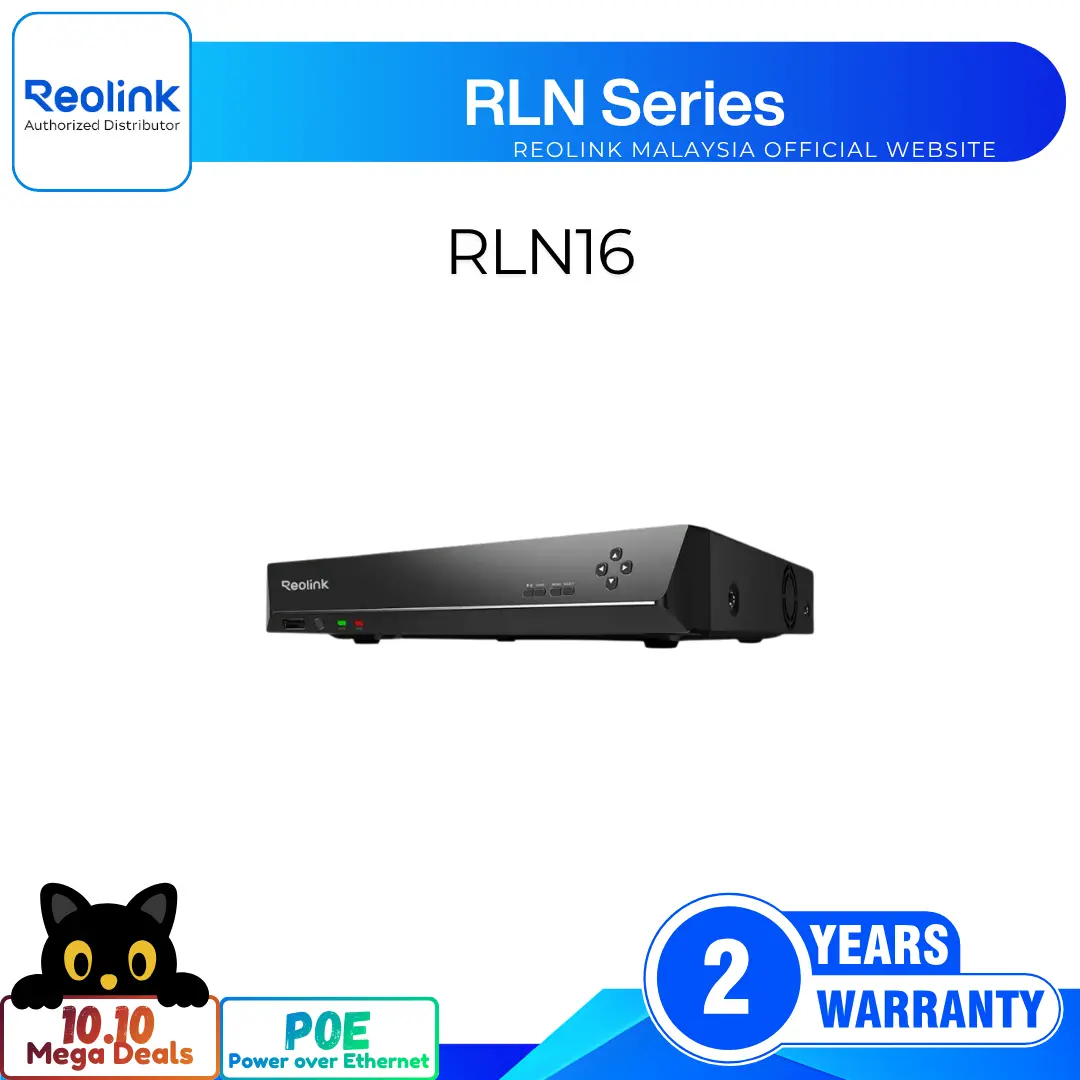
Rear Panel: Power On/Off rocker switch, DC 53V Power Input port, 1x RCA Audio Output port, 1x USB 2.0 port, 1x VGA monitor port, 1x HDMI monitor port, 1x RJ45 10/100/1000 Mbps Gigabit LAN/WAN uplink port, and 16x RJ45 10/100 Mbps PoE camera ports.
Can the RP-PN16 operate completely offline without an Internet connection?
A: Yes. The RP-PN16 functions as a completely self-contained offline, closed-circuit security system. You can connect PoE cameras directly to the rear ports, record continuous 24/7 footage to installed internal SATA hard drives, and view live video feeds or playbacks on a locally connected HDMI or VGA monitor. An Internet connection is only required for remote mobile viewing, push notifications, email alerts, or firmware updates.
Video Decoding, Display Output & Audio Specs
What video decoding resolutions and throughput bandwidth are supported?
A: The RP-PN16 delivers high-throughput performance with 400 Mbps incoming bandwidth and 400 Mbps outgoing bandwidth. It decodes ultra-high-definition camera streams across resolutions including 16MP (7680x2160), 12MP (4512x2512 / 4096x3072), 8MP 4K (3840x2160), 5MP (2560x1920), 4MP (2560x1440), 3MP (2304x1296), 1080p Full HD, and 720p HD.
Which video compression codecs are supported by the NVR?
A: The system supports dual video compression standards: high-efficiency H.265 (HEVC) and standard H.264. H.265 significantly optimizes hard drive storage retention and conserves network streaming bandwidth while preserving pristine detail and color accuracy in 4K, 12MP, and 16MP surveillance footage.
What video monitor outputs and display resolutions are available?
A: The rear panel provides two local display monitor outputs:
HDMI Output: Supports high-resolution displays at 3840x2160 (4K UHD), 1920x1080 (1080p Full HD), 1280x1024, 1280x720, and 1024x768.
VGA Output: Supports standard displays at 1920x1080 (1080p Full HD), 1280x1024, 1280x720, and 1024x768.
How many channels can be played back synchronously at the same time?
A: The RP-PN16 supports synchronous multi-channel playback of 1 to 4 channels simultaneously on a locally connected monitor or via the Reolink Client software. When reviewing video recorded at 8MP (4K) or higher resolutions, the system supports 1-channel synchronous playback at full resolution to guarantee smooth decoding.
Does the RP-PN16 support audio recording and local audio output?
A: Yes. The NVR records incoming digital audio streams from connected cameras equipped with built-in microphones. For local audio monitoring on an amplified speaker, audio receiver, or external monitor, the rear panel includes 1 RCA audio output port. Interactive two-way talk can also be conducted remotely using the Reolink App and Client software.
Storage Installation, Expansion & File Encryption
Does this standalone RP-PN16 include a pre-installed hard drive, and what is its maximum storage capacity?
A: In this standalone edition, hard drives are sold separately (No HDD is pre-installed in the chassis). The RP-PN16 features 2 internal SATA interfaces supporting up to two 3.5-inch or 2.5-inch internal SATA hard drives. Each SATA interface supports up to a 16TB hard drive, providing a massive total internal storage capacity of up to 32TB (2x 16TB). Surveillance-grade hard drives (Such as Western Digital Purple or Seagate SkyHawk) engineered for continuous 24/7 read/write cycles are strongly recommended.
How do you install internal SATA hard drives into the RP-PN16 chassis?
A:
Turn off the NVR using the rear rocker power switch and disconnect the DC 53V power adapter.
Remove the screws securing the top metal cover and slide the chassis cover off.
Connect the SATA data cables and power cables from the NVR motherboard to your SATA hard drive(s).
Align the hard drive(s) with the mounting holes on the bottom tray of the chassis and secure them firmly from underneath using the supplied HDD mounting screws.
Reassemble the outer cover, tighten the screws, reconnect the power supply, and turn on the rocker power switch.
On your connected monitor, navigate to Settings > Storage, select the newly detected drive(s), and click Format to initialize them for recording.
Does the RP-PN16 support external eSATA hard drives?
A: No. Unlike smaller 8-channel models, the RP-PN16 does not include an external eSATA port. All storage expansion is accommodated internally via its 2 onboard SATA interfaces, supporting up to 32TB (2x 16TB) of total storage inside the chassis.
What is the File Encryption feature on the RP-PN16?
A: The RP-PN16 includes an advanced on-device File Encryption feature. When enabled in the Storage management settings, recorded surveillance video files are encrypted directly on the disk. This ensures that even if the hard drives are physically removed or stolen from the premises, the recorded video data cannot be accessed or played back on unauthorized computers.
What happens when the installed hard drives reach 100% capacity?
A: By default, the RP-PN16 has automatic HDD Overwrite enabled. When storage reaches full capacity, the NVR automatically writes over the oldest recorded video files to accommodate new recordings seamlessly without interrupting surveillance or requiring manual file maintenance.
AI Video Search, Heat Map & Smart Analytics
How does the AI Video Search feature work on the RP-PN16?
A: AI Video Search enables natural language querying to locate specific recorded video clips rapidly without manually scanning through hours of footage. Users can type descriptive phrases such as "white van" or "person wearing a hat" via a virtual or connected physical keyboard. Alternatively, users can use the structured click-to-select panel to pick attributes (Such as Top: T-shirt, Color: Red). All searches are performed locally on the NVR hardware, protecting data privacy with zero cloud subscription fees.
What is the Heat Map function and where is it used?
A: The Heat Map function visually tracks and displays foot traffic patterns by analyzing movement density and dwell times across monitored spaces. Commonly utilized in retail stores, supermarkets, shopping malls, and commercial lobbies, it generates a clear color-coded map highlighting high-traffic corridors and congregating spots to optimize facility layout and customer flow.
Which smart target classification categories can the RP-PN16 manage?
A: When connected to compatible Reolink AI cameras, the RP-PN16 categorizes and filters alerts based on:
What Perimeter Protection analytics are supported by the RP-PN16 system?
A: When paired with Reolink Professional Series cameras, the RP-PN16 supports commercial perimeter analytics:
Line Crossing Alert: Triggers an alarm when a target crosses a virtual line drawn across an entry gate, driveway, or boundary.
Zone Intrusion Alert: Detects when a target enters a designated restricted perimeter zone.
Zone Loitering Alert: Flags an alert when a target lingers within a defined zone beyond a user-configured duration threshold.
What abnormal smart event detections are available?
A: The system supports edge-driven abnormal event detection algorithms (Beta), including:
Forgotten Object Detection: Alerts when an unattended parcel, bag, or item is left behind in a monitored zone.
Object Removal Detection: Flags an alert when an established object (Such as inventory, tools, equipment, or vehicles) is moved or removed from a designated area.
Network Topology, Camera Pairing & Compatibility
What network ports and bandwidth architecture does the RP-PN16 feature?
A: The RP-PN16 features a dual-network layout:
16x 10/100 Mbps PoE Ports: Internal private subnet dedicated to camera data and power delivery, isolating camera traffic from your main network.
1x 10/100/1000 Mbps Gigabit LAN/WAN Uplink Port: Connects directly to your local router or core network switch, handling high-speed network management, remote streaming, and connecting additional local WiFi cameras.
How do you connect and configure wired PoE cameras and WiFi cameras?
A:
Wired PoE Cameras: Connect an Ethernet cable from the camera directly into one of the 16 rear PoE ports. The NVR automatically powers the camera and assigns a private IP address.
WiFi Cameras: Connect the WiFi camera to the same local router network as the NVR's Gigabit LAN port.
How do dual-lens panoramic cameras consume channels on the RP-PN16?
A: Reolink dual-lens panoramic cameras perform dual-sensor image stitching directly on the camera hardware before transmitting the video. As a result, the camera outputs a single seamless 180-degree panoramic stream, consuming only 1 channel on the RP-PN16.
Does the RP-PN16 support third-party ONVIF cameras?
A: Yes. The RP-PN16 supports standard ONVIF Profile S/T/G third-party IP cameras connected over the local network for standard video streaming, manual recording, and motion recording. However, proprietary features such as smart AI classification, AI Video Search, two-way audio talk, siren triggers, and spotlight controls are only guaranteed on native Reolink cameras.
Can PoE cameras connected directly to the NVR be accessed individually on a PC?
A: Cameras connected directly to the NVR's 16 PoE ports operate on an isolated internal subnet managed exclusively by the NVR. To access their standalone web interfaces or RTSP streams directly from a local PC on your home network, you can enable the "Virtual Host" feature in the NVR's advanced network settings.
System Configuration, Remote Software & Specifications
What are the physical dimensions, weight, and operating environment parameters of the RP-PN16?
A:
Dimensions: 330 mm (Width) x 48 mm (Height) x 272 mm (Depth)
Weight: Approximately 2.2 kg (Chassis without installed hard drives) / 2.6 kg (with drives)
Operating Temperature: -10 degrees Celsius to +45 degrees Celsius (14 degrees Fahrenheit to 113 degrees Fahrenheit)
Operating Humidity: 10% to 90% non-condensing
What power supply does the RP-PN16 require and what is its power consumption?
A: The RP-PN16 is powered by an included high-efficiency external DC 53V / 3.77A power adapter. The base power consumption of the NVR unit itself is under 10W (Excluding installed hard drives and PoE power output delivered to connected cameras).
How do you set up remote mobile access using the Reolink App?
A:
Connect the NVR's Gigabit LAN port to your home or office Internet router using an Ethernet cable.
Open the Reolink App on your smartphone, tap the "+" icon in the top right corner, and scan the QR code located on the NVR chassis label or tap Input UID/IP to manually enter the 16-character UID.
Enter the administrator username (admin) and the password created during initial setup.
Tap "Access" to view and manage all 24 connected camera channels remotely over cellular data or external WiFi.
How do you back up or export video recordings locally?
A: Insert a FAT32 or NTFS formatted USB flash drive into the front or rear USB 2.0 port. On the monitor interface, navigate to the Playback menu, select the camera channel, date, and time range, click the Download/Backup icon, and export the selected video clips directly as MP4 files.
What items are included in the standalone retail package, and what is the warranty coverage?
A: Package Contents:
Reolink Professional Series RP-PN16 24-Channel PoE NVR
NVR Power Adapter (DC 53V 3.77A)
1-Meter HDMI Cable
USB Optical Mouse
1-Meter RJ45 Network Cable
Quick Start Guide
Operational Instructions
Internal SATA HDD Mounting Screws
SATA Connection Cables
A: Warranty:
Covered by Reolink's 3-year limited warranty for the Professional Series.
Reviews
There are no reviews yet